Multiplayer
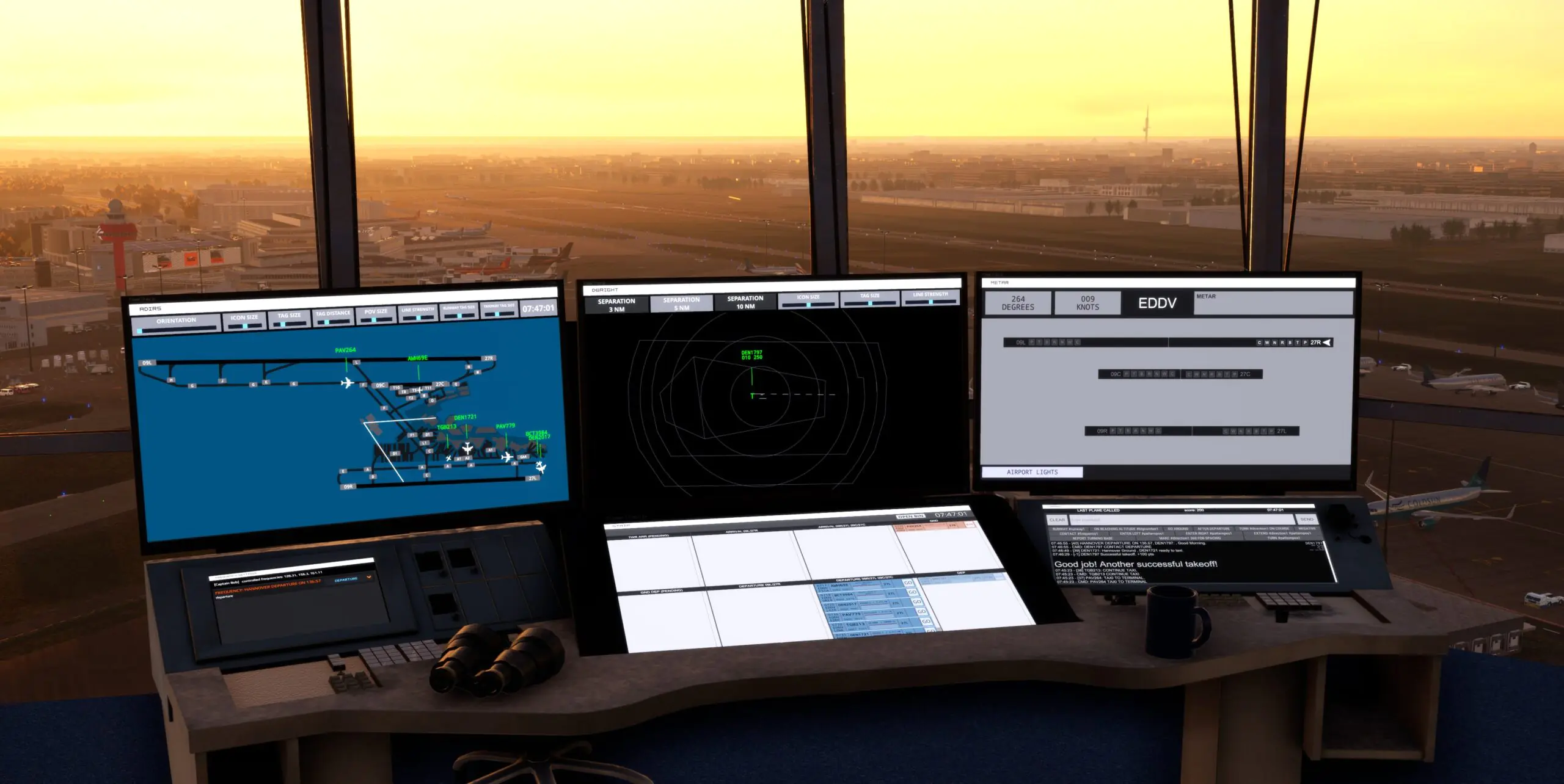

Managing a massive international airport alone is a thrilling challenge, but air traffic control is ultimately a team effort.
Easier than ever to link up with fellow controllers to solve the problem of empty towers and help you find people to play with instantly, we invite you to join our central communication hub
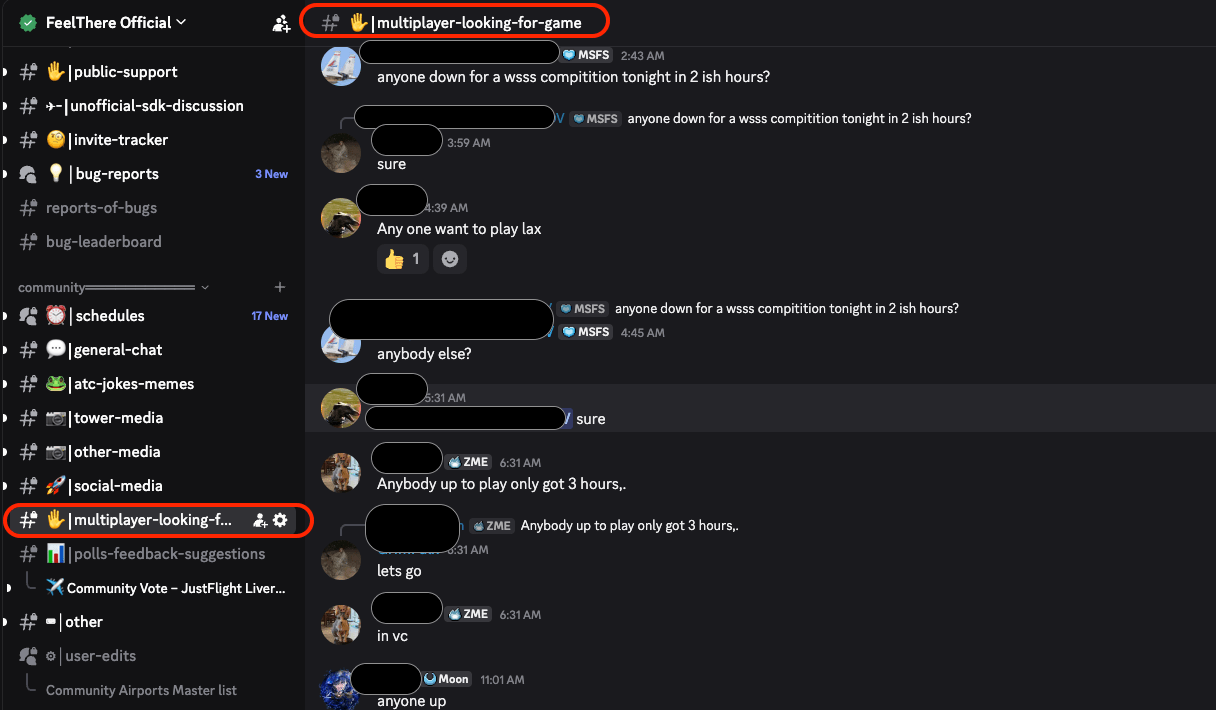
- Head over to the official Feelthere Discord server – Multiplayer Channel where you can post your session requests, find active games, and team up with other aviation enthusiasts in real-time. Whether you need a dedicated ground controller to handle complex pushbacks or a partner to manage parallel arrival streams, our Discord community is the perfect place to coordinate your next session.
- Once you have gathered your team on Discord, launching a session is a quick and straightforward process right from the main menu of the simulator. To start a multiplayer game, one player simply needs to act as the host by selecting the host game option, choosing the desired airport, and configuring the session parameters like time of day and traffic density.
- The host will then generate a session IP address or a server code to share directly with teammates on Discord. The other players will click on the join game option from their own main menus, input the shared host address or code, and connect directly to the shared airspace environment.
- Once everyone is connected to the same session, you can use frequency assignments or your voice communication setups to split up handling responsibilities, ensuring that heavy regional traffic never overwhelms a single controller again.
Join our discord

Join our discord
Chat with fellow controllers!

Already on Discord?
Access the Multiplayer channel
