Dallas-Fort Worth International Airport is the fourth-largest airport in the U.S. by operations and the eleventh-largest globally, serving over 40 million passengers annually.
One of the most connected airports in the world. DFW’s central location in the United States has also facilitated international travel to Europe, Asia, and the Middle East. The Dallas Fort Worth International Airport has 191 domestic destinations and 63 international destinations. American Airlines, based in Fort Worth, remains the largest aviation component at DFW.
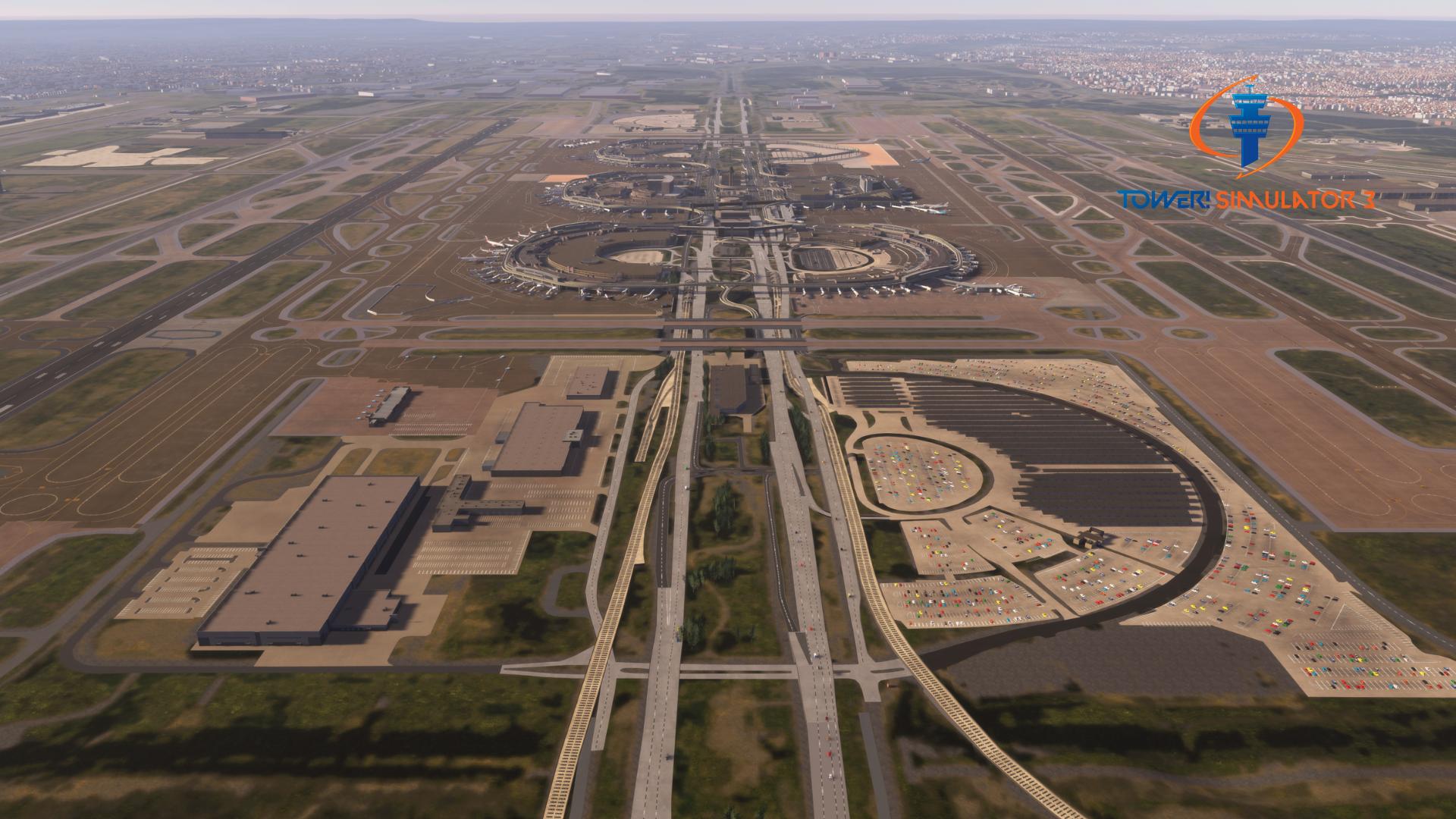
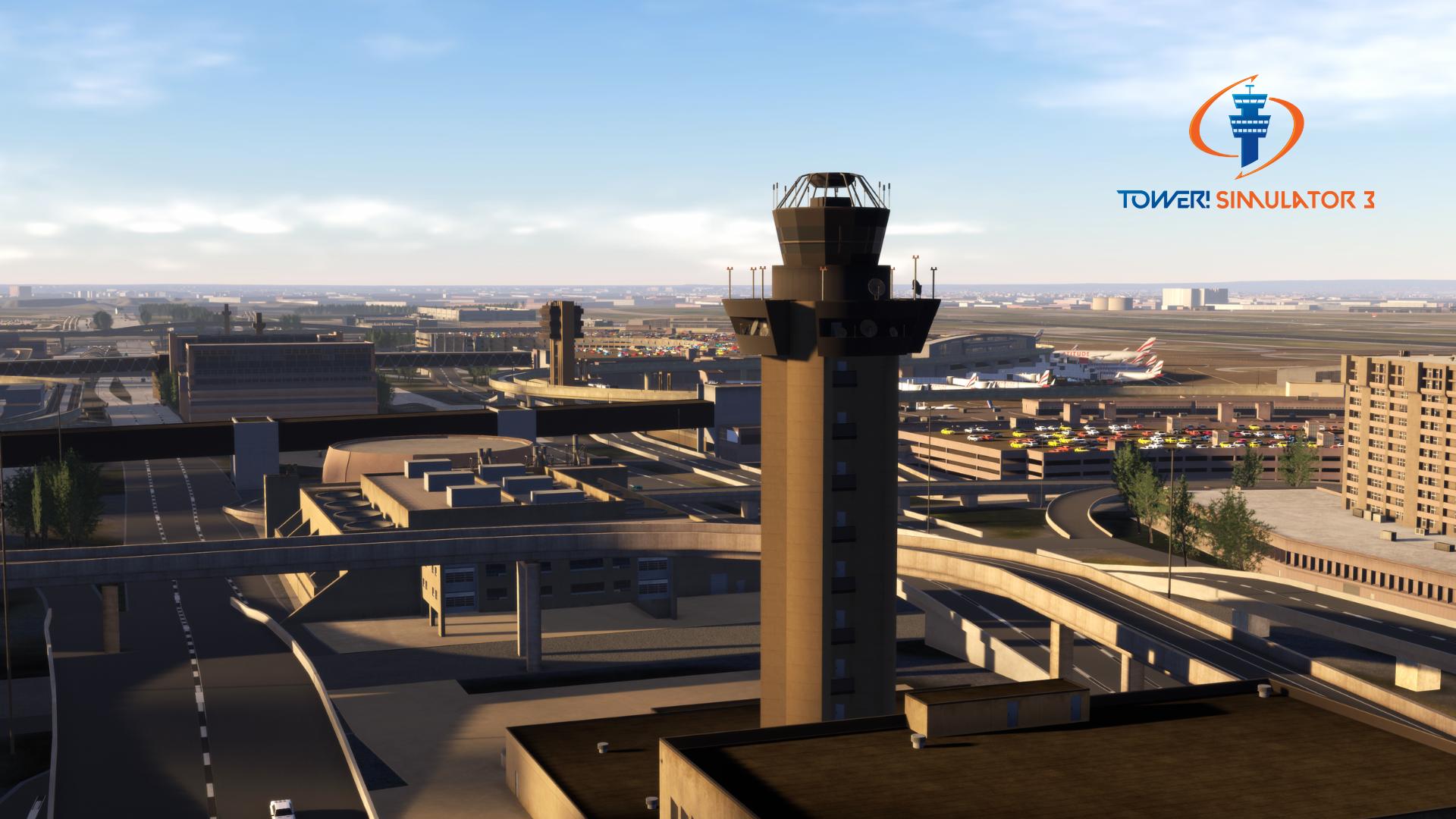
Three control towers—one central tower with the other two located east and west of the airport—ensure safety for all airlines. The airport boasts seven runways.
Location
DFW is between Fort Worth and Dallas, encompassing parts of Coppell, Grapevine, Euless, and Irving.
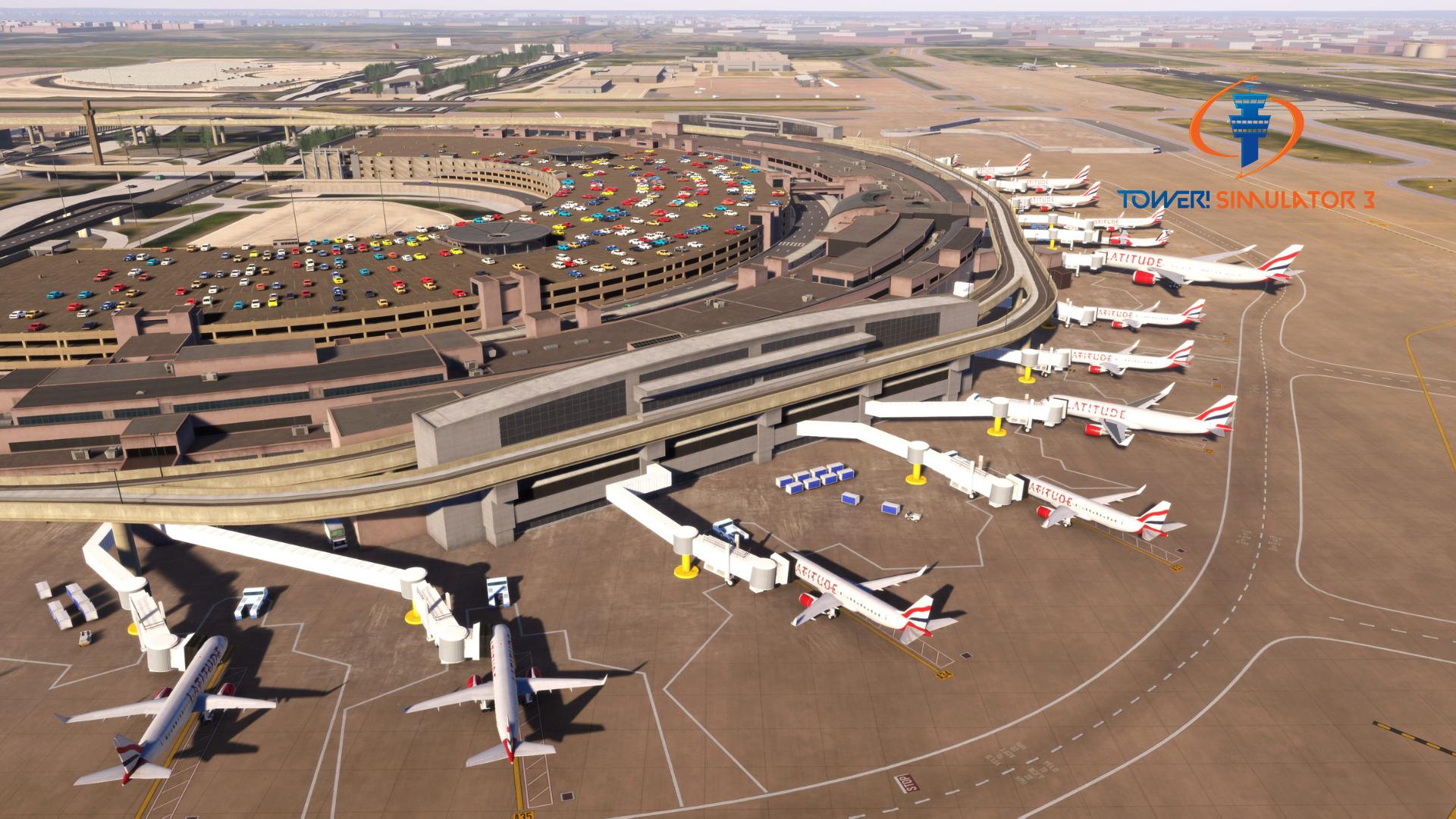
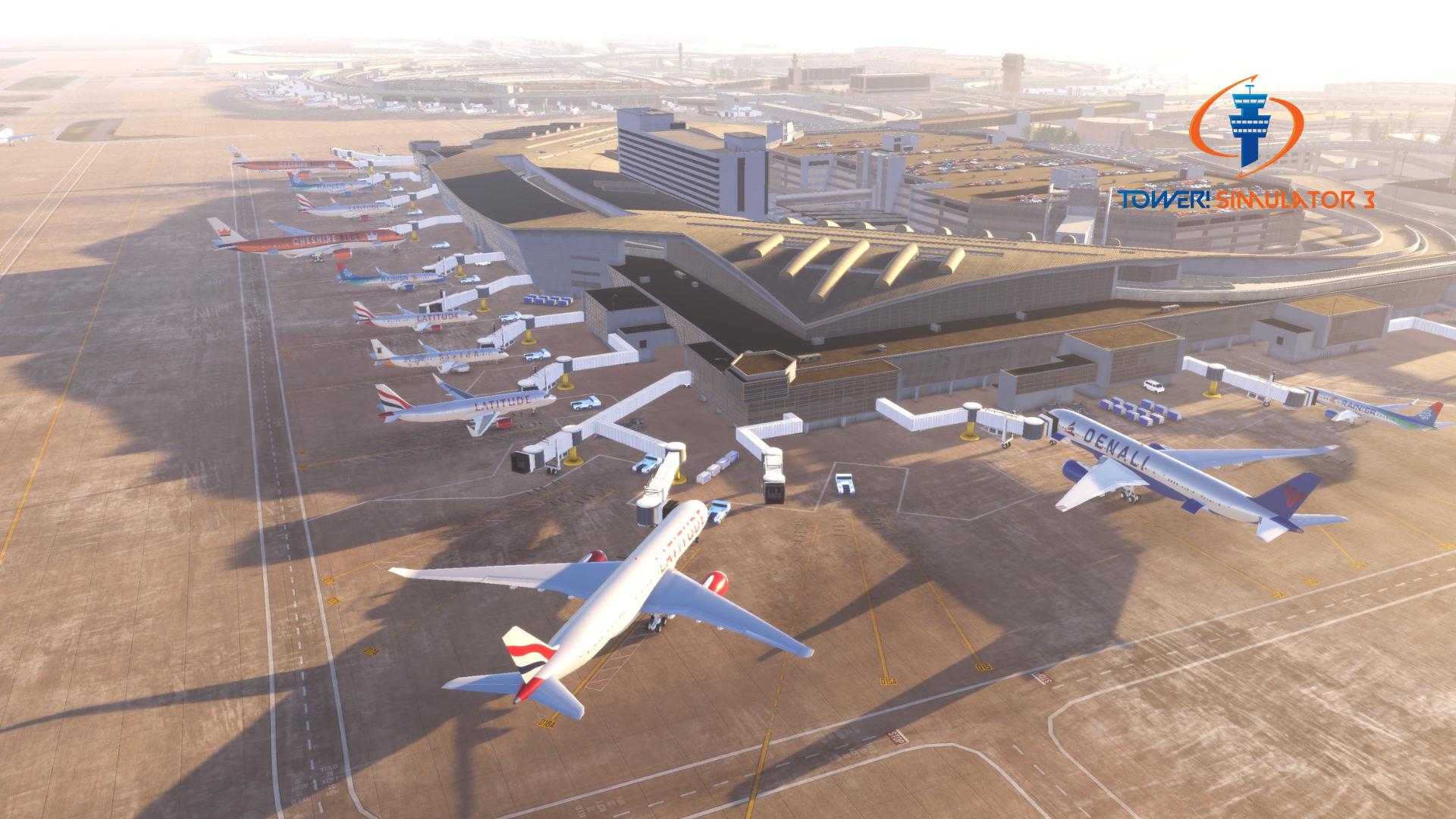
Dallas/Fort Worth International Airport has six massive terminals and 224 gates;
Terminal A has 36 gates.
Terminal B has 45 gates (35 in the main terminal and 10 in a satellite building).
Terminal C has 38 gates.
Terminal D has 33 gates.
Terminal E has 41 gates (26 in the main terminal and 15 in a satellite building).
Terminal F has 31 gates (under construction, first phase opening 2027, second phase opening 2030)
Runways:
17L/35R – 8,500 ft. long
17C/35C – 13,400 ft. long
17R/35L – 13,400 ft. long
18L/36R – 13,400 ft. long
18R/36L – 13,400 ft. long
13L/31R – 9,000 ft. long
13R/31L – 9,300 ft. long
Lat/Long: N32-53.8 / W097-02.3
Features
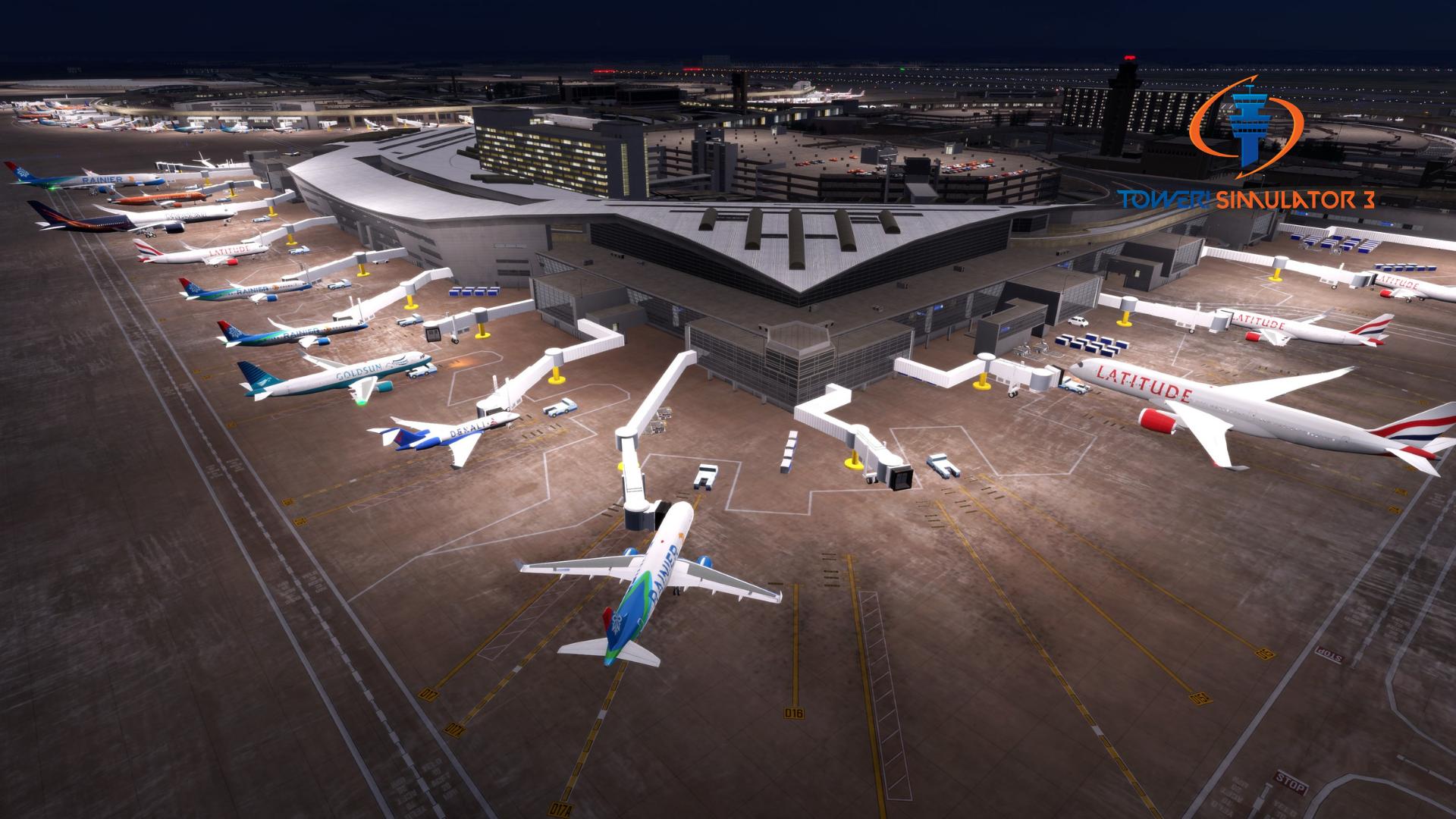
– Realistic modeling with over 50 custom modelled buildings.
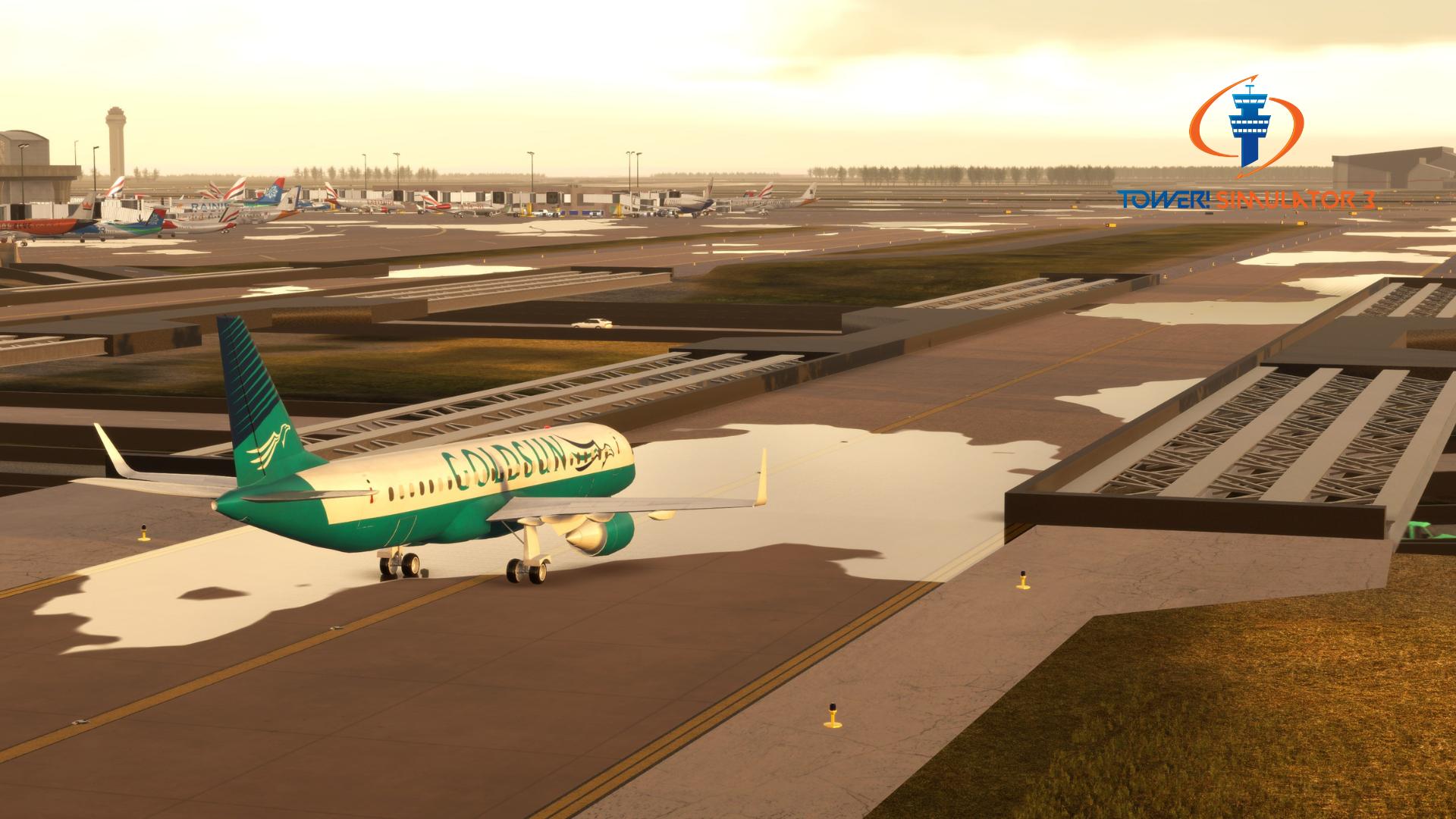
– Detailed ground polygon model.
– Taxi signs and 3D taxi lights around the airport
– Runway approach lighting.
– Beautiful background scenery using OSM (open street map)
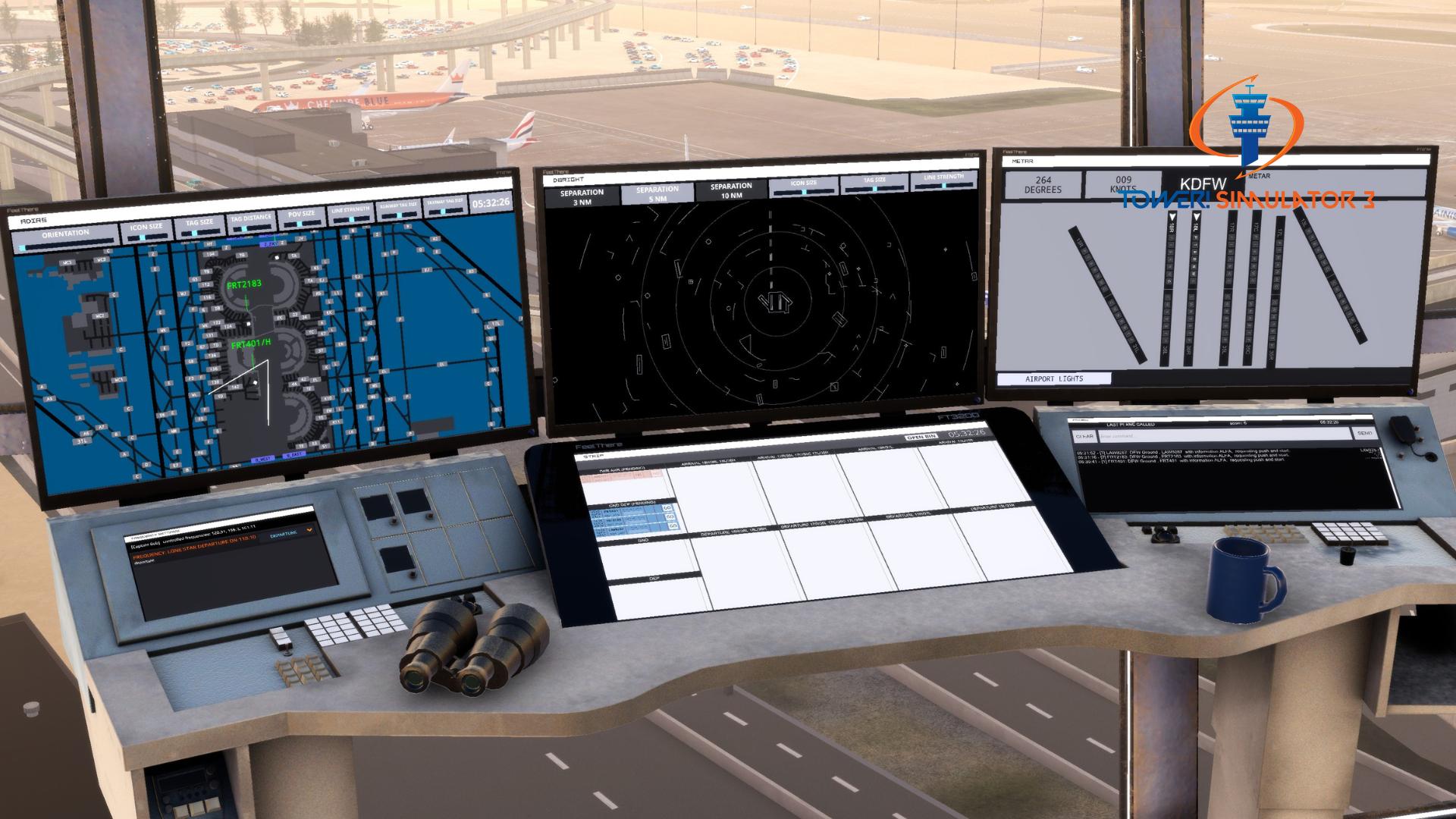
– Realistic radar display.
$19.99
VAT / Sales Tax calculated at checkout
or
System Requirements
You need to obtain Tower! Simulator 3 base game in order to install and run this add-on!
♦ Online registration is required (FeelThere Portal!)
♦ Requires a 64-bit processor and operating system
♦ OS: Windows 10 or 11
♦ Memory: 8 GB RAM
♦ Graphics: 4GB VRAM or more
♦ Storage: 50GB available space or more
♦ To use voice recognition, you will need to use a headset or built in microphone