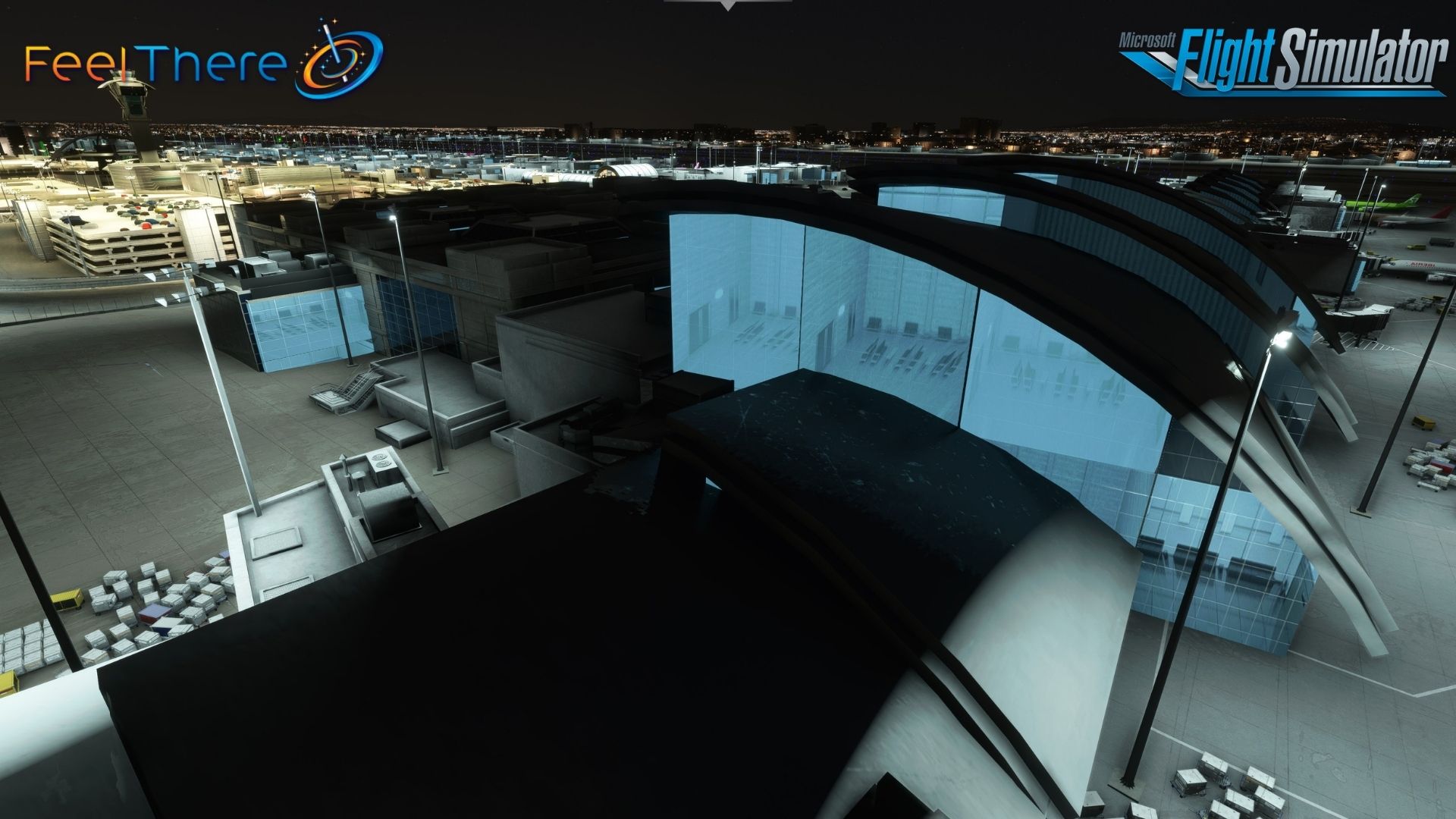
[KLAX] – Los Angeles Airport – Microsoft Flight Simulator

Description
(IATA: LAX, ICAO: KLAX, FAA LID: LAX), commonly referred to as LAX
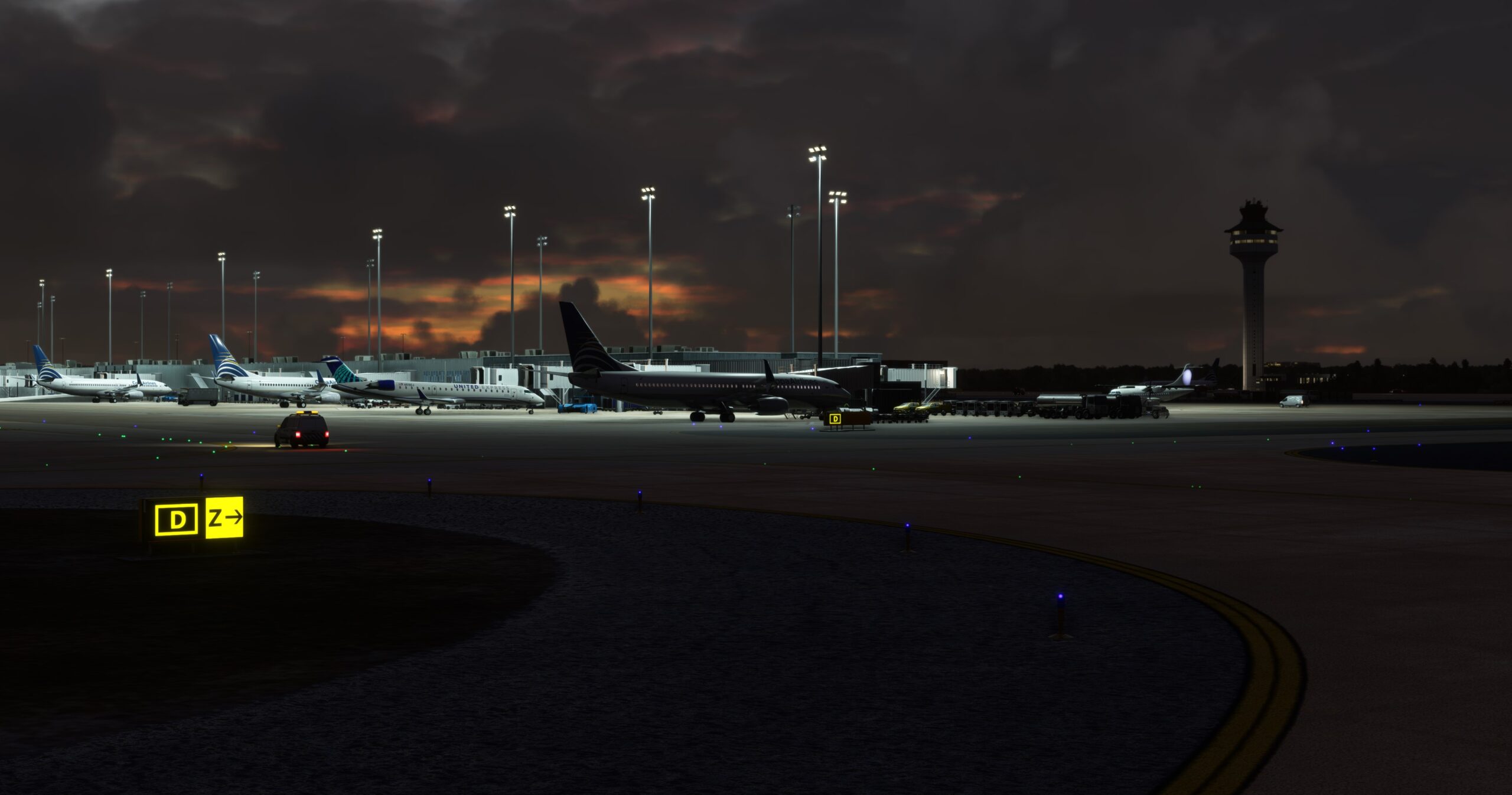
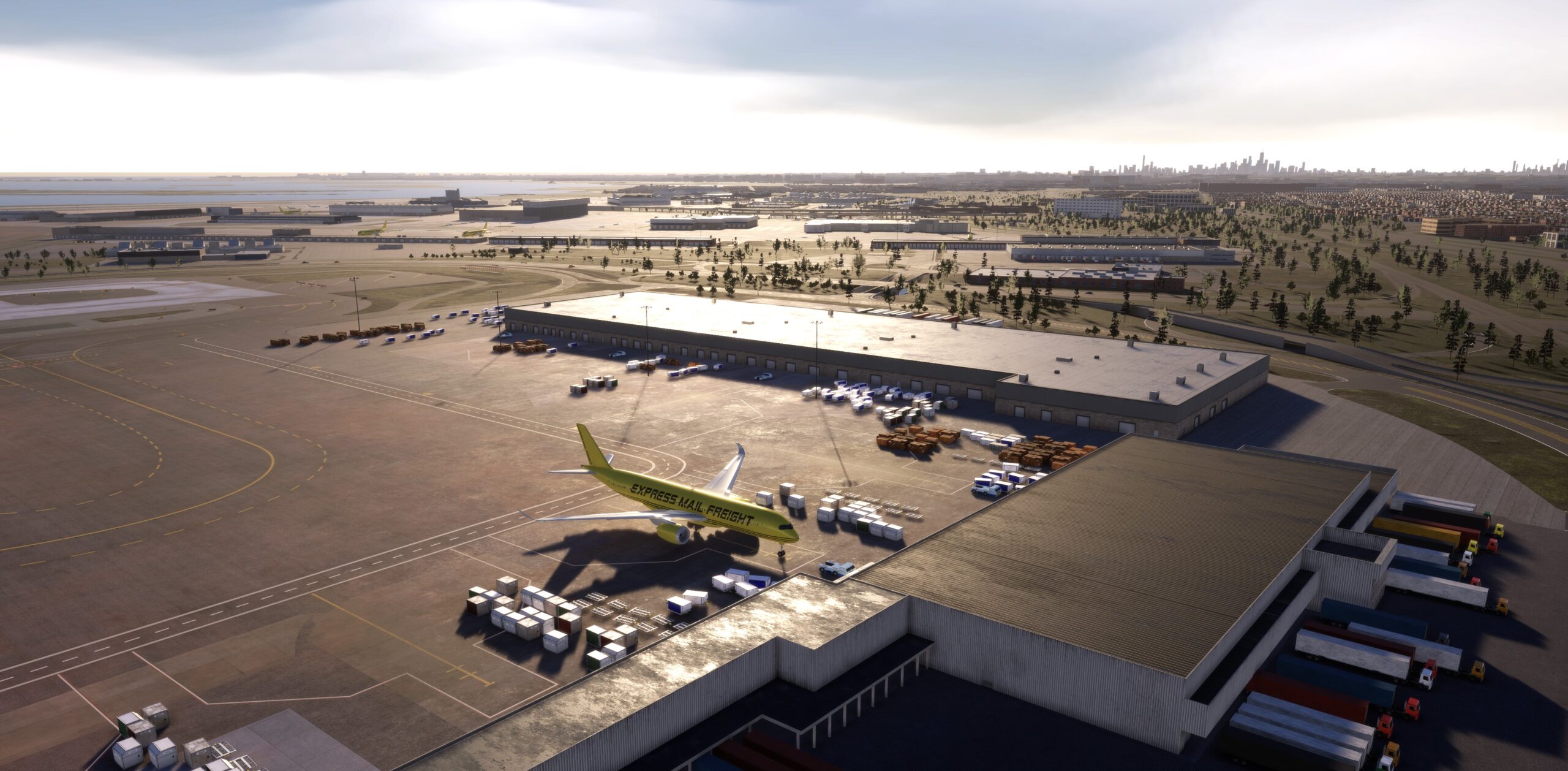
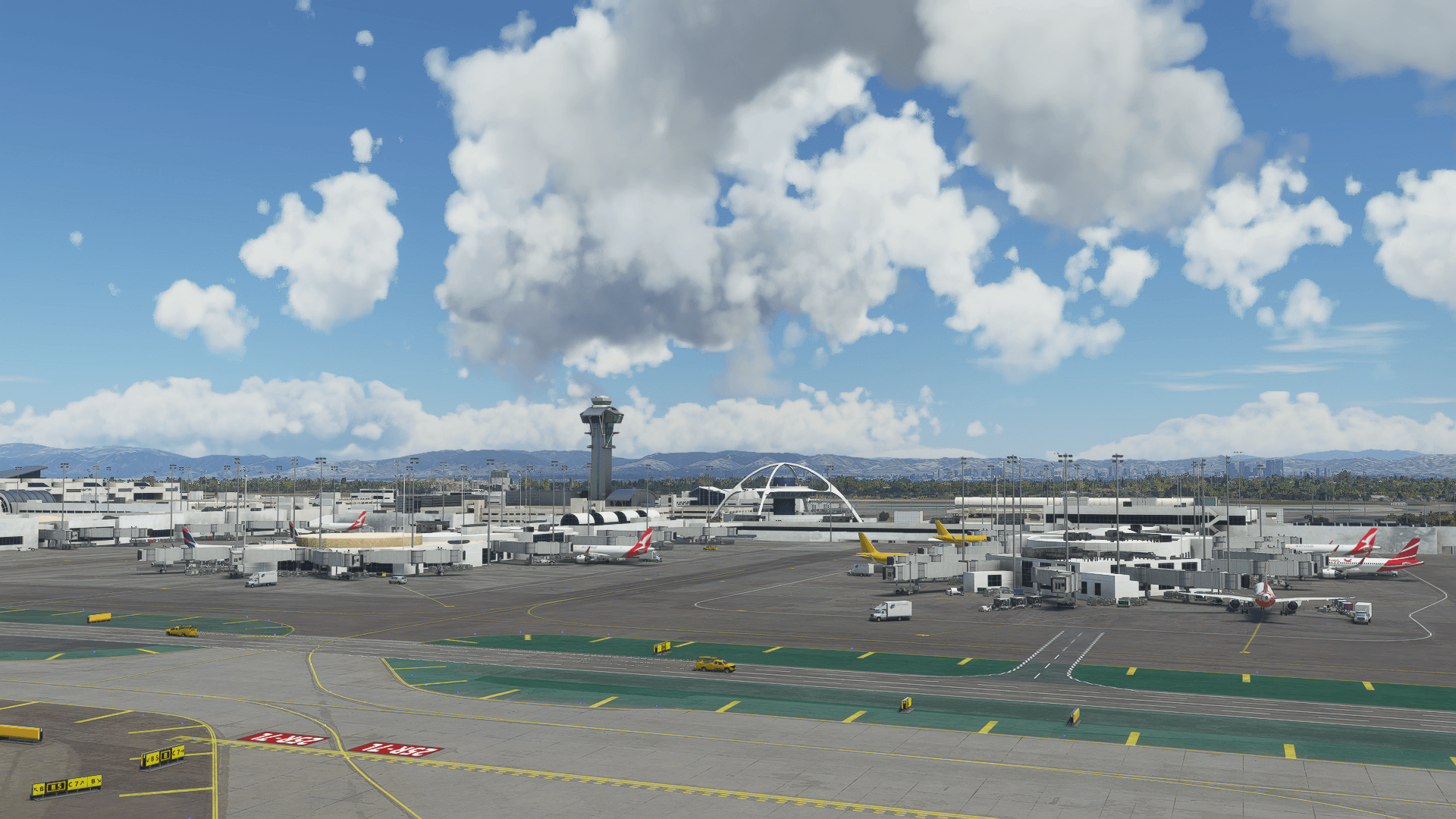
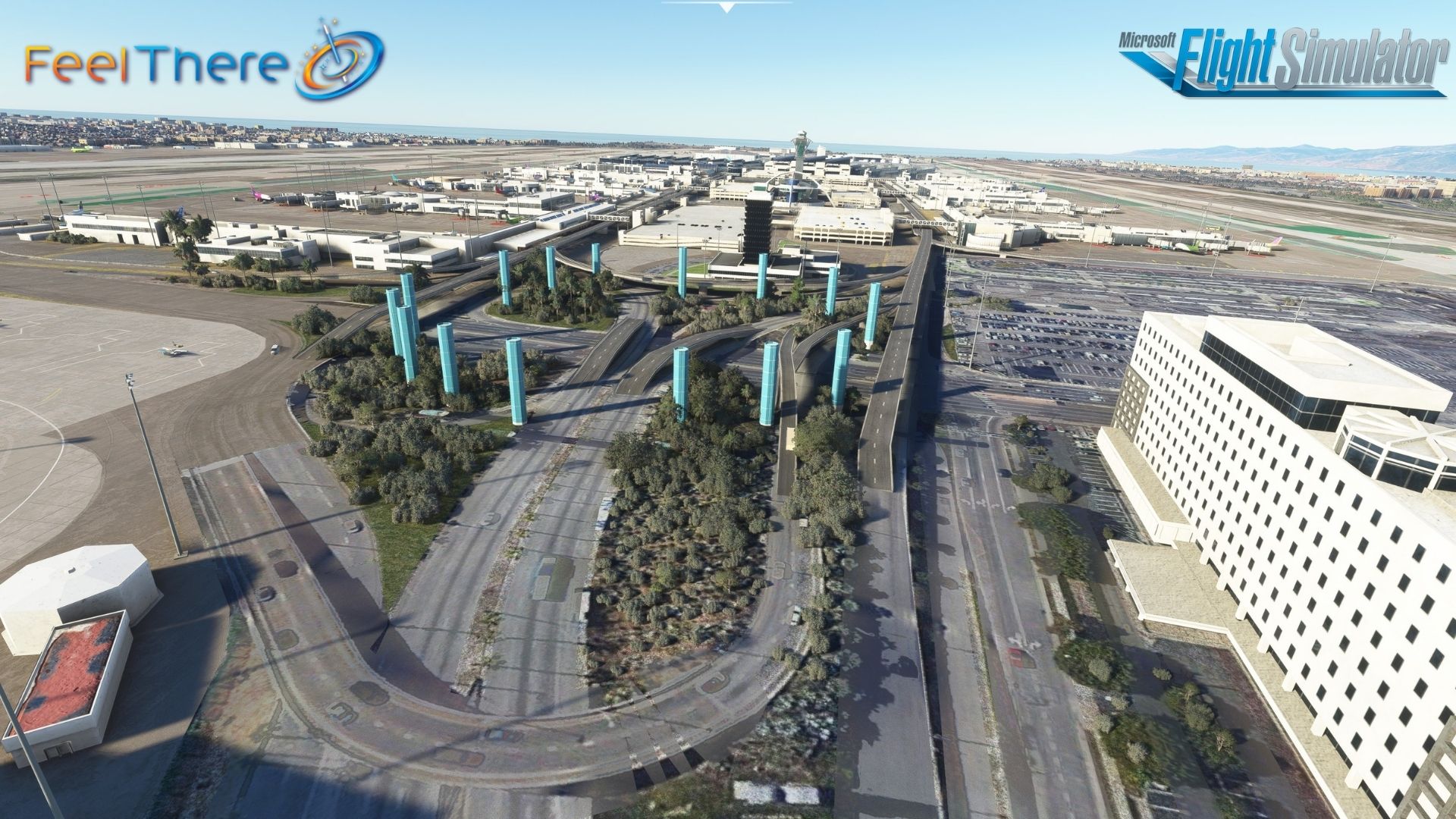
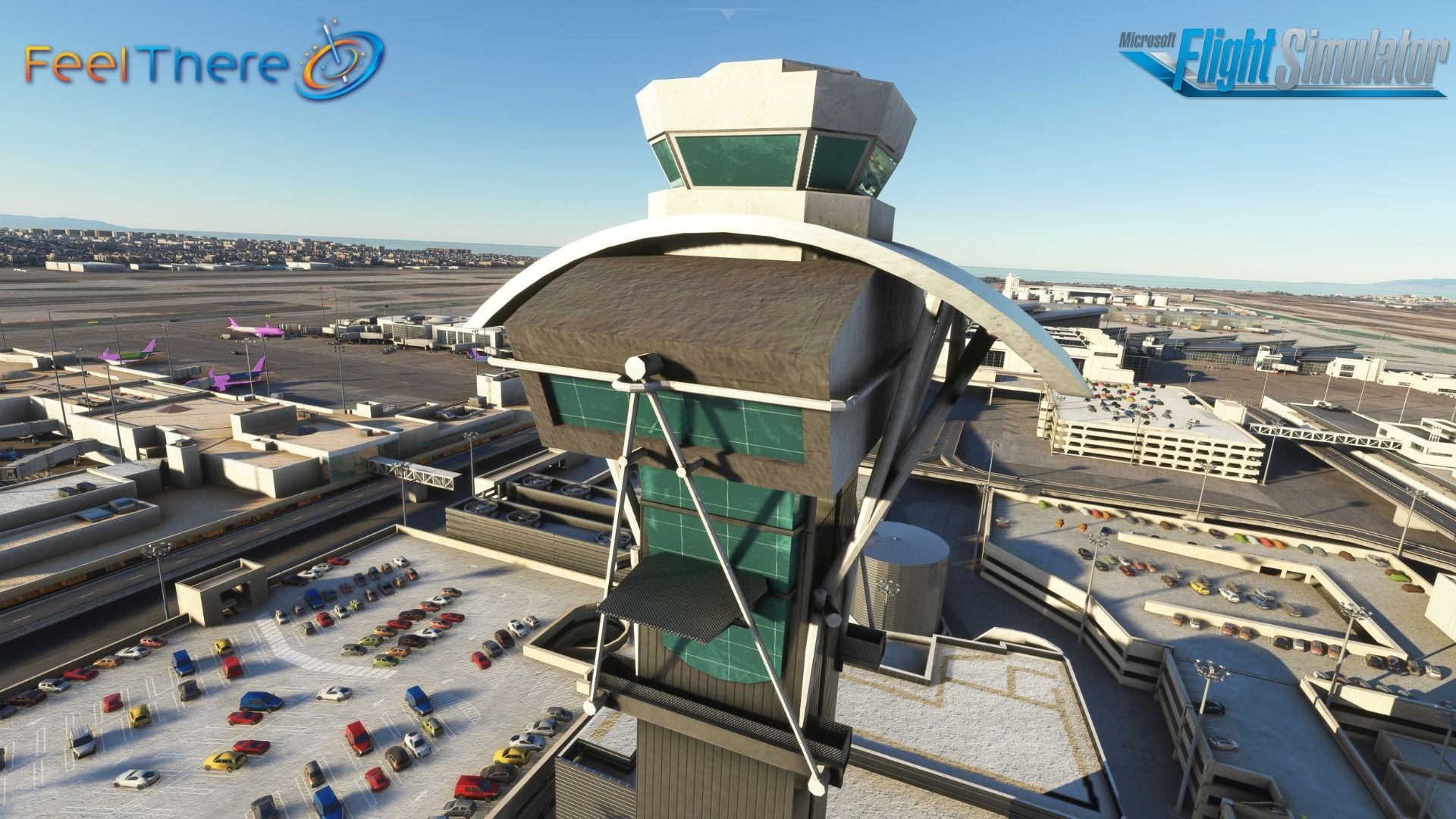
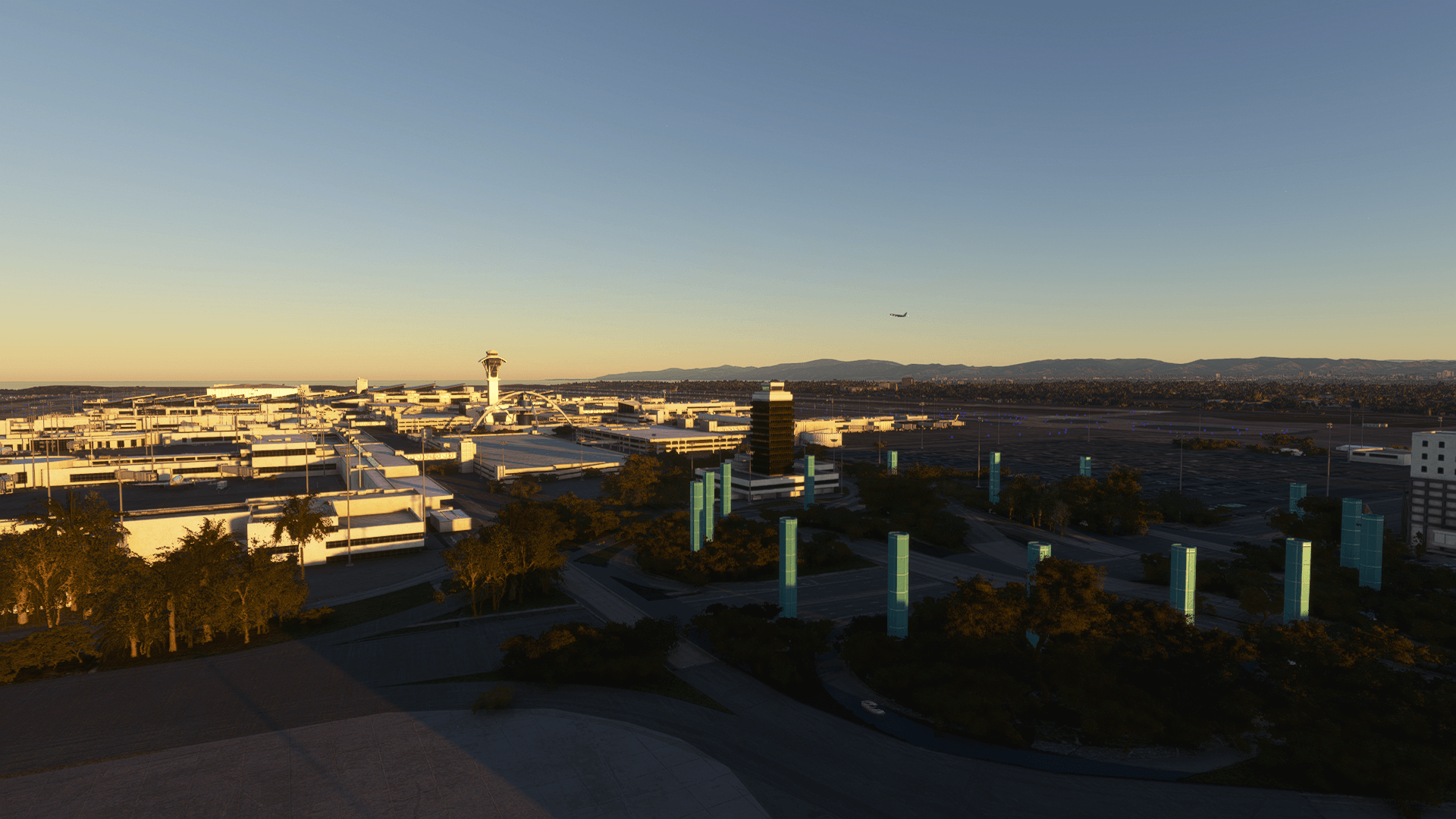
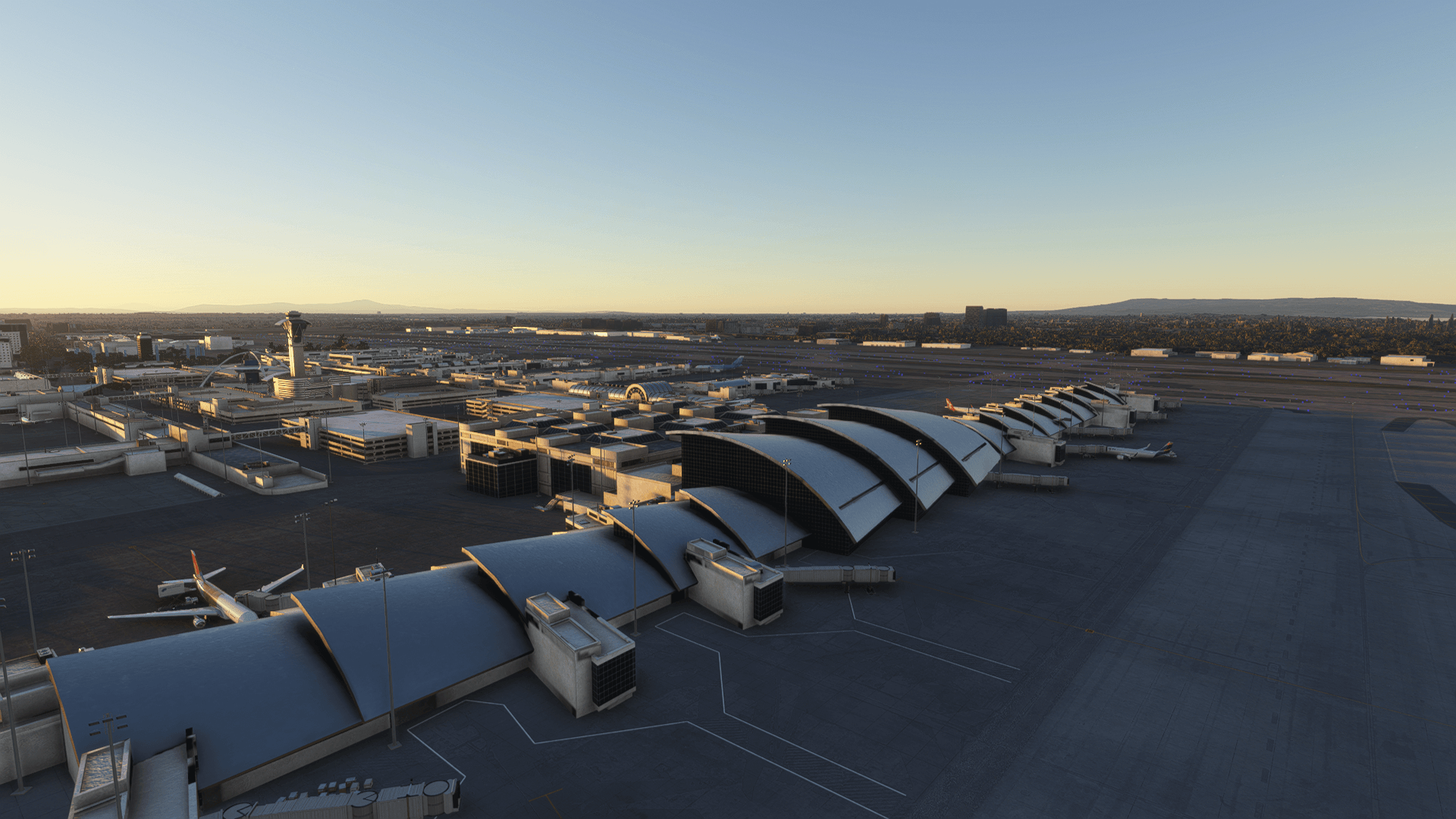
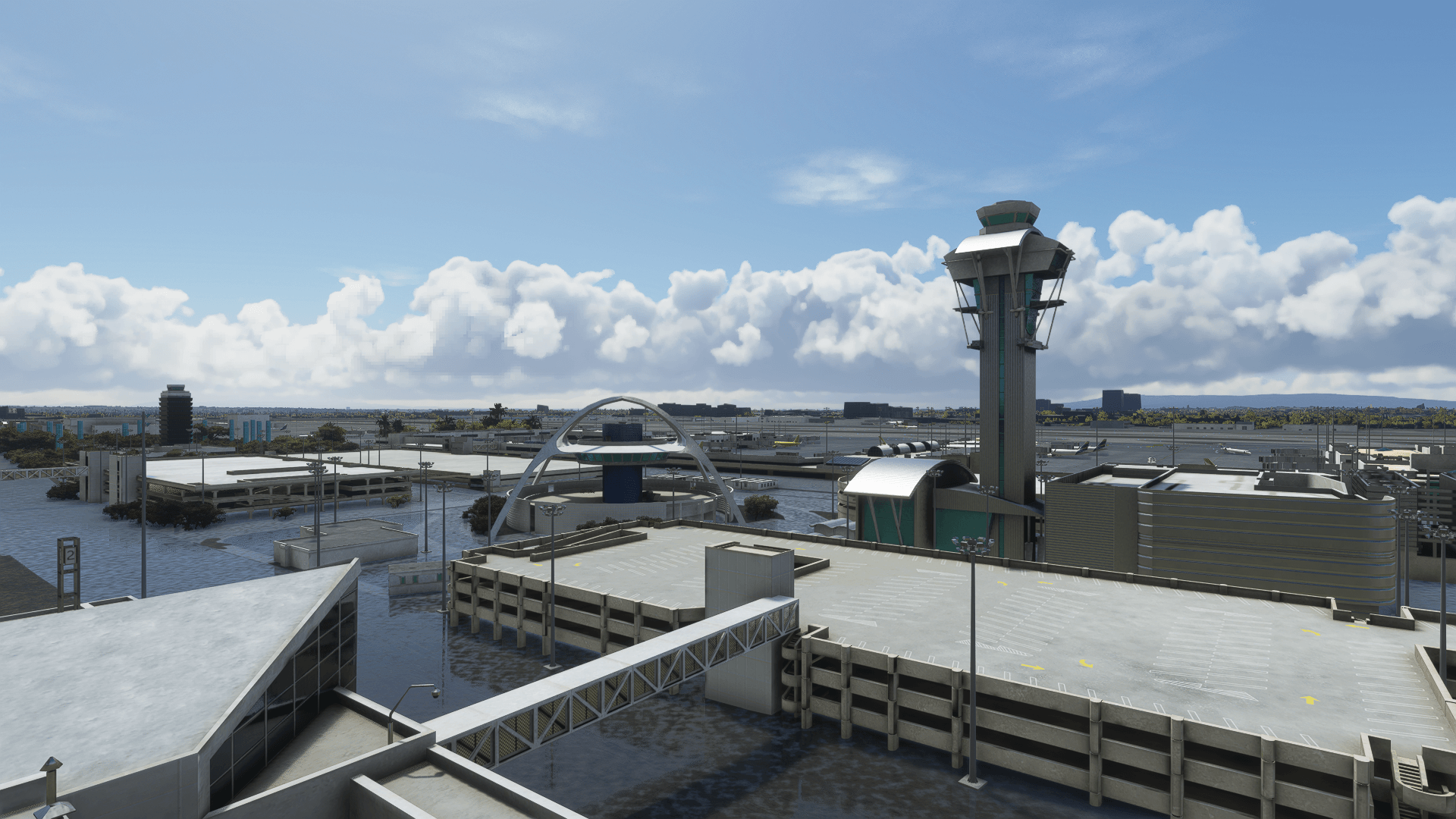
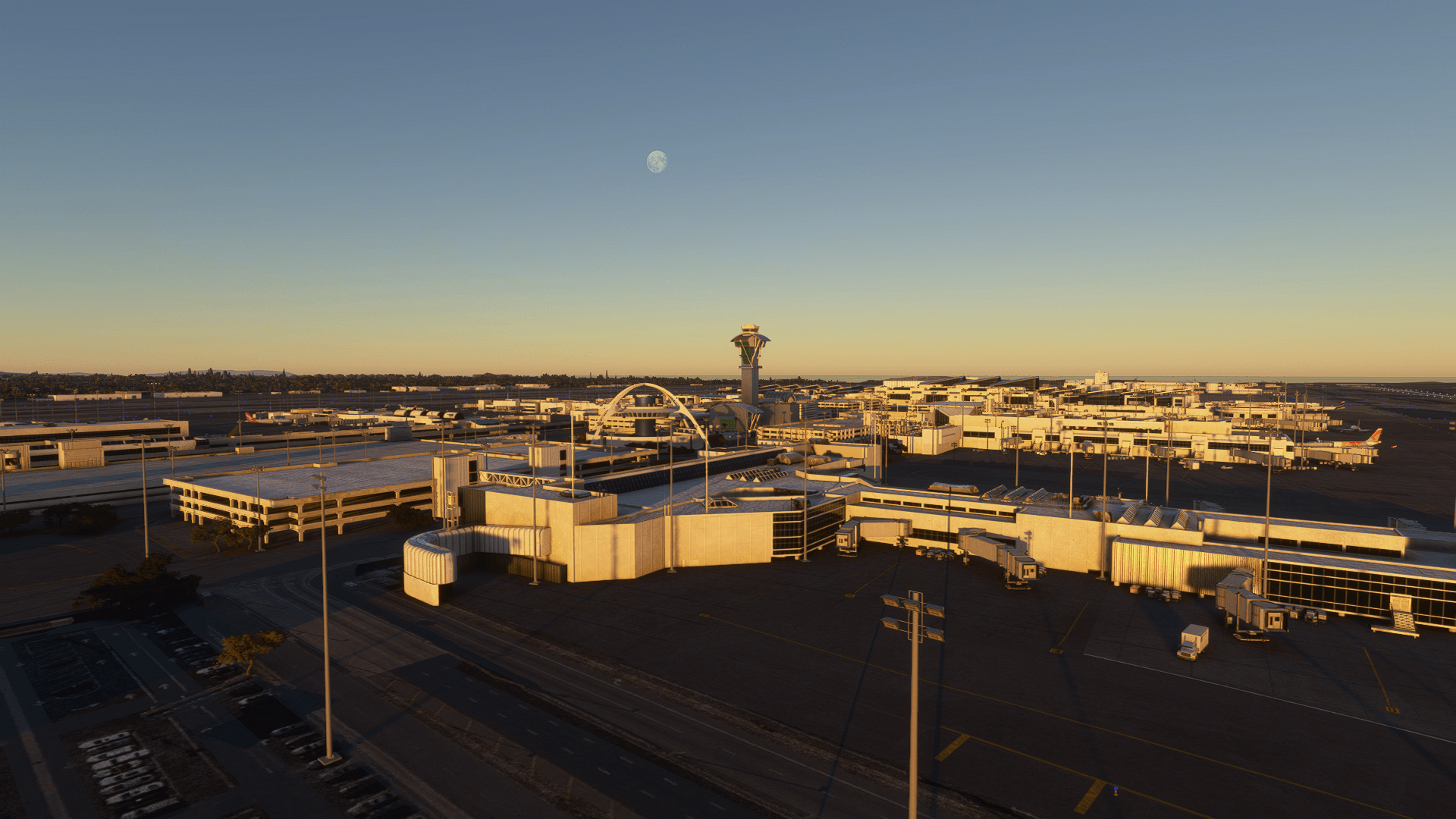
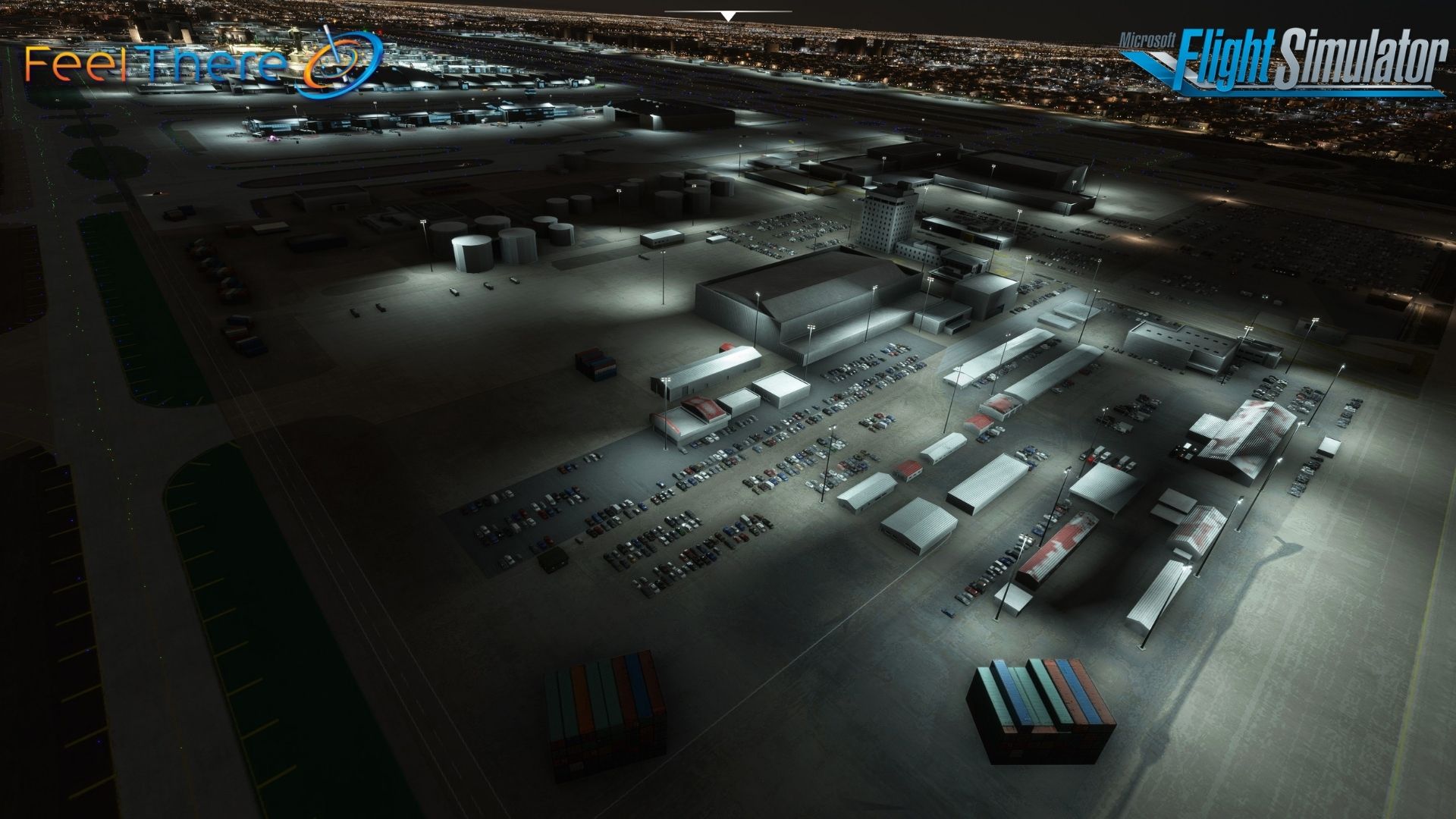
FeelThere is bringing you as the fifth release for MSFS2020, the primary international airport serving the always busy Los Angeles with four parallel runways.
Version history:
Version 1.4.0 (01.28) -> fixed gate issues and parking spots
As the largest and busiest international airport on the U.S. West Coast, LAX is a major international gateway to the United States, and also serves a connection point for passengers traveling internationally. The airport holds the record for the world’s busiest origin and destination airport, since relative to other airports, many more travelers begin or end their trips in Los Angeles than use it as a connection. It is also the only airport to rank among the top five U.S. airports for both passenger and cargo traffic.
Runways:
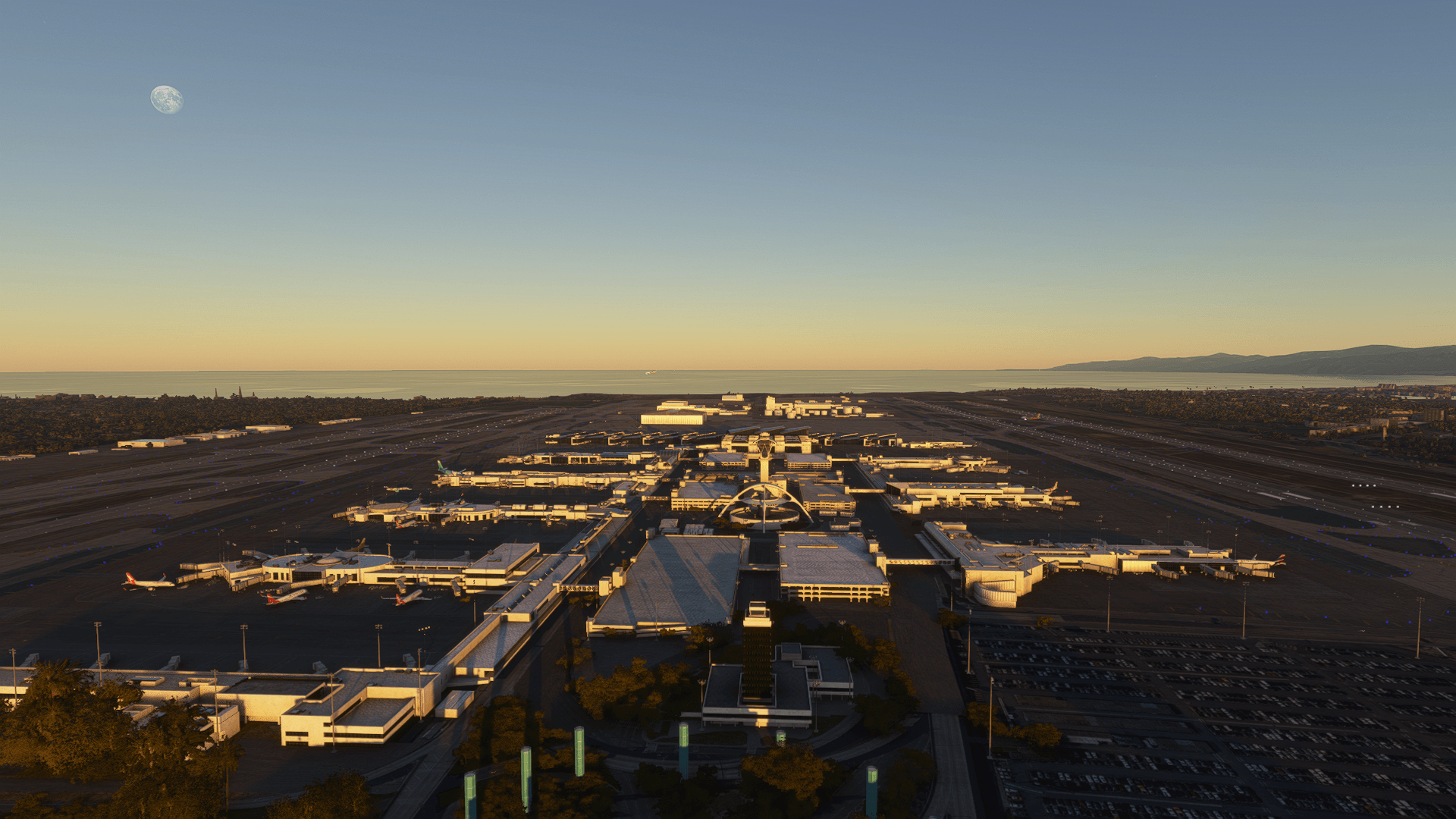
24R/06L and 24L/06R are north of the airport terminals, and 25R/07L and 25L/07R are south of the airport terminals.
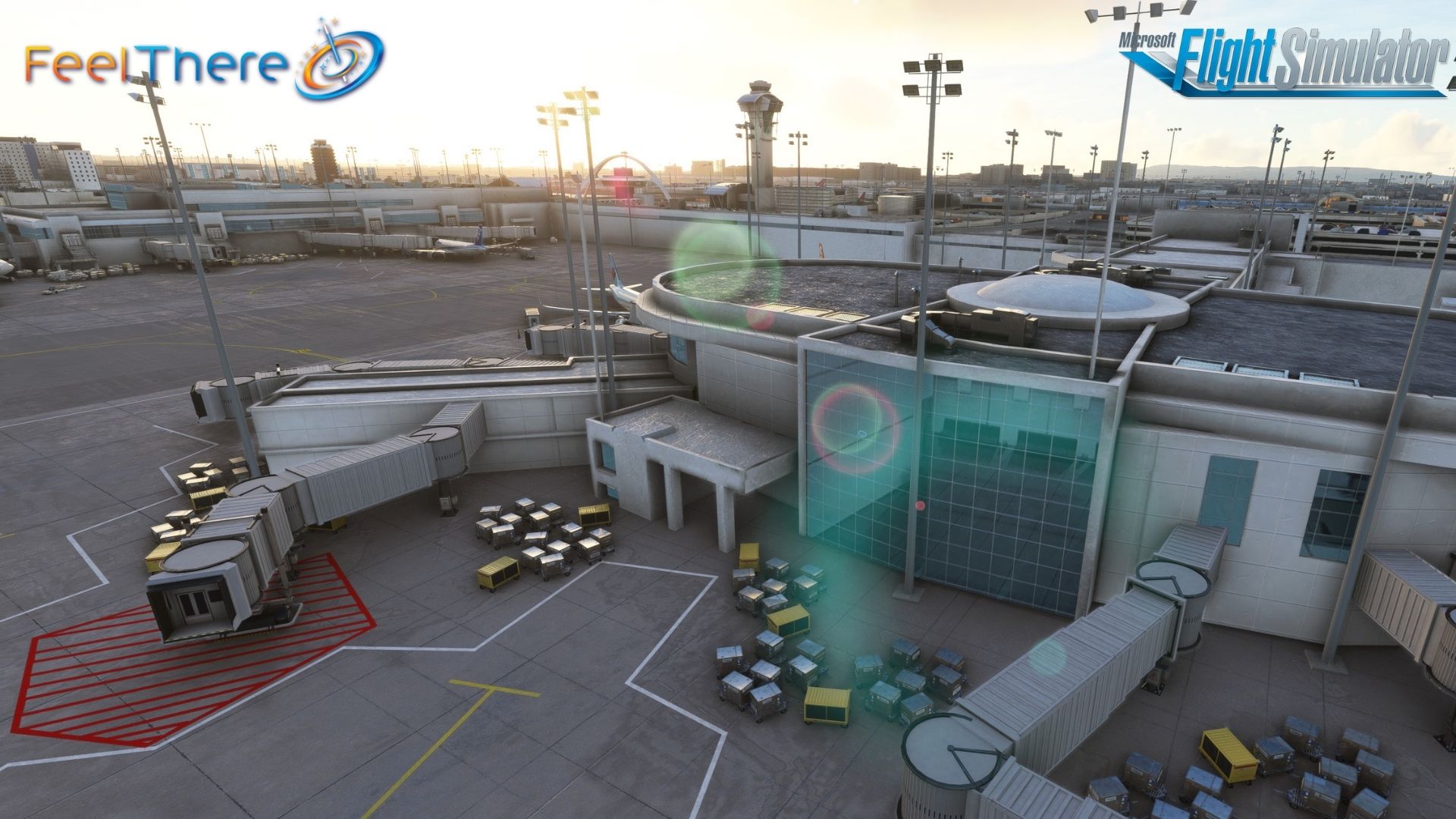
LAX has 132 gates arranged in the shape of the letter U with 9 passenger terminals.
Installation Information — PLEASE READ —
- Install this scenery directly into your MSFS “COMMUNITY” folder.
- For this scenery to load correctly, it is critical that you disable the Asobo KLAX scenery. This can be done before or after installation.
- If this is not done, you will see duplicated buildings at KLAX.
To remove the Asobo KLAX:
- From the MSFS home screen, navigate to PROFILE > CONTENT MANAGER
- Then search for KLAX. Select KLAX by Asobo Studio, and at the bottom you will see an option to DELETE.
- After deleting, you will need to restart the game for changes to take effect.
Visit our MSFS2020 catalog for more or join our subscriber’s list and get notified on the latest releases.
Features
Includes:
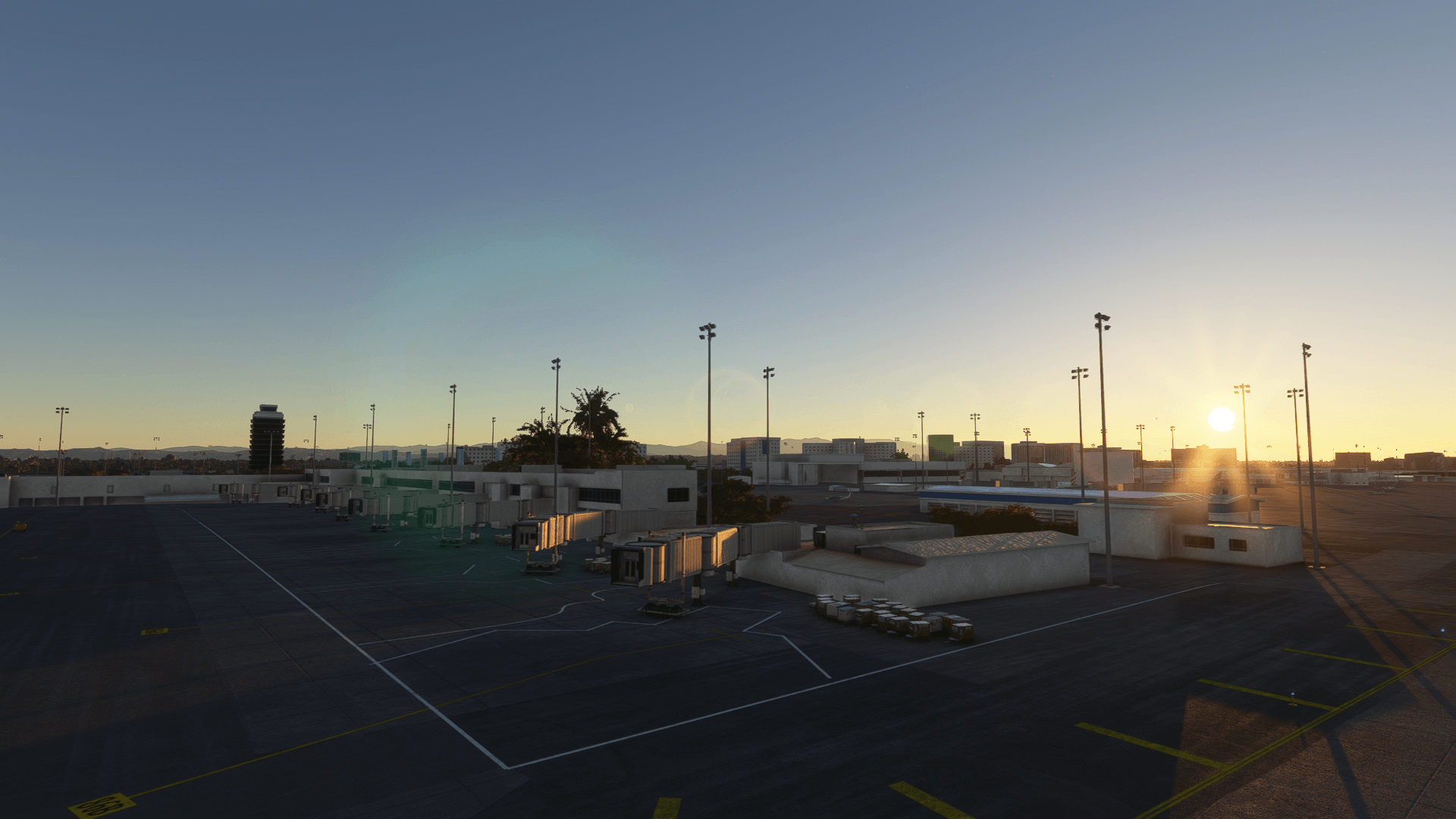
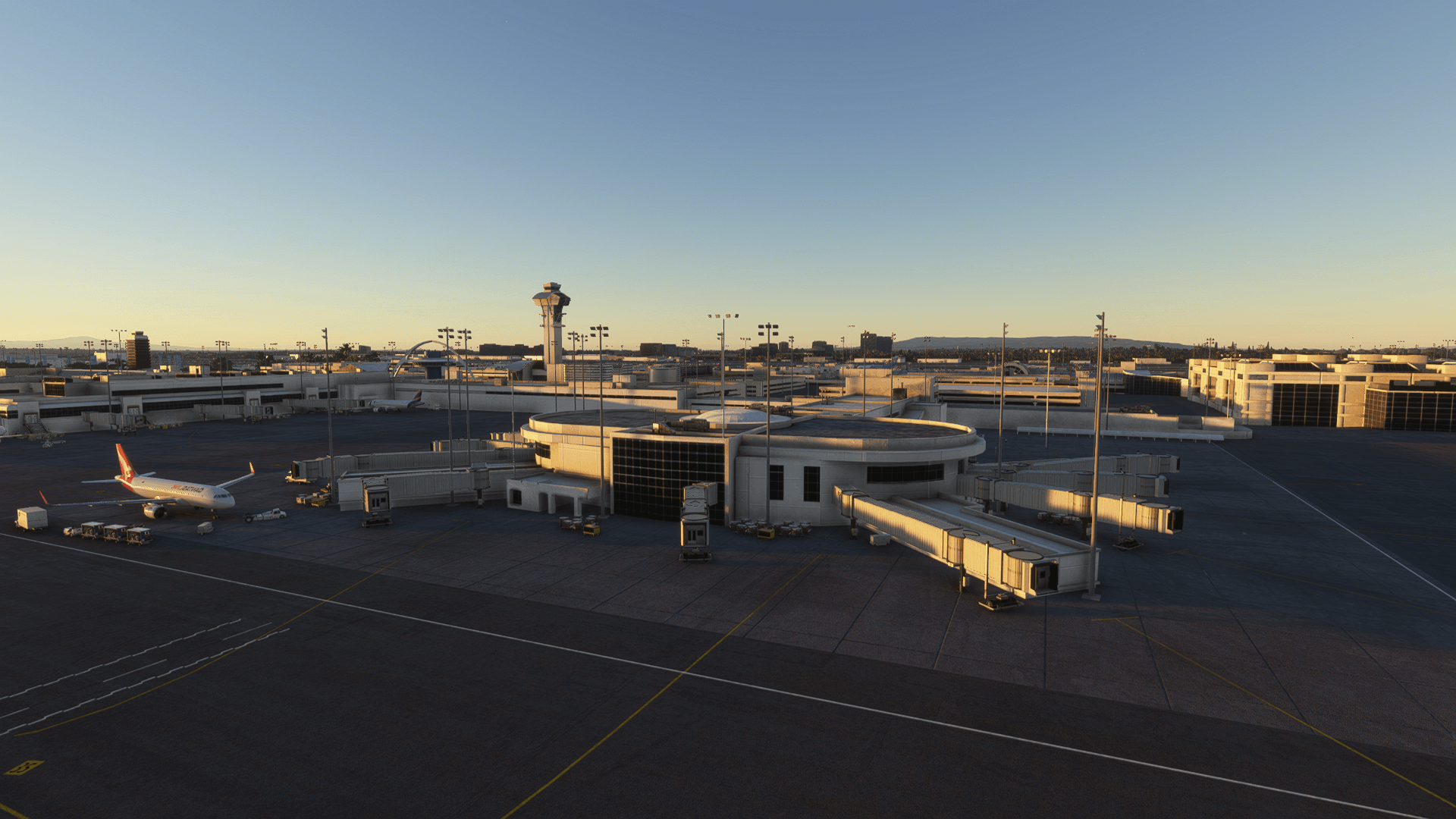
– Custom ground lines and buildings
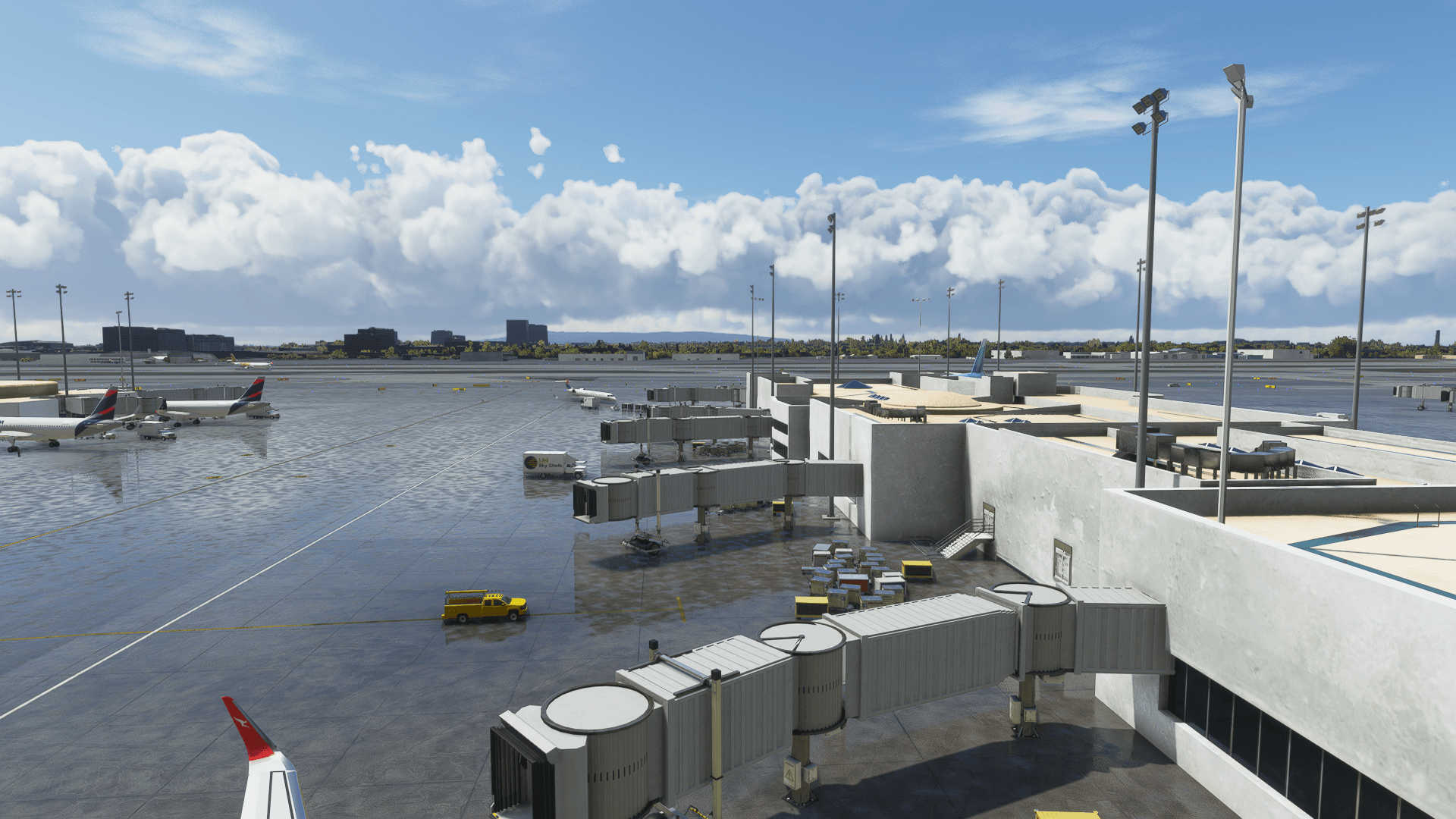
– Highly detailed textures, Physically Based Rendering (PBR), reflective and realistic textures
– Parallax texturing on windows
System requirements
- Online registration is required
- The product is compatible with Microsoft Flight Simulator
- The product is compatible with Windows operating system