[LFPG] – Paris Charles de Gaulle Airport – Tower Simulator 3

Description
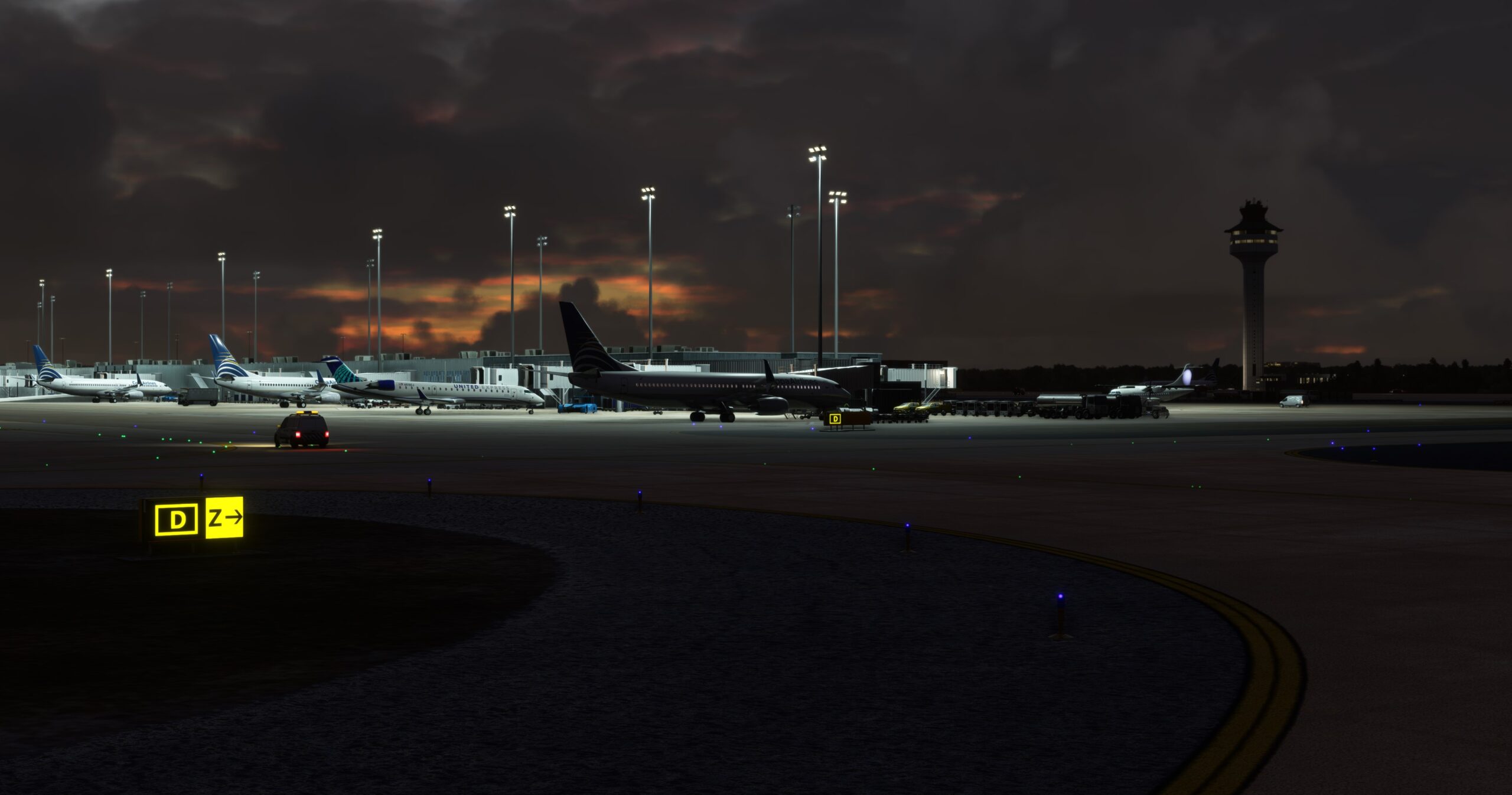
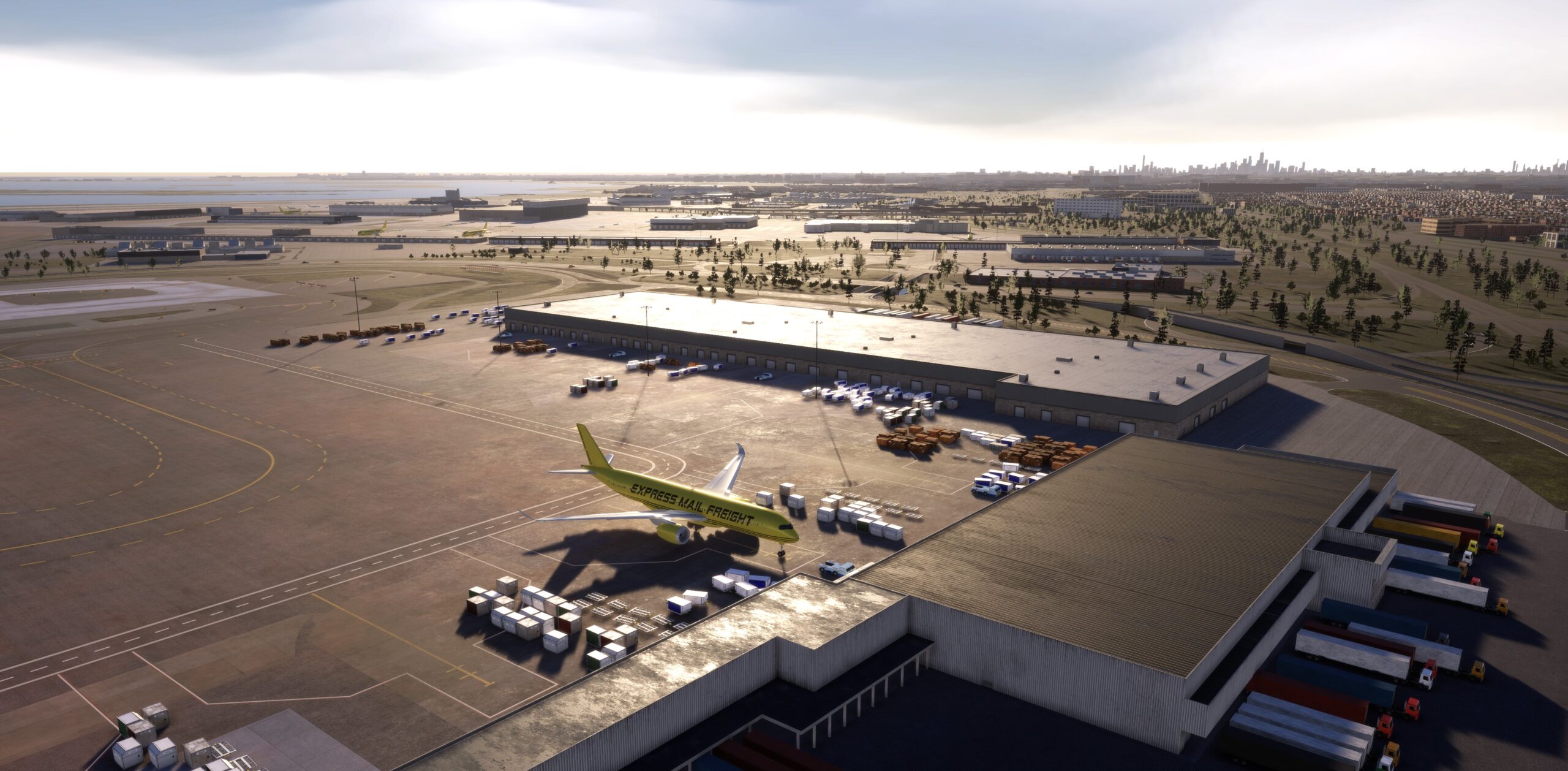
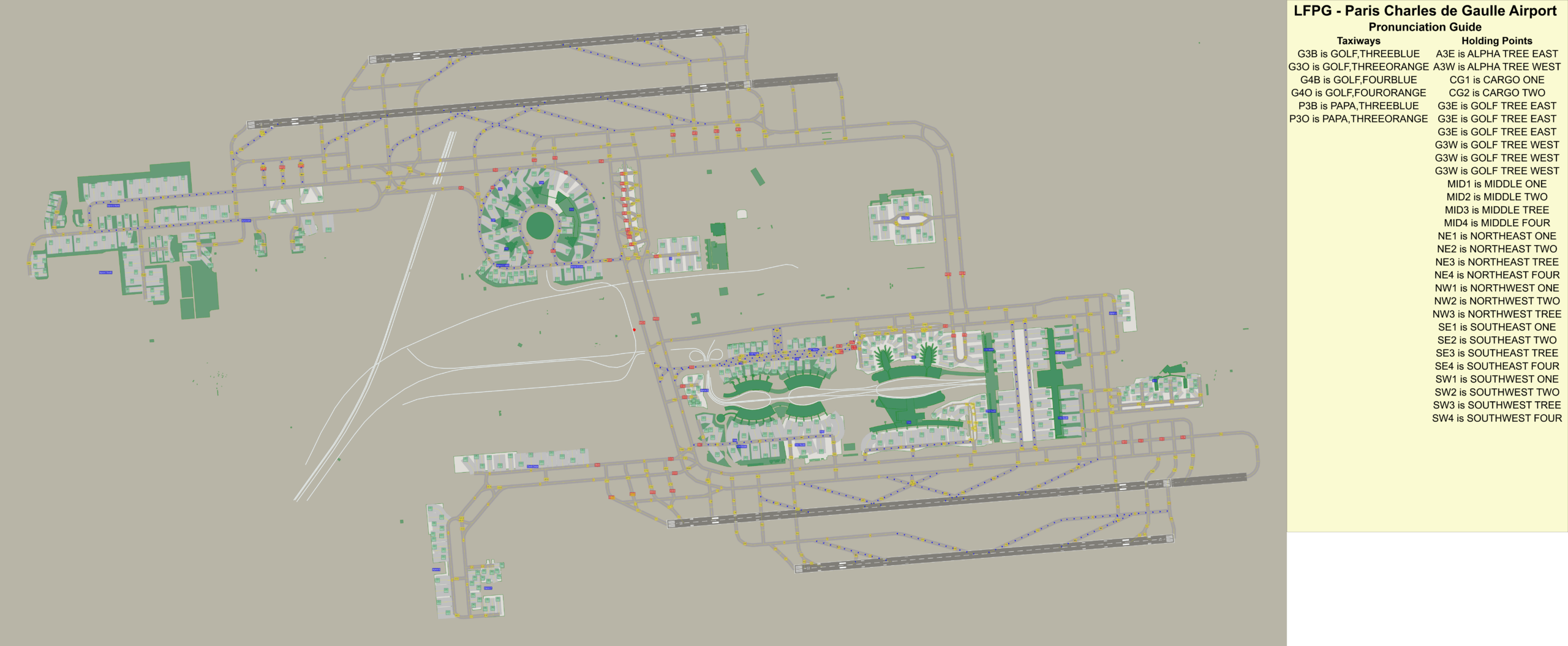
LFPG, or Paris Charles de Gaulle Airport, is a complex and busy international airport ideal for simulator games, featuring a realistic model with four parallel runways, three terminals (including the “village-like” Terminal 1 and seven sub-terminals in Terminal 2), and a detailed ground network. Players can use this add-on to practice air traffic control with features like advanced radar systems, accurate taxiway signage, and detailed ground polygons for precise navigation.
While most airport taxiways are designed for two-way traffic, LFPG (Charles de Gaulle) has a complex system where some taxiways are designated as one-way to manage traffic flow, especially around its parallel runways.
One-way taxiways: Some taxiways are designated as one-way to ensure the smooth flow of traffic around the parallel runways.
Parallel runways: The airport’s parallel runways are used to support the high volume of traffic.
VERSION25.11.01 – Released 11.10.2025.– Added car traffic.
– Small graphics fixes with some models/materials.
– Added Concorde model (white livery).
– Airport now shows directional arrows on ADIRS for directional taxiways. Requires latest game update to display (Nov 2025).
– Fixed all reported airport routing errors.
– Adjust gate connections to taxiway near TL2, TL3. Taxiways in this area are now bi-directional.
– Adjust gate connections to taxiway near TL4, TL5, TL6. Taxiways in this area are now bi-directional.
– Adjust gate connections to taxiway near E11, E12, E13.
– Adjust gate connection to taxiway at Gate C14 (T2).
– Adjust all high-speed runway exits connections to taxiway.
– Fix taxiway connection at TA2 and RT3 (disconnected).
– Fixed incorrect taxiway names along Terminal 2F – G3 Blue and Orange changed to G4 Blue and Orange.
Features
- Complex layout:
Four parallel runways and a multi-terminal structure with detailed taxiways provide a challenging environment for managing air traffic.
- Realistic modeling:
Highly detailed 3D models, including over 100 custom buildings, enhance immersion.
- Advanced ATC simulation:
Features like updated radar screens and accurate ground markings help players take on the role of an air traffic controller.
- Realistic ground operations: Meticulously crafted ground polygons and accurate taxiway signs provide realistic ground navigation, while features like runway guard lights and red bars enhance safety for players.
Beautiful background cityscape from OSM (open street maps).
System requirements
You need to obtain Tower! Simulator 3 base game in order to install and run this add-on!
♦ Online registration is required (FeelThere Portal!)
♦ Requires a 64-bit processor and operating system
♦ OS: Windows 10 or 11
♦ Memory: 8 GB RAM
♦ Graphics: 4GB VRAM or more
♦ Storage: 50GB available space or more
♦ To use voice recognition, you will need to use a headset or built in microphone