[KBDL] – Bradley International Airport – Tower Simulator 3 – JetBridge Studios

Description
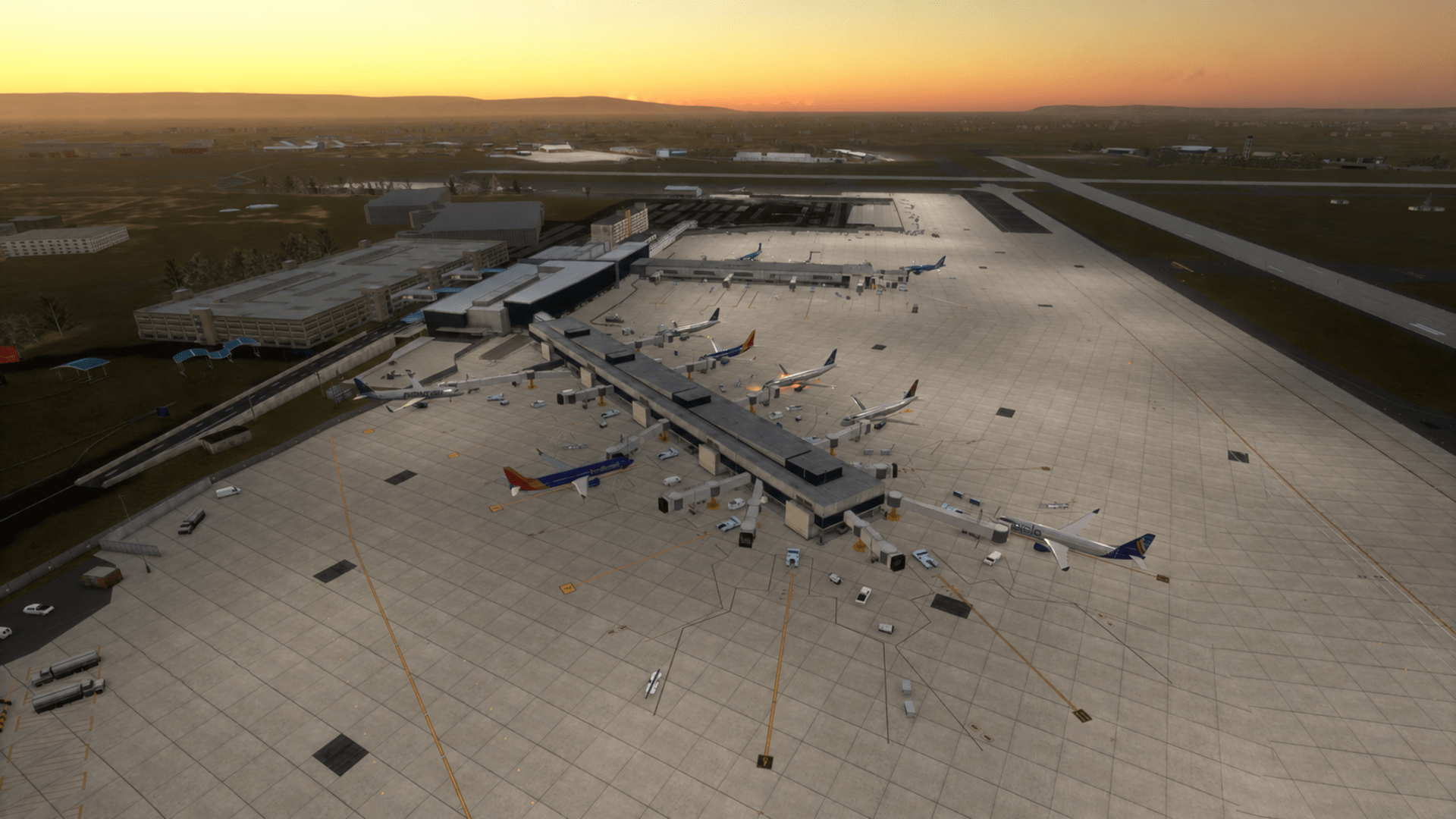
Step into the tower at KBDL – Bradley International Airport, a key New England airport serving Connecticut, western Massachusetts, and the greater Hartford-Springfield region, now available for Tower! Simulator 3.
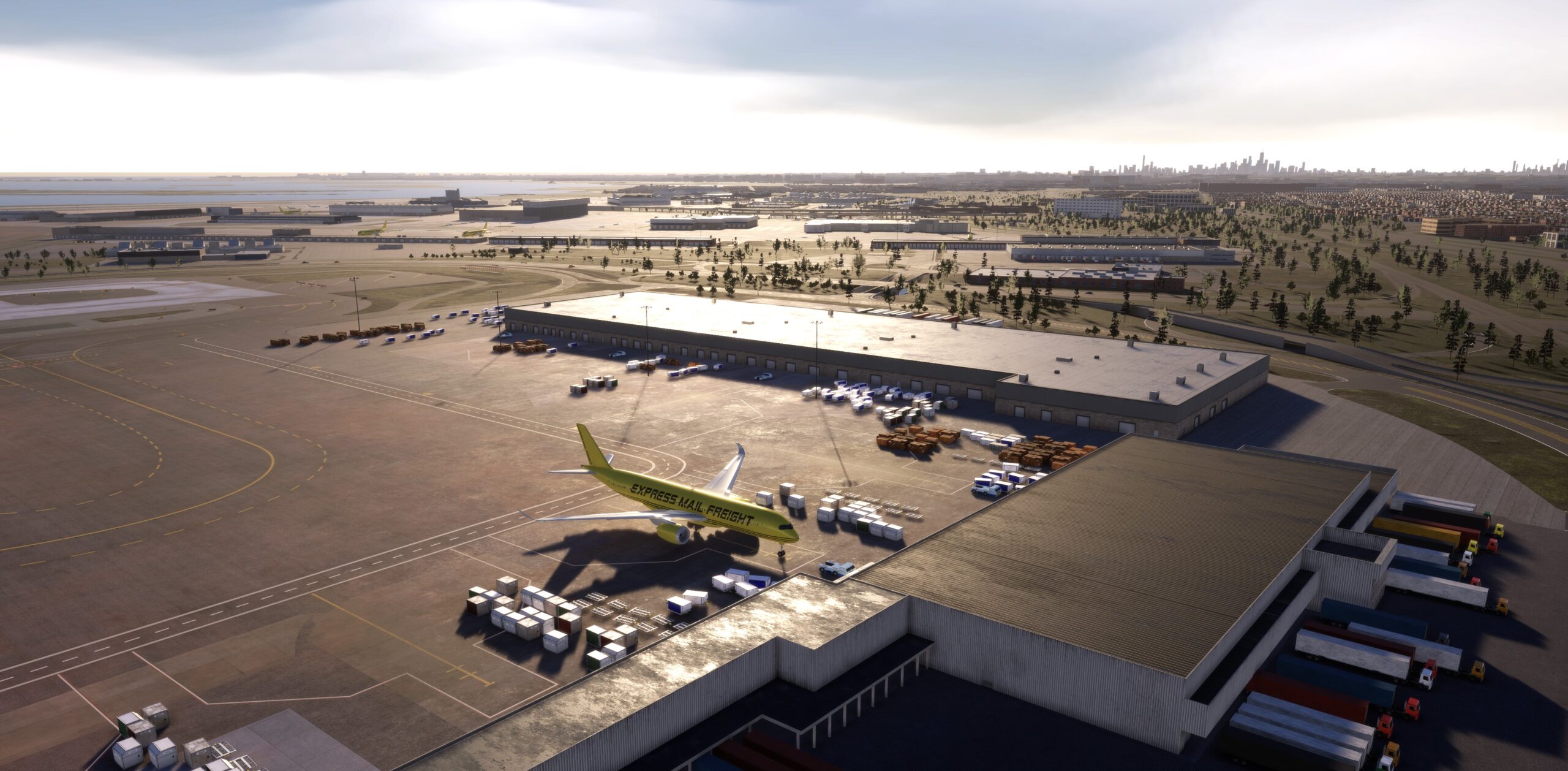
Bradley brings a strong mix of airline, cargo, business, and general aviation traffic, giving controllers a realistic and active airport environment without becoming unmanageable. From steady passenger arrivals and departures to cargo ramp activity and GA movements, KBDL offers a balanced flow that keeps every session engaging.
The airport layout creates a focused ATC challenge built around efficient runway use, smooth taxi routing, and smart ground coordination. Controllers will manage aircraft between the terminal, cargo areas, GA ramps, and active runways while maintaining safe spacing and keeping delays under control.
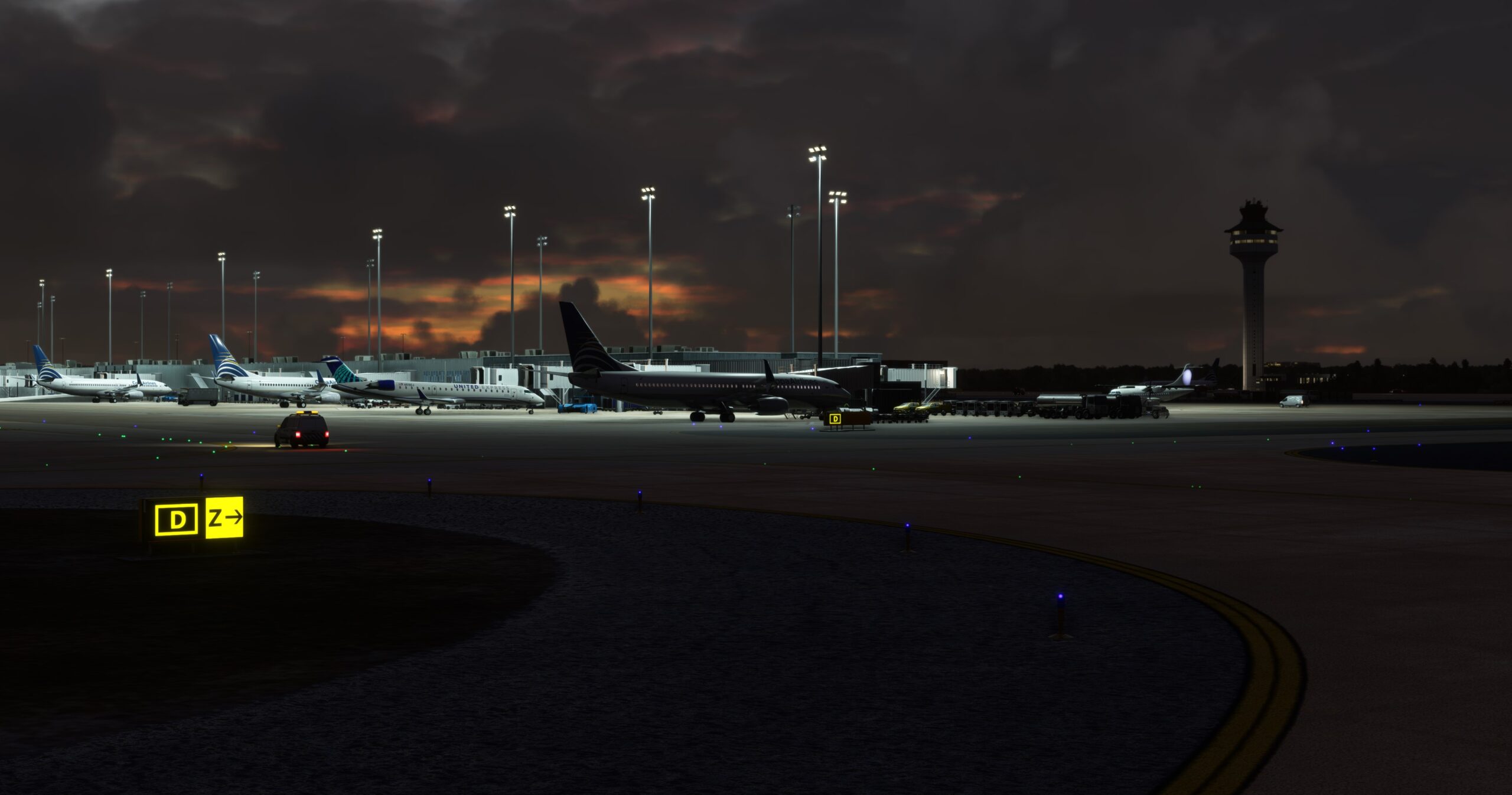
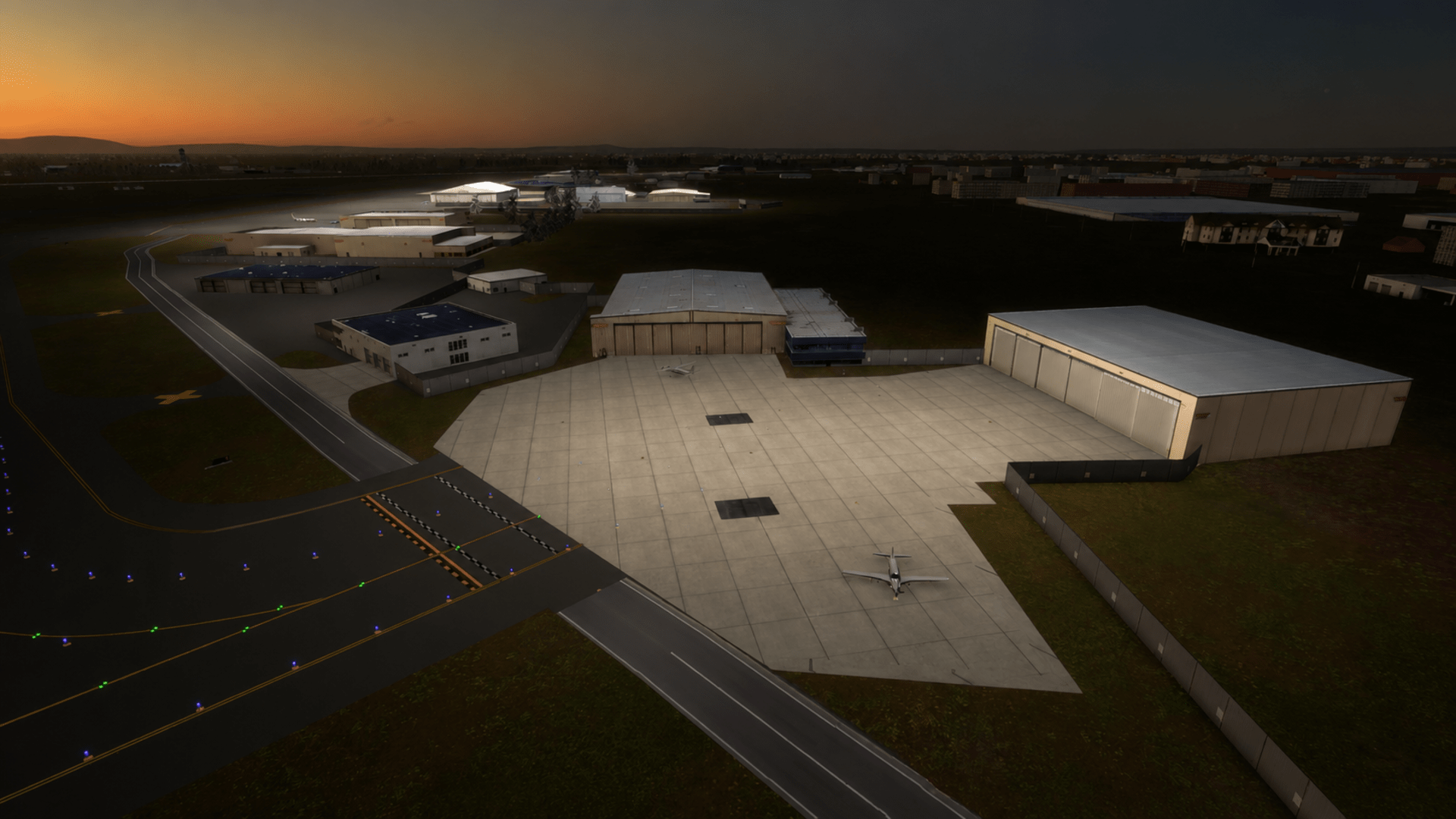
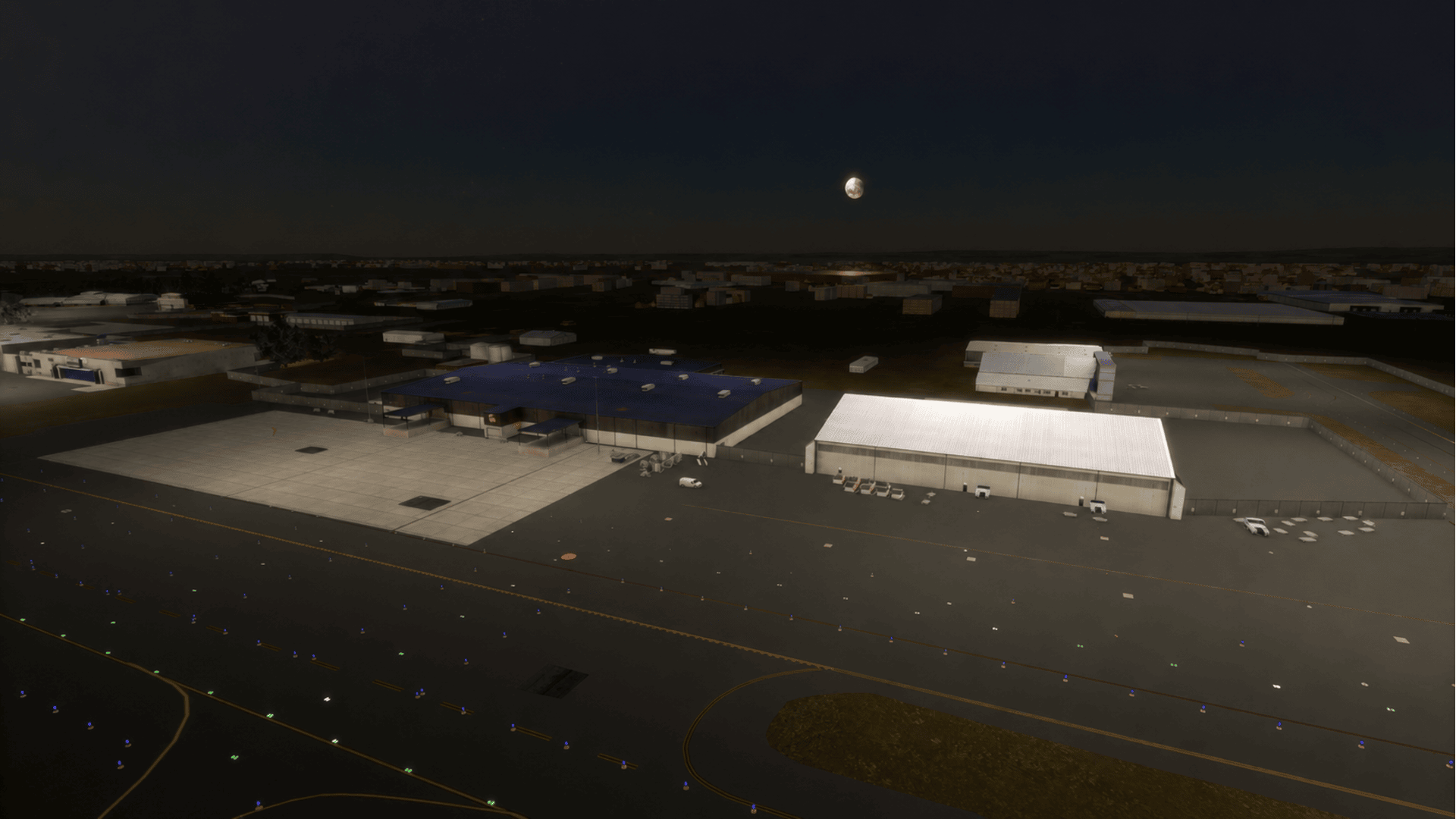
With detailed airport scenery, realistic ground markings, airfield lighting, and an operational layout designed for Tower! Simulator 3 gameplay, Bradley International delivers a polished U.S. airport experience for both newer players and experienced controllers.
Take command of Connecticut’s busiest airport and keep traffic moving at Bradley International.
Features
- Realistic recreation of Bradley International Airport for Tower! Simulator 3
- Accurate KBDL runway layout featuring Runways 06/24 and 15/33
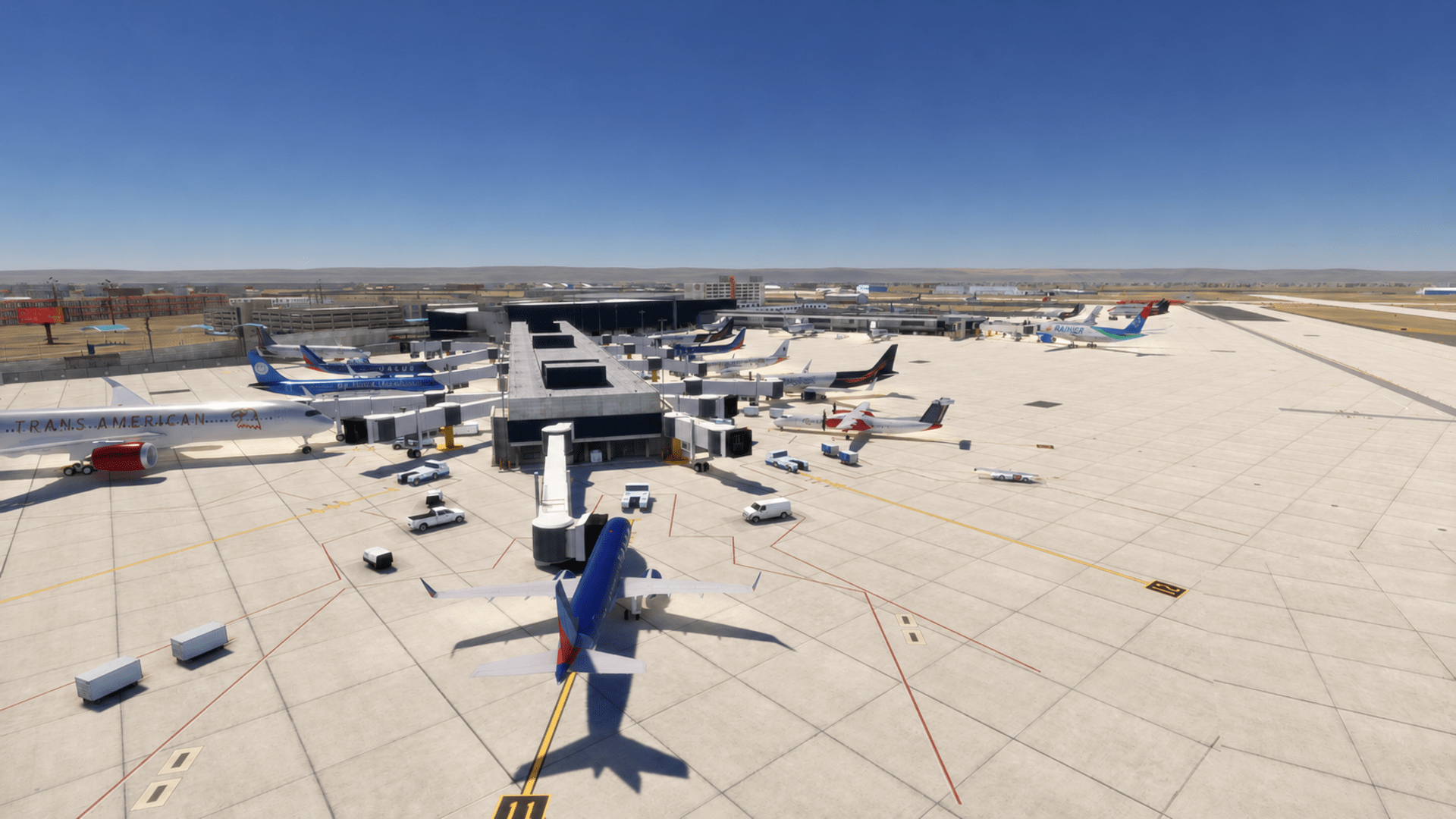
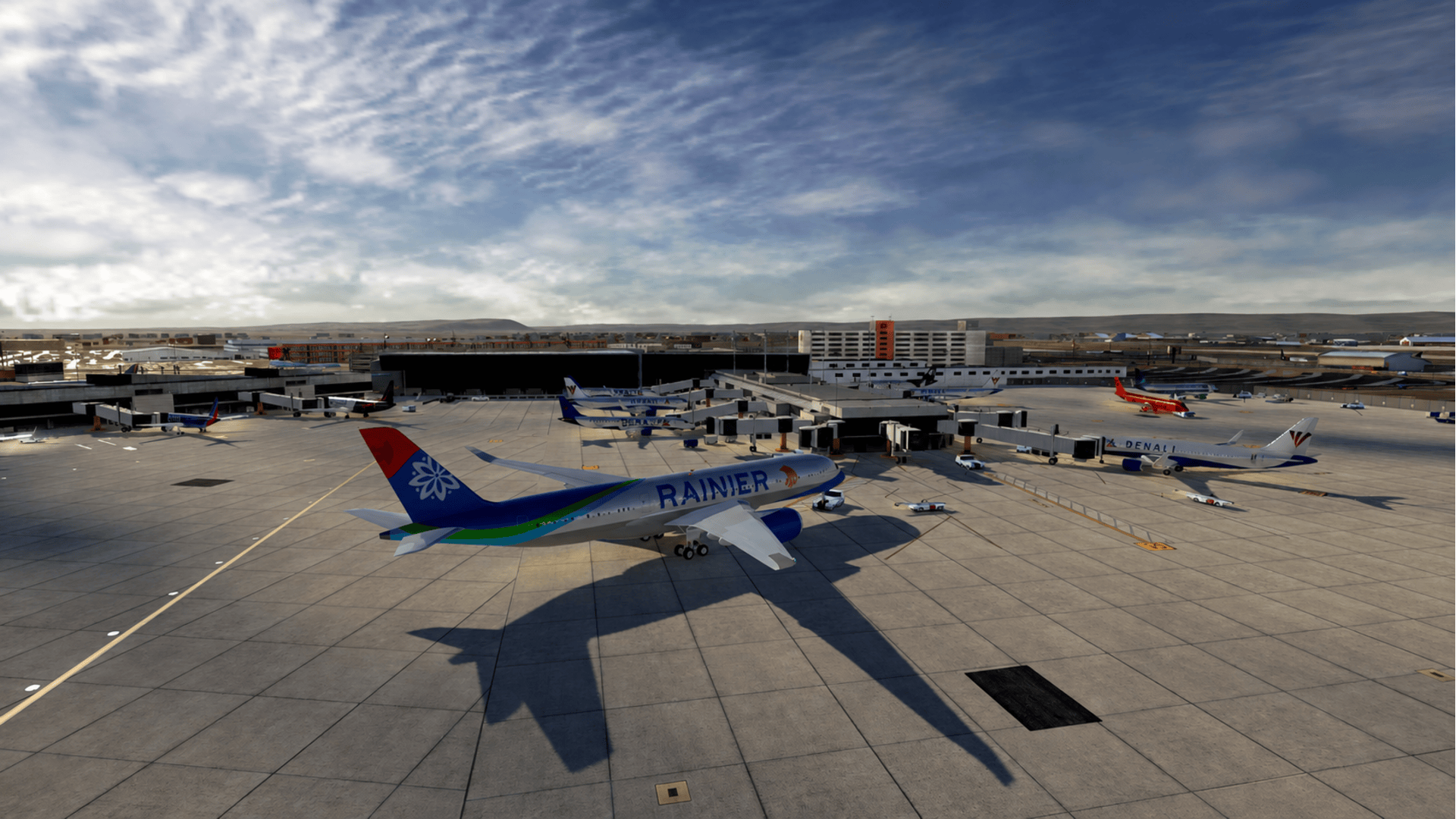
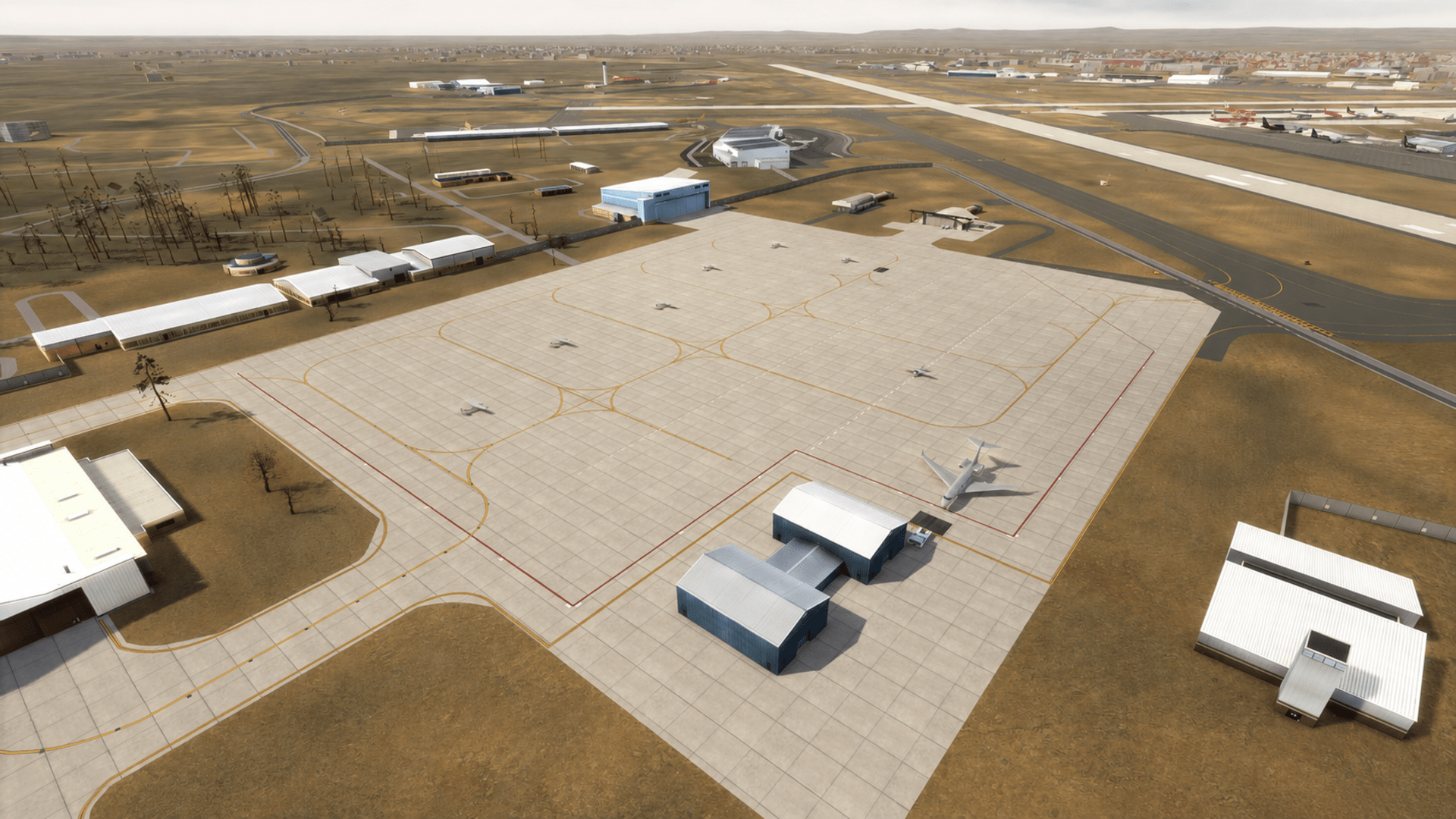
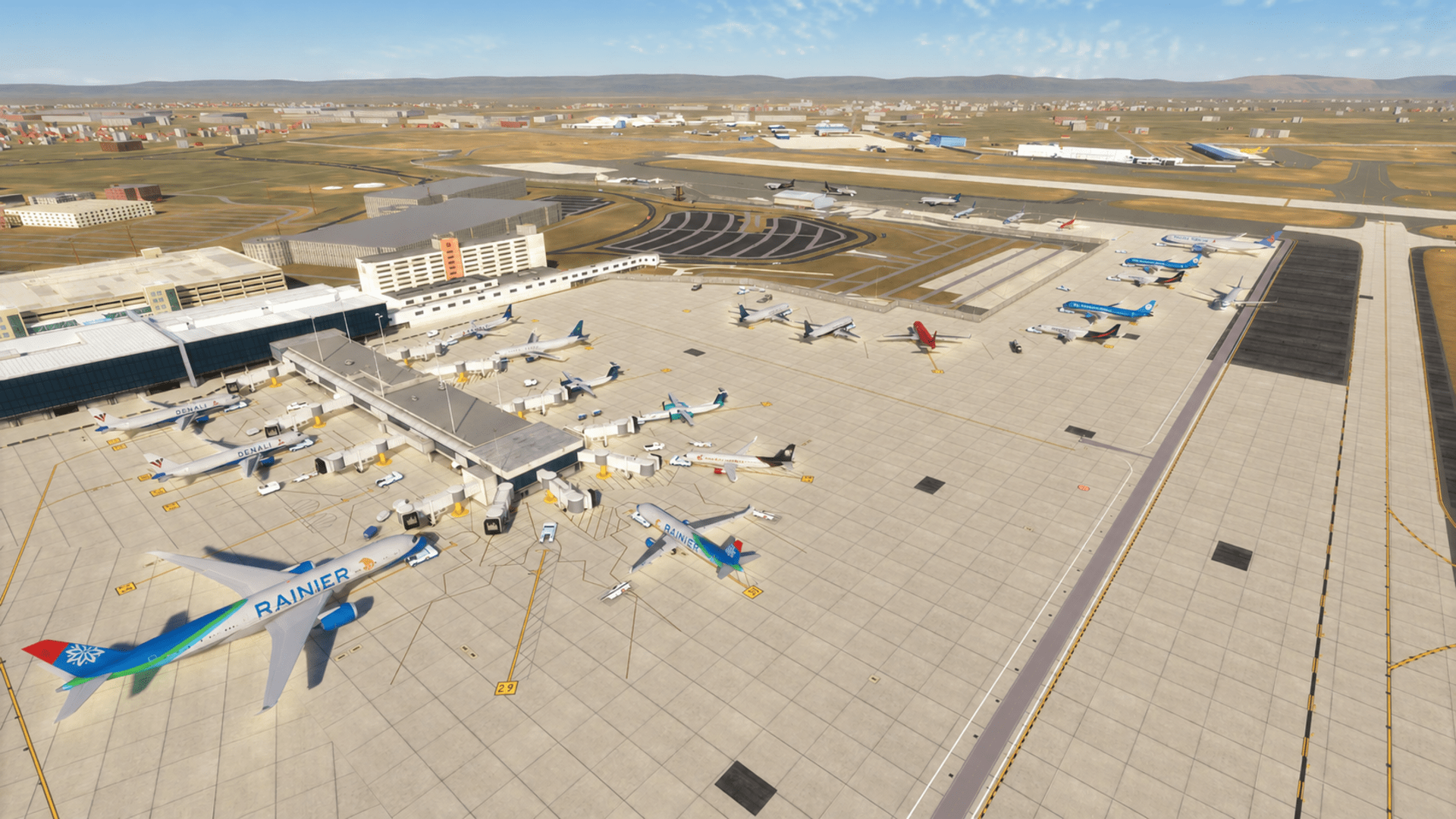
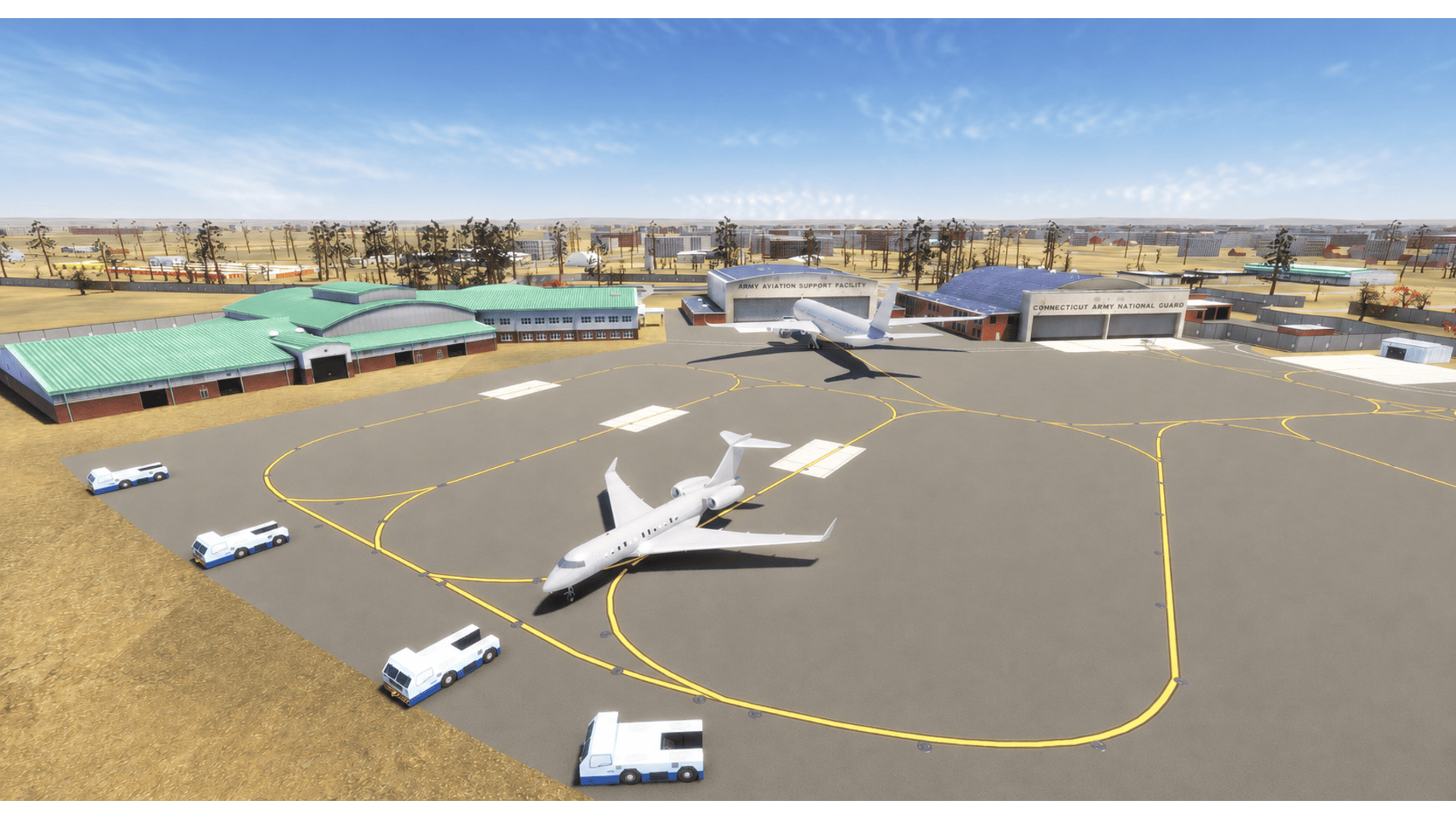
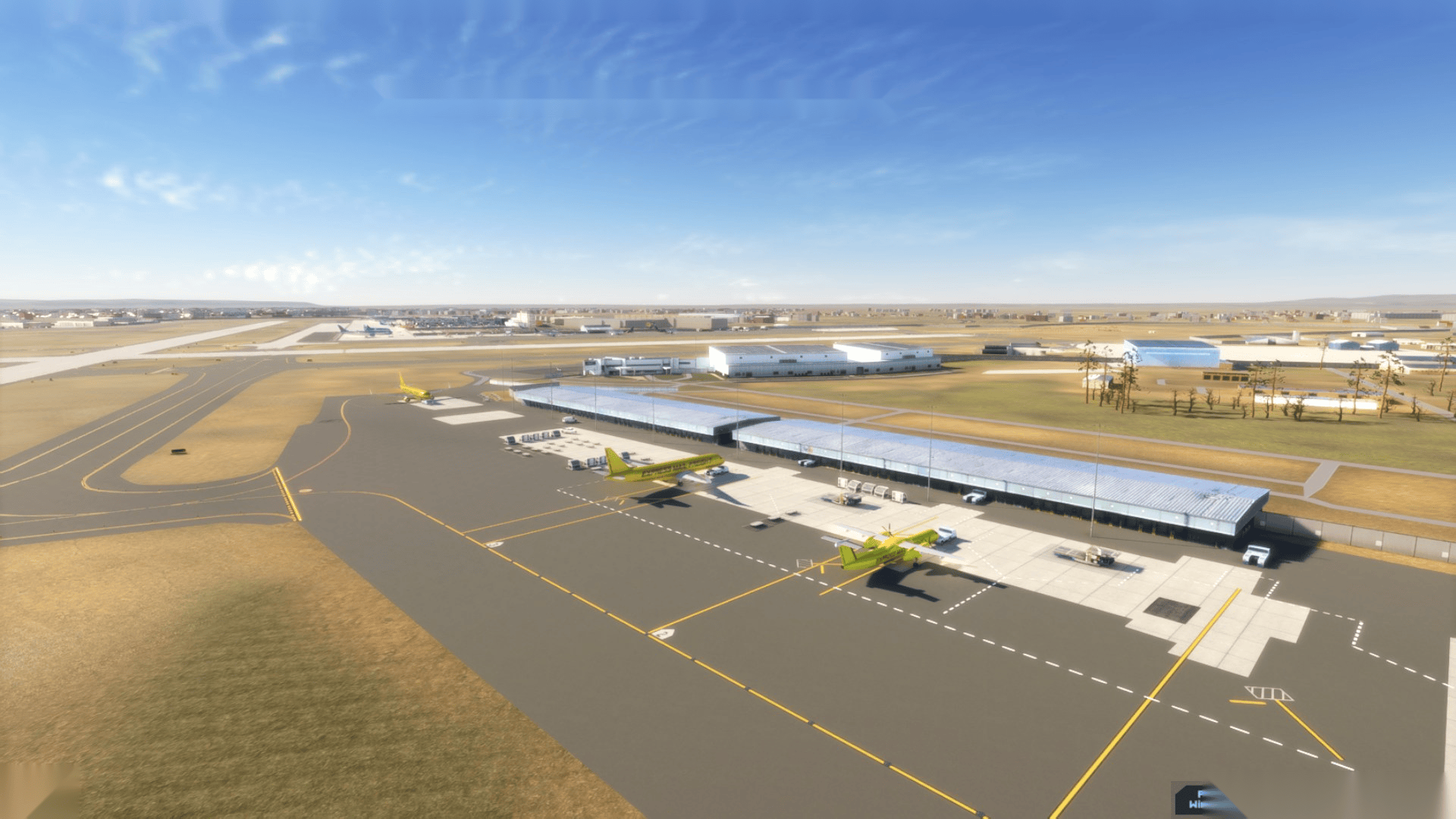
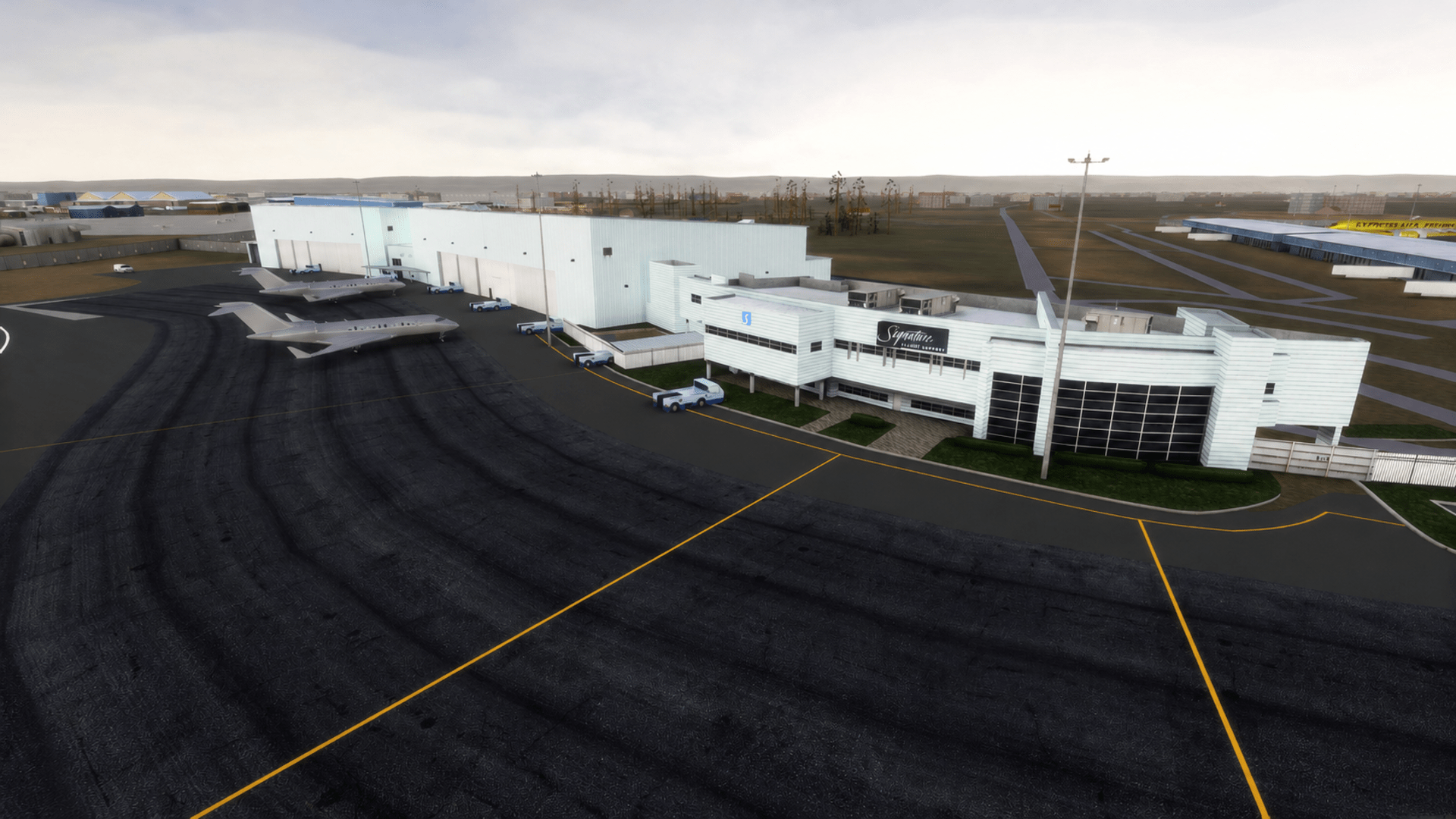
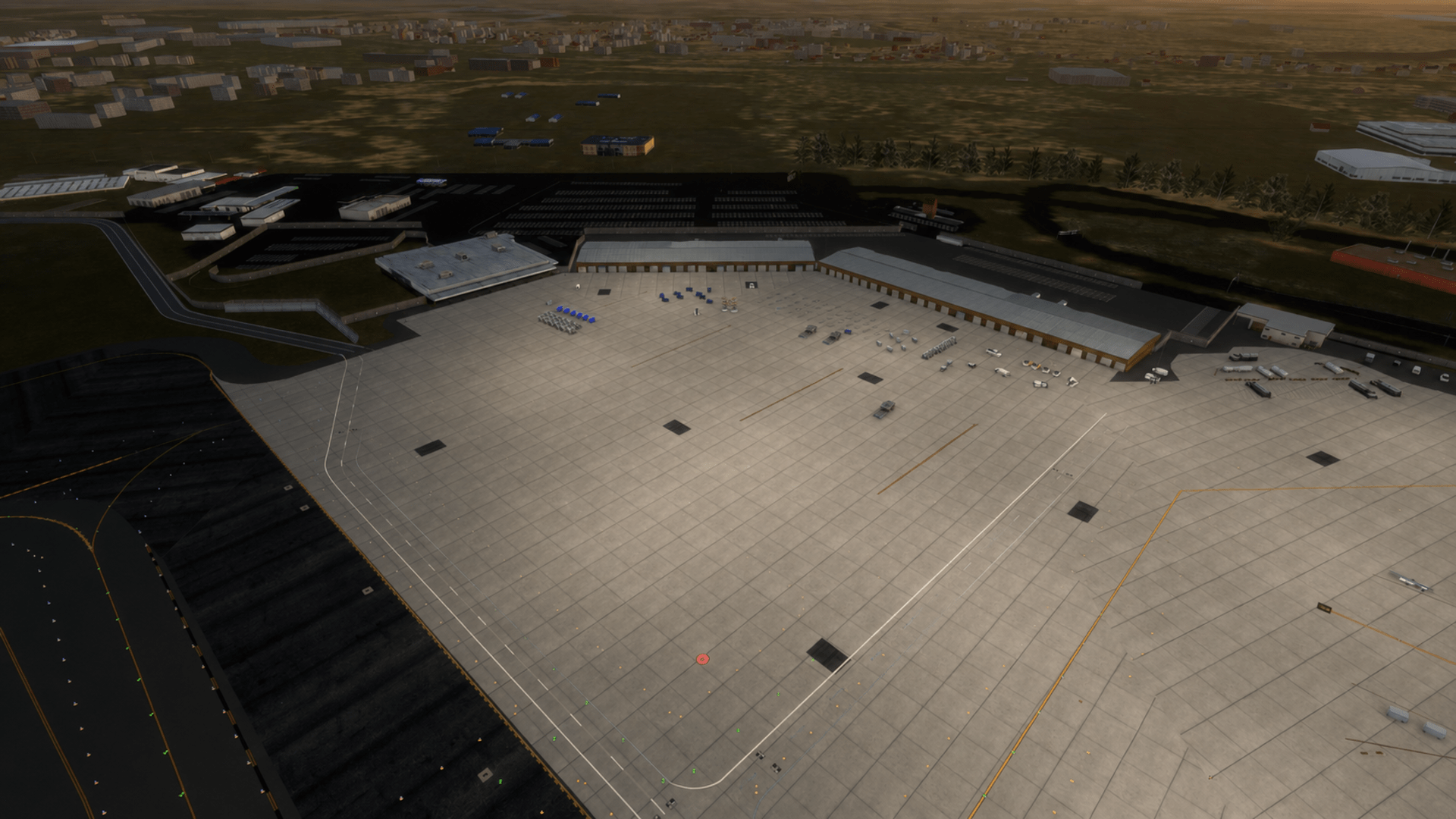
- Detailed terminal, concourse, ramp, cargo, and airport support areas
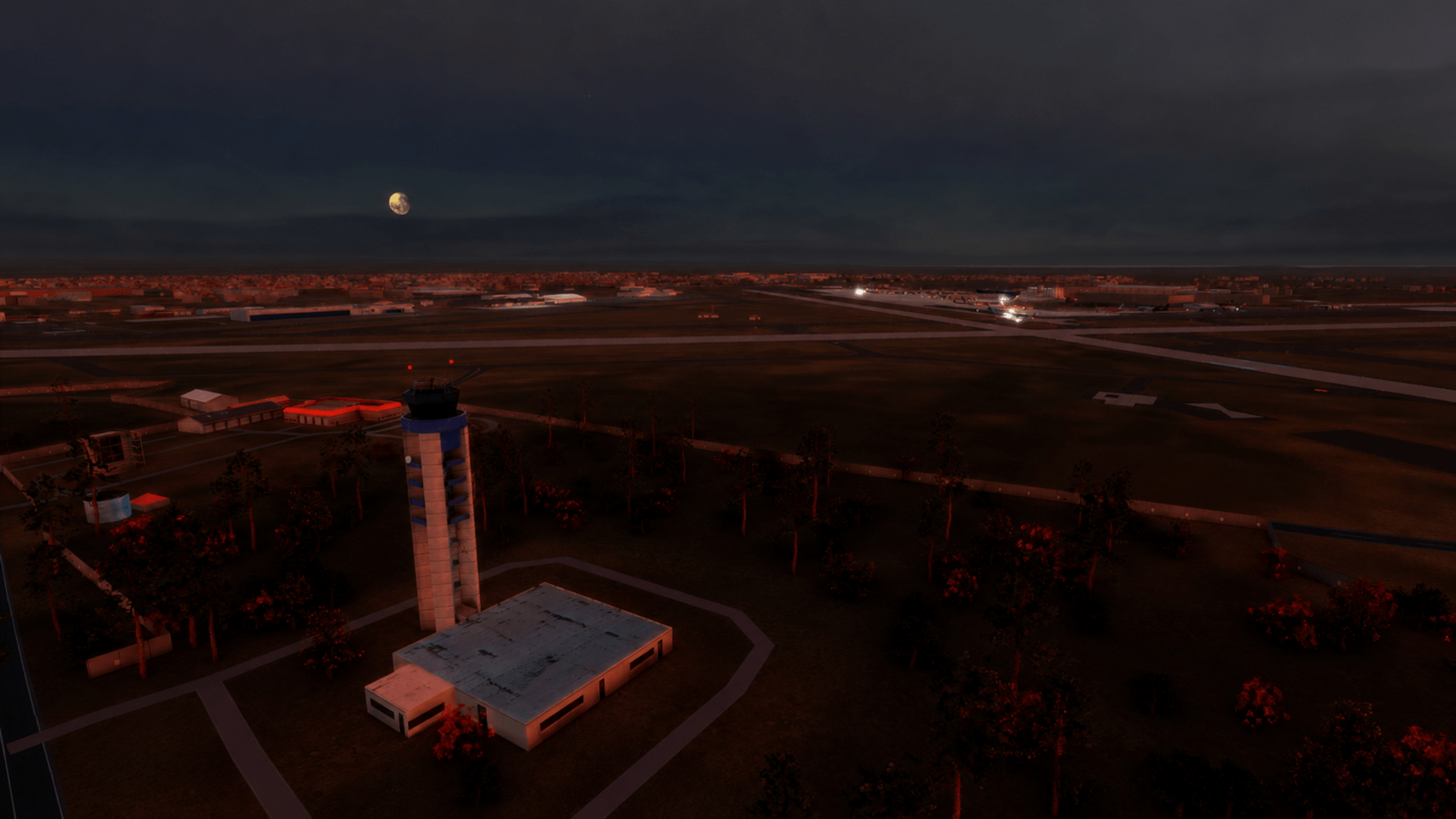
- Custom modeled airport buildings and surrounding scenery
- Detailed ground polygon with realistic taxiway, runway, and apron markings
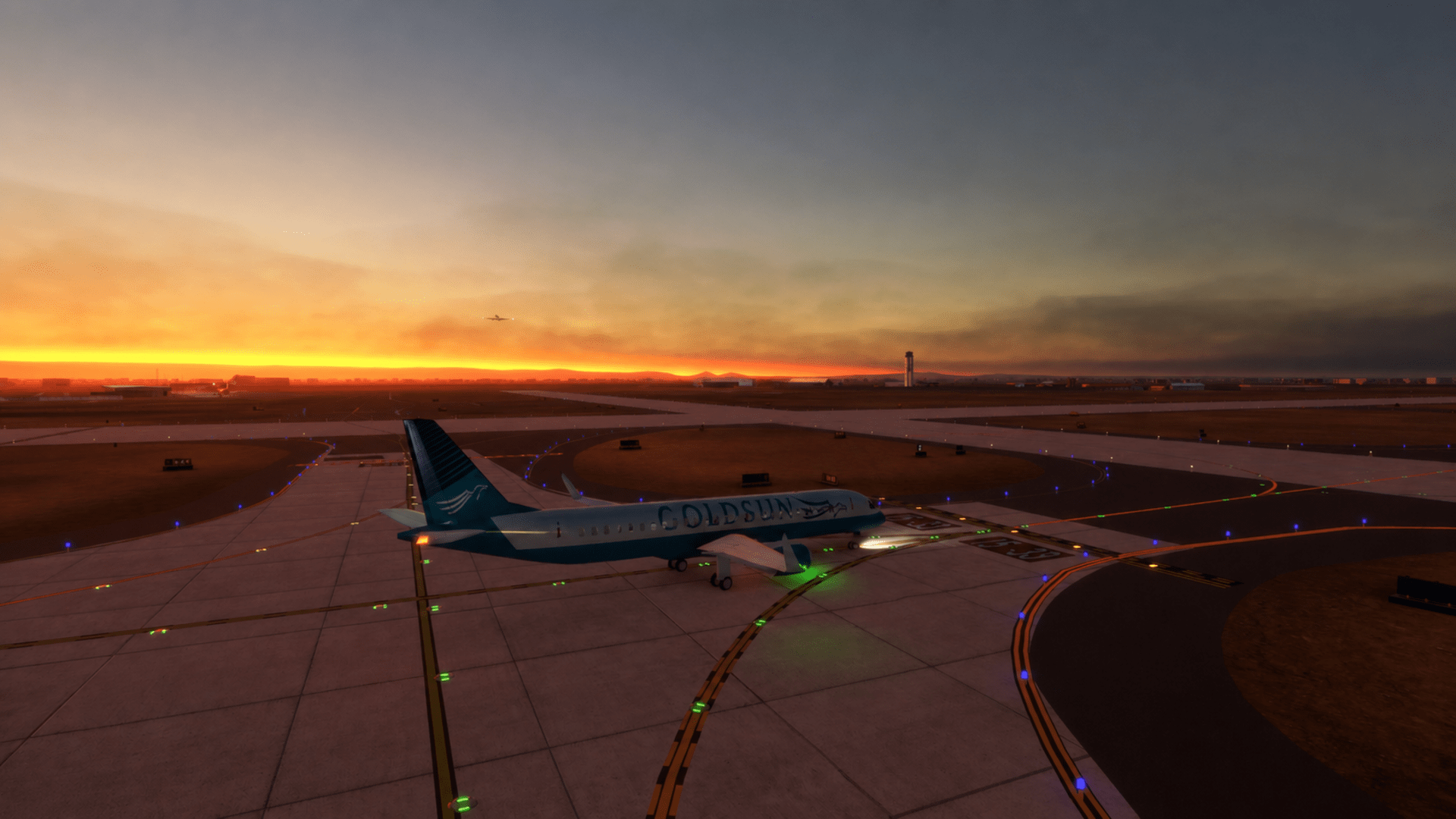
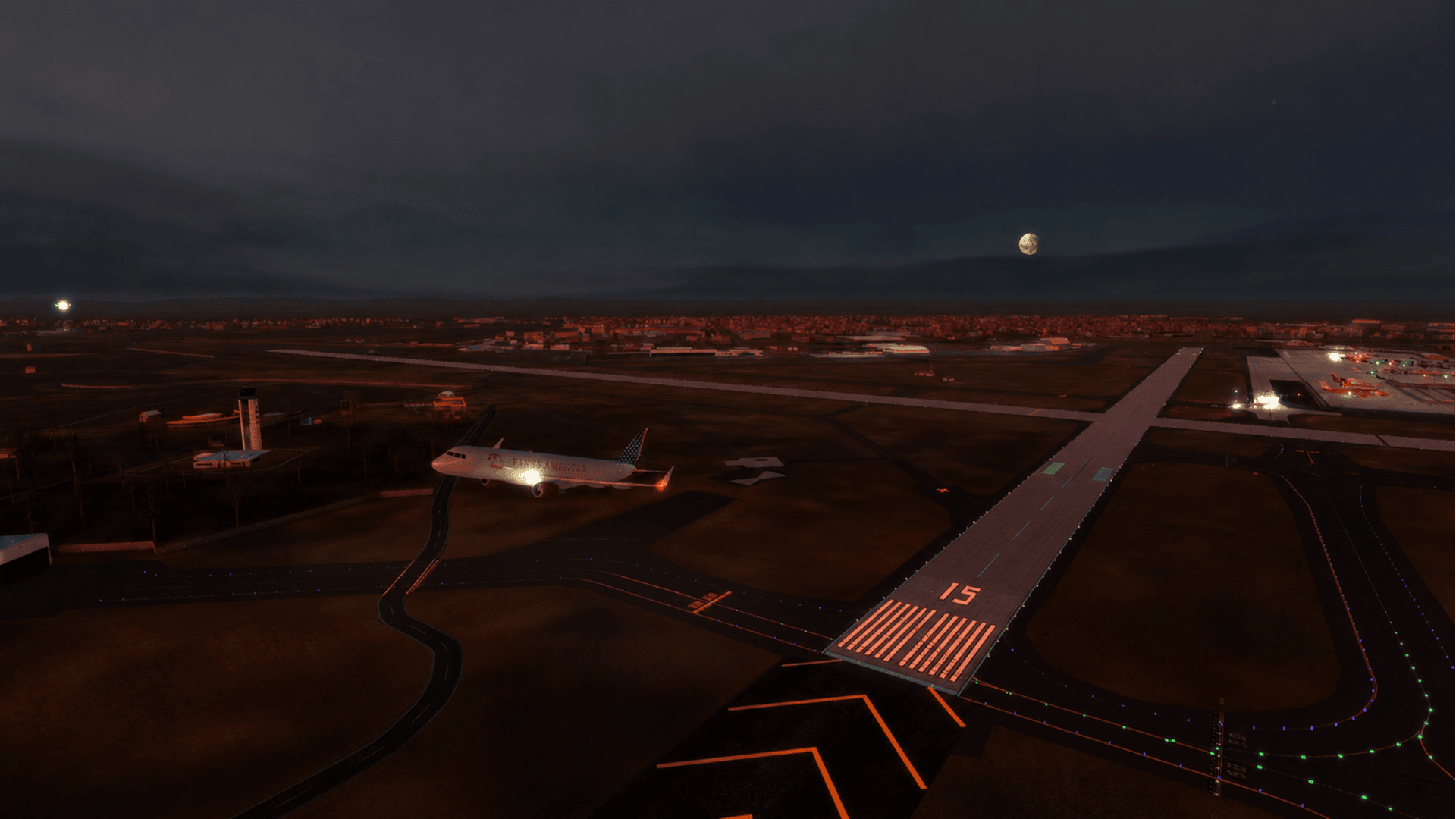
- 3D taxiway signs and airfield lighting
- Runway approach lighting and night-operation visuals
- Realistic gate, ramp, taxi, arrival, and departure flow
- Designed for commercial airline, cargo, GA, and mixed airport traffic
- Realistic radar display and airport operating environment
- Optimized scenery for smooth Tower! Simulator 3 gameplay
System requirements
♦ Base game Tower Simulator 3 is required to install and run this add-on
♦ Online registration is required through the FeelThere Portal
♦ Requires a 64-bit processor and operating system
♦ OS: Windows 10 or Windows 11
♦ Memory: 8 GB RAM
♦ Graphics: 4 GB VRAM or more
♦ Storage: 50 GB available space or more
♦ To use voice recognition, you will need a headset or built-in microphone