[KIAH] – George Bush, Houston Airport – Tower! Simulator 3

Description
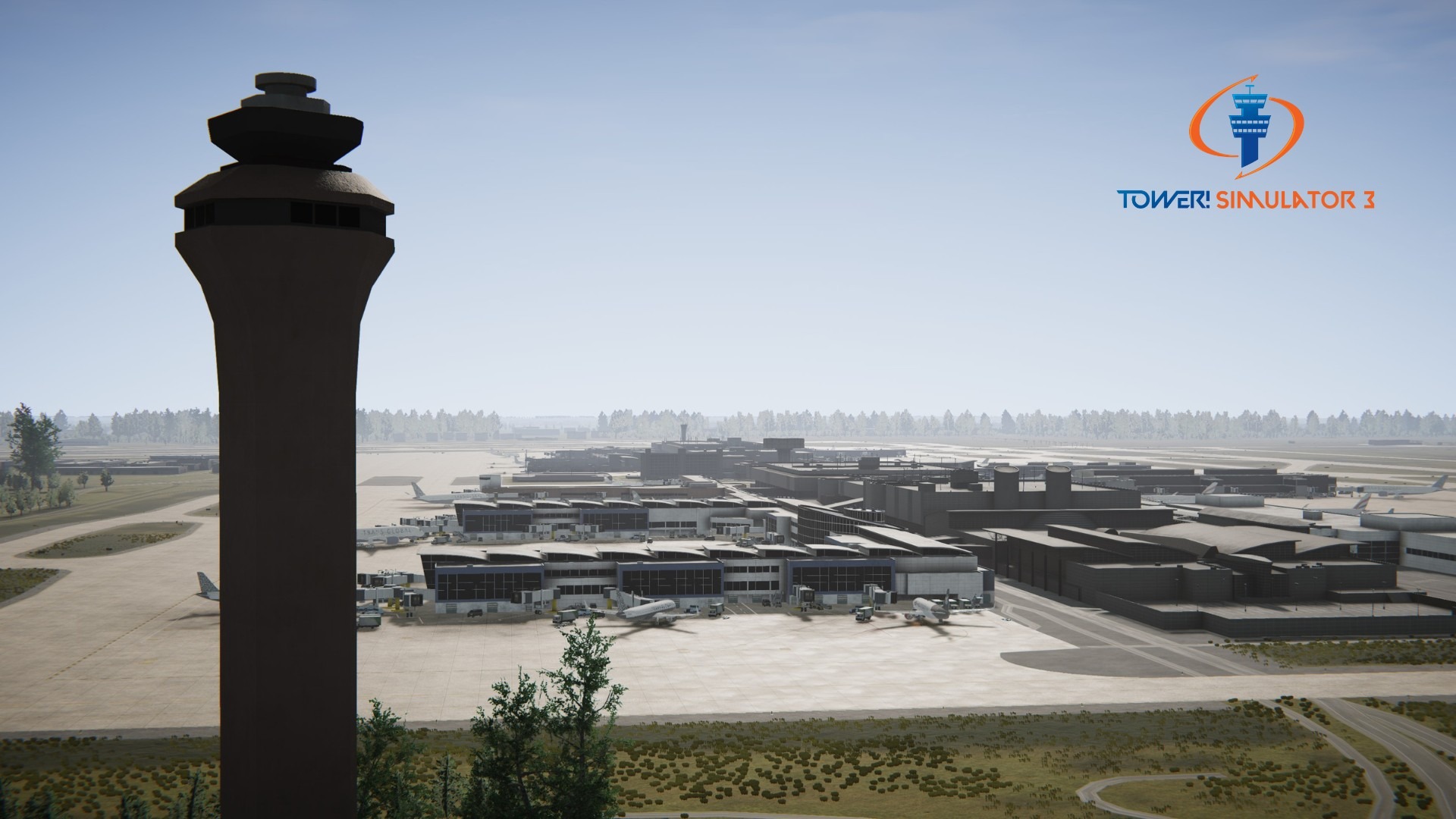
George Bush Intercontinental Houston Airport (ICAO: KIAH, IATA: IAH) is an international airport that serves the greater Houston area and ranks as ‘Best U.S. Airport’. George Bush Intercontinental Airport has scheduled flights to a large number of domestic and international destinations covering five continents.
⭐⭐⭐⭐⭐ I was worried my PC would chug with an airport this big, but KIAH is surprisingly well-optimized. Even with the traffic slider maxed out, I’m getting great frames.
⭐⭐⭐⭐ Man, Houston is NO JOKE. Trying to manage the ground traffic across those long taxiways while keeping the departures moving is a puzzle. The ground markings are very clear, which is a lifesaver because it’s easy to get turned around in the cargo area. Only 4 stars because the taxi times can be long, but that’s just realistic for an airport this size.
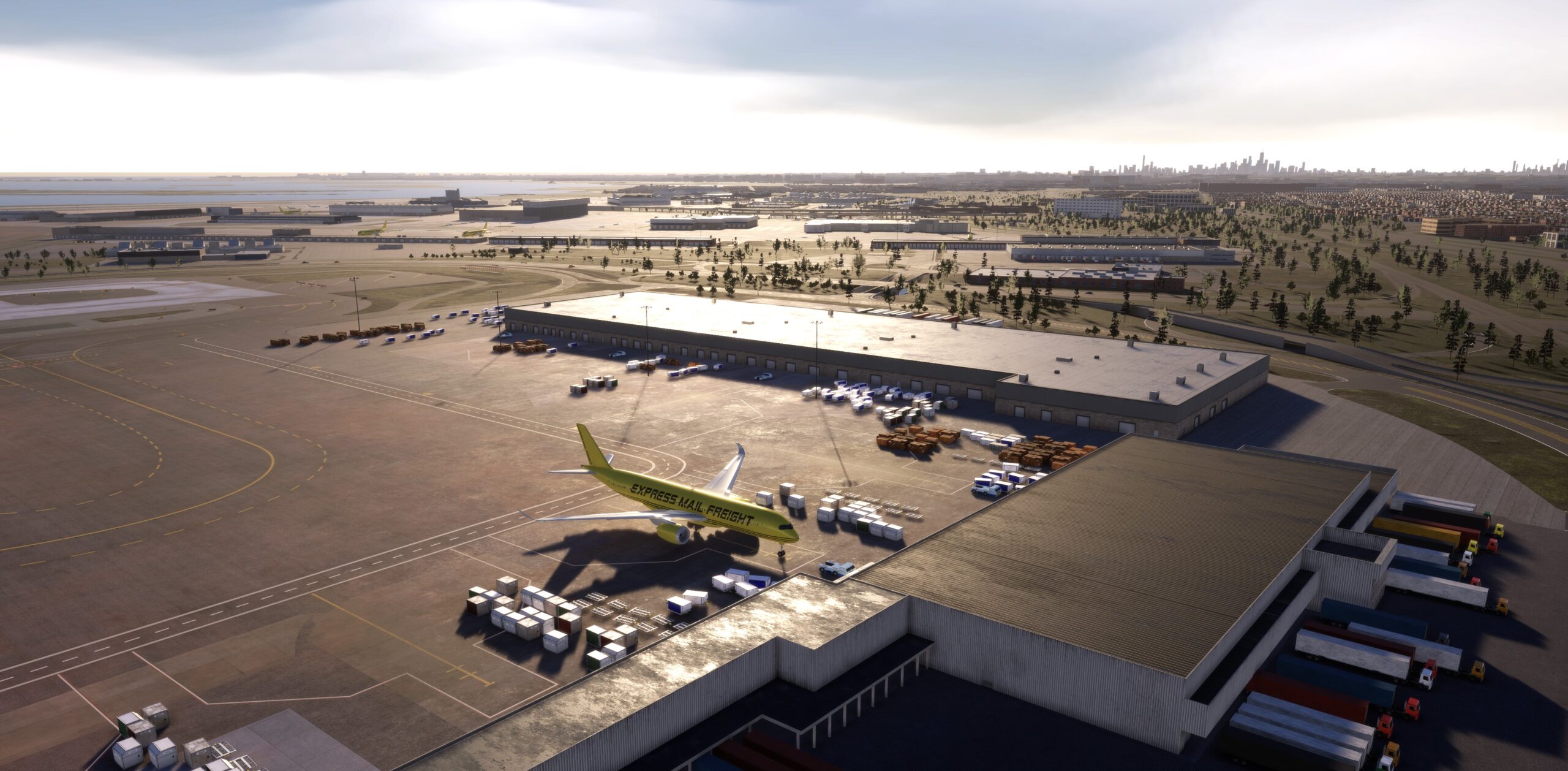
⭐⭐⭐⭐⭐ I’ve been playing this for a week and I’m still finding new details. The background scenery with the Houston skyline in the distance looks great, and the PBR textures on the runways are top-tier.
It is the busiest airport in Texas for international passenger traffic and number of international destinations, as well as being the second busiest airport in Texas overall, and the 15th busiest in the United States for total passenger traffic.
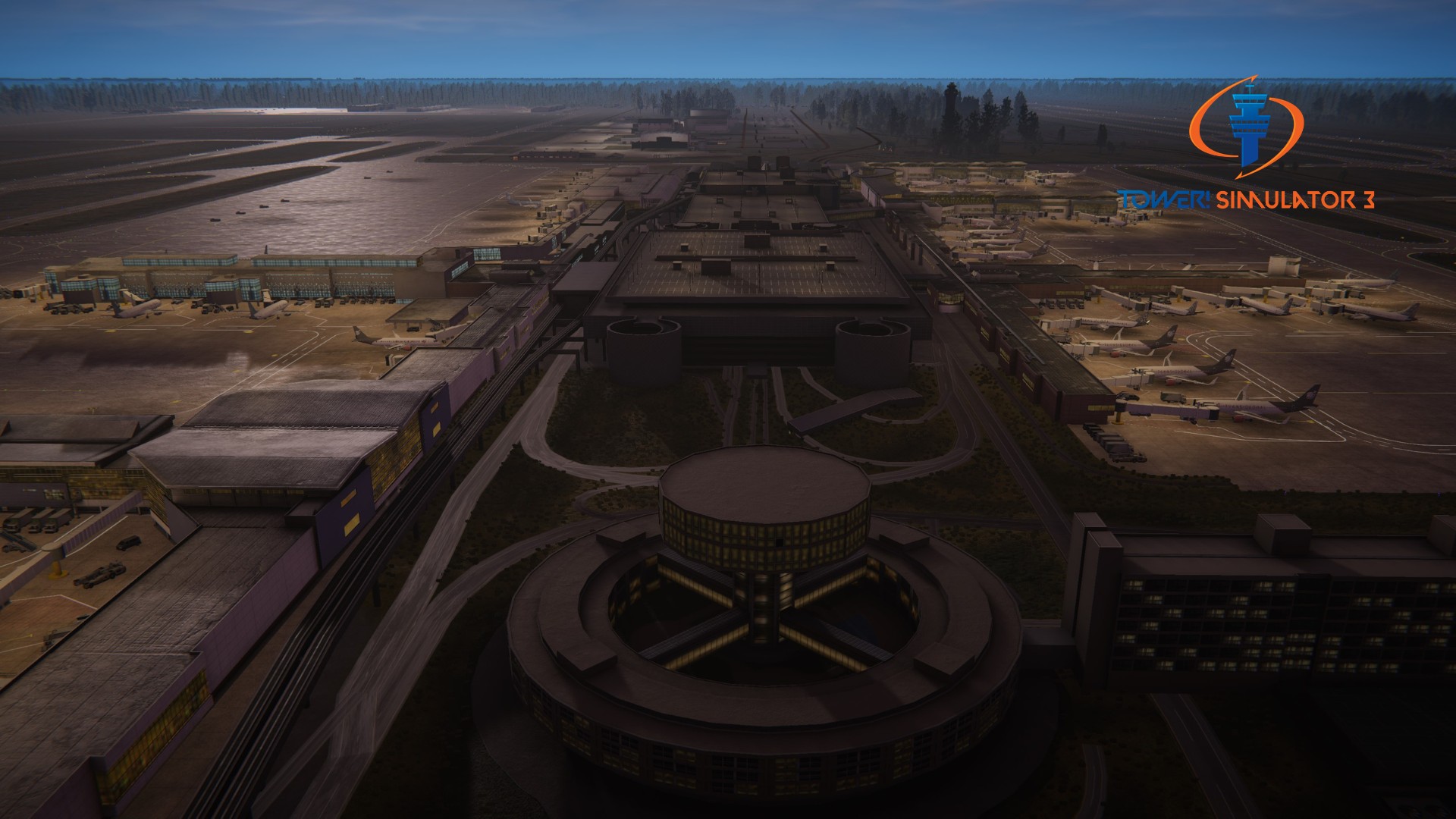
IAH has 5 runways, five terminals and 131 total gates, 101 with jet bridges and 30 hardstands.
Terminal A is primarily used by non-United domestic carriers. It contains 20 gates.
Terminal B is used for United Express flights. It contains 40 gates, including 30 hardstands.
Terminal C is used for United domestic flights. It contains 29 gates.
Terminal D is used for non-United international flights. It contains 12 gates.
Terminal E is used for United international flights. It contains 24 gates.
Features
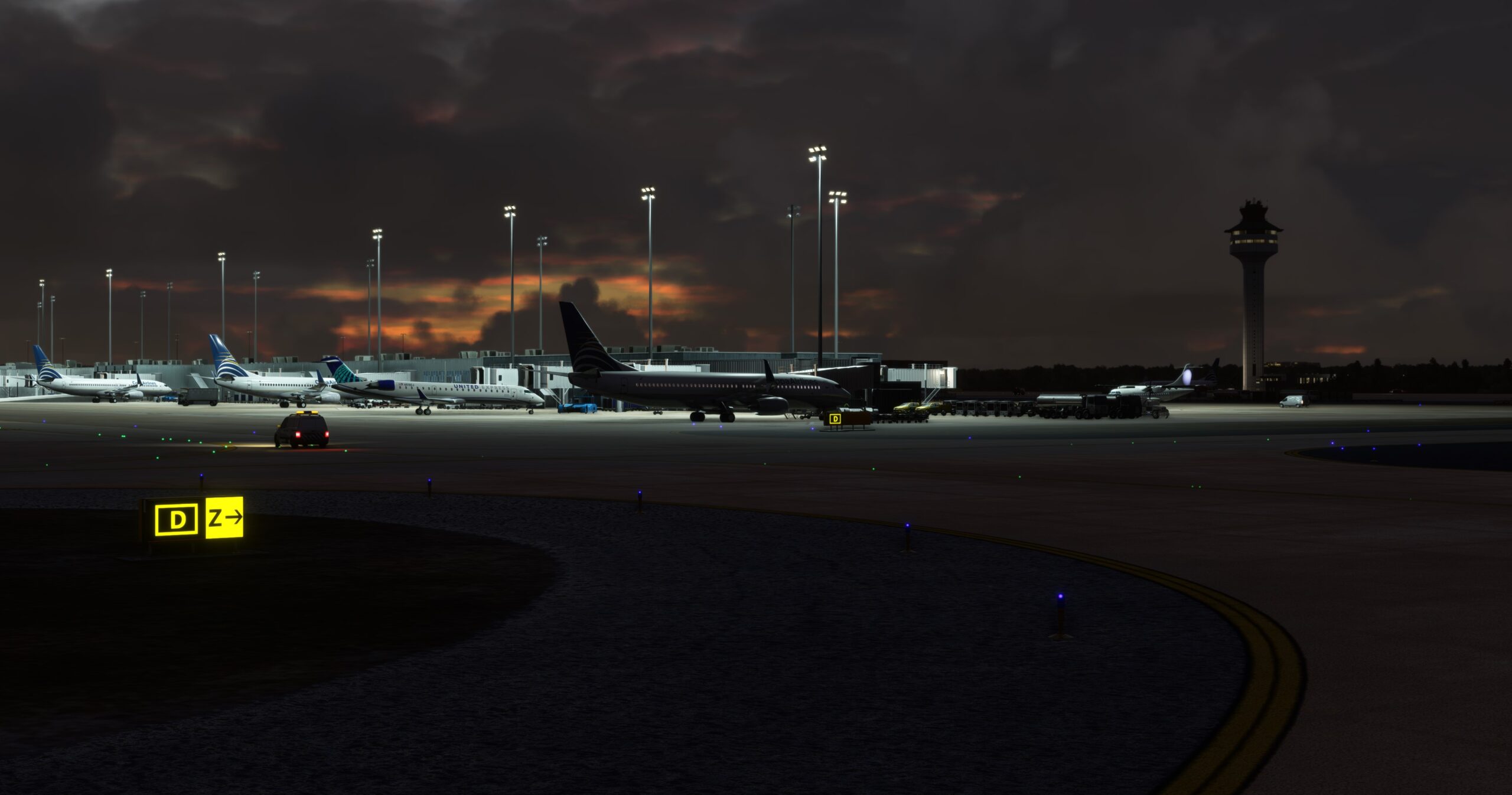
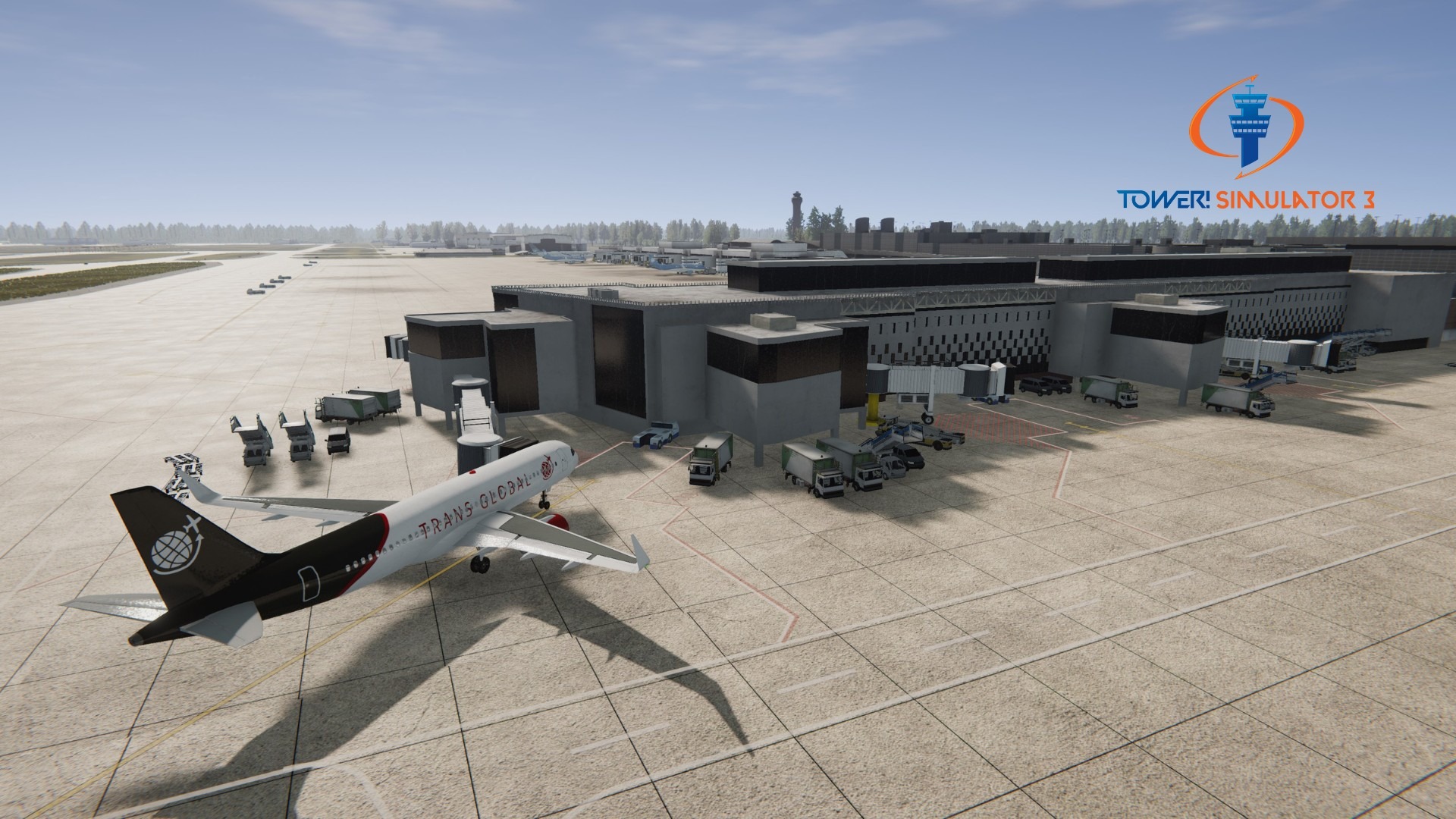
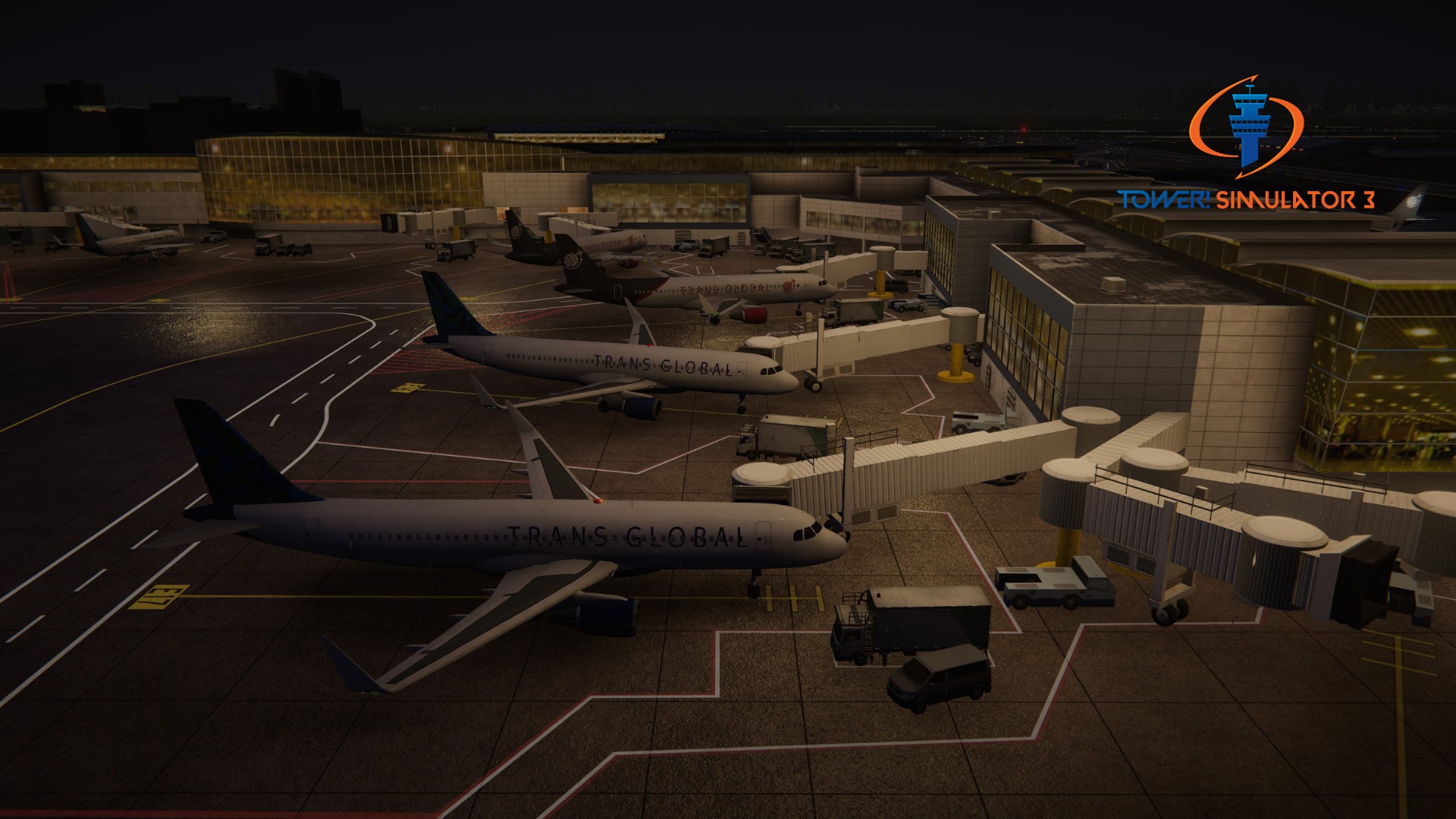
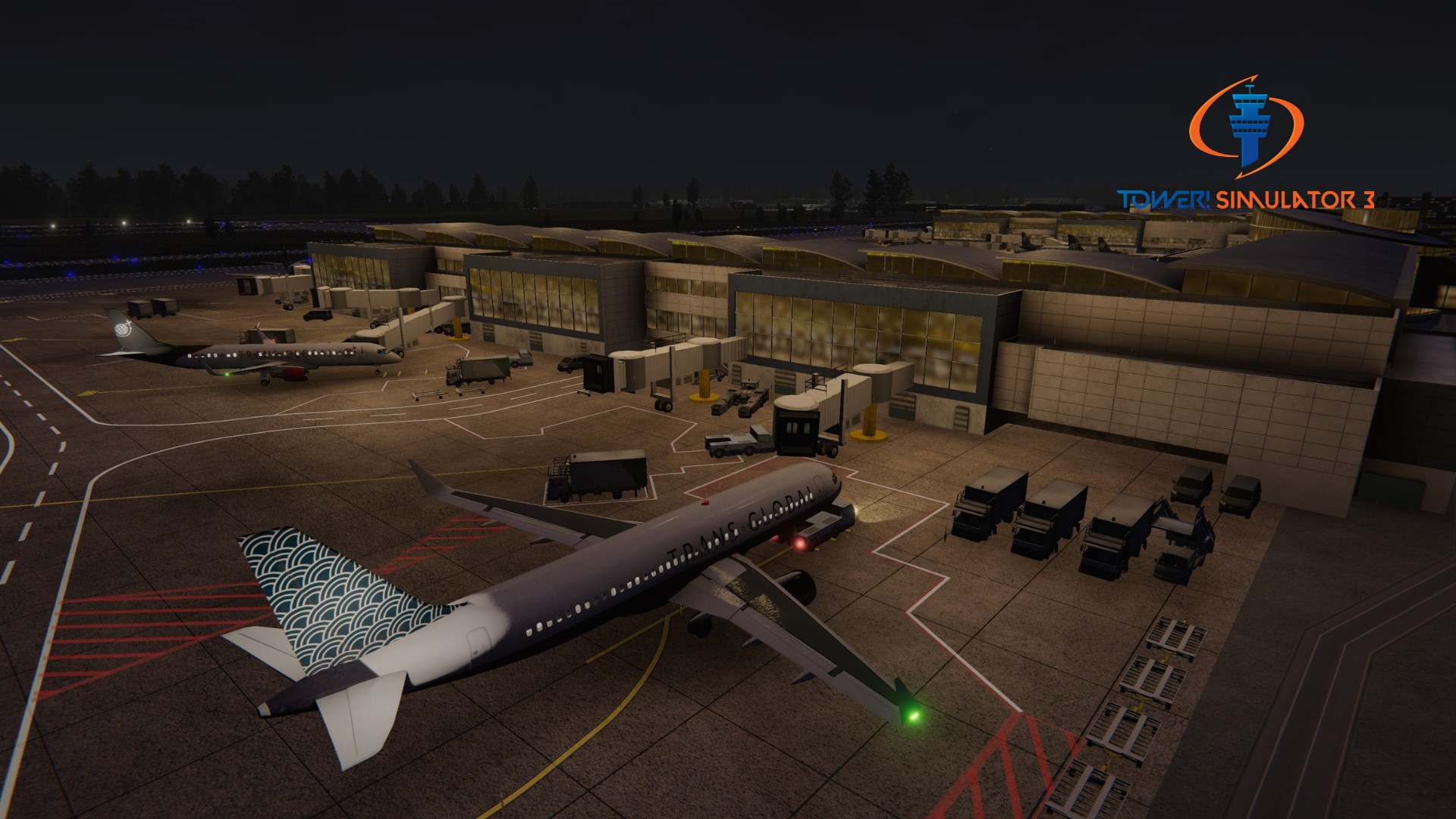
– Realistic modeling with over 100 custom modelled buildings.
– Detailed ground polygon model including 3D modelled taxi bridge
– Numbered gate parking stands.
– 3D parallax rooms on most buildings simulating an interior.
– Taxi signs and hand placed taxi lights around the airport.
– Runway approach lighting.
– OSM (open street map) background buildings and roads, along with illuminated street lights in the distance.
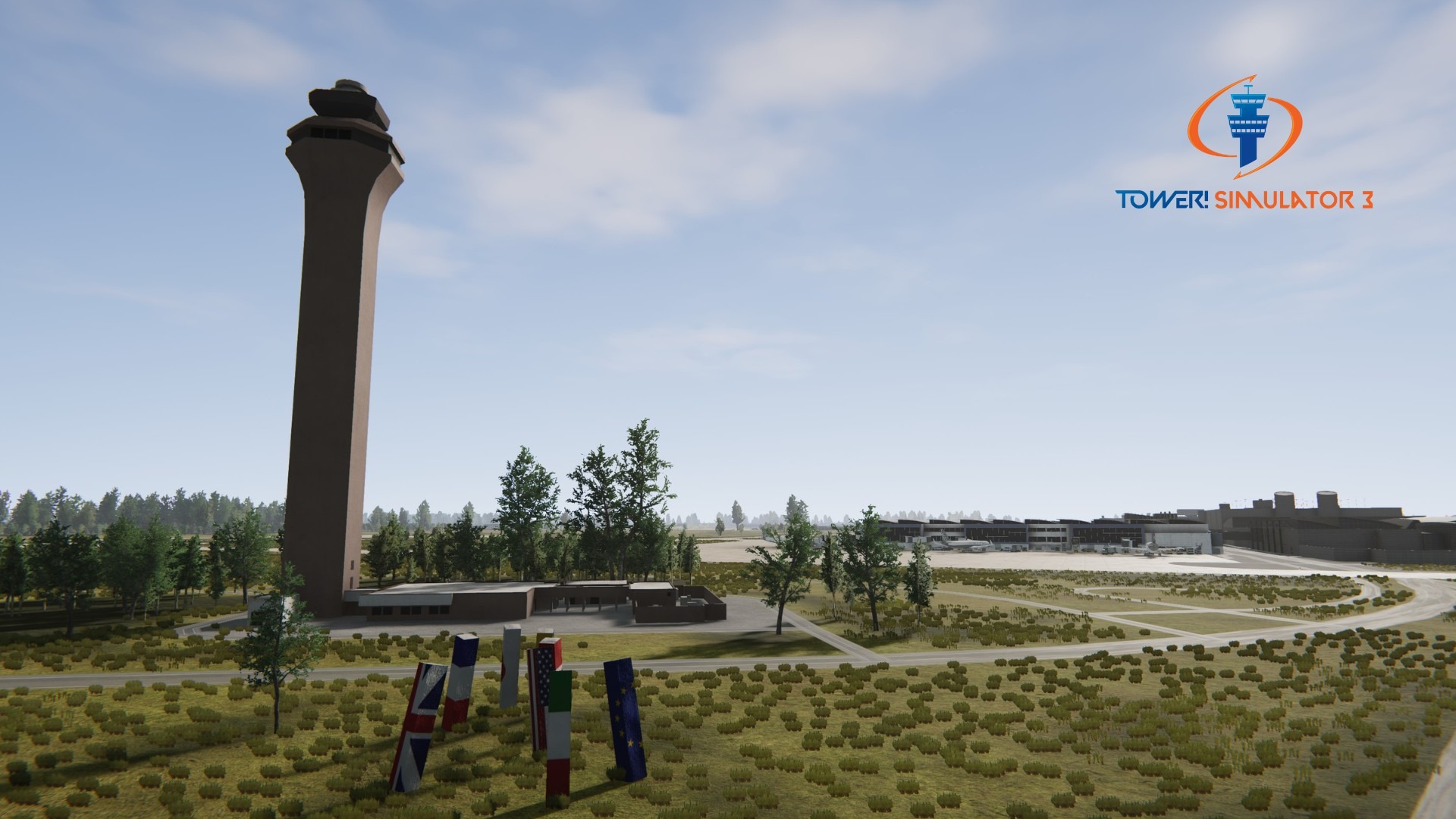
– Beautiful background scenery
System requirements
You need to obtain Tower! Simulator 3 base game in order to install and run this add-on!
♦ Online registration is required (FeelThere Portal!)
♦ Requires a 64-bit processor and operating system
♦ OS: Windows 10 or 11
♦ Memory: 8 GB RAM
♦ Graphics: 4GB VRAM or more
♦ Storage: 50GB available space or more
♦ To use voice recognition, you will need to use a headset or built in microphone
Version 26.07.14
Update Released 07.30.2026.
– Fixed plane pushback in alleys become stuck, or facing incorrect direction if told pushback facing ‘direction’.– Updated all of Terminal D decals to current numbering. (Requires update from Nyerges Design to work with World Bundle).– Updated terminals file for better parking accuracy with Just Flight Traffic.– Updated ADIRS background color to light blue, US Standard color.