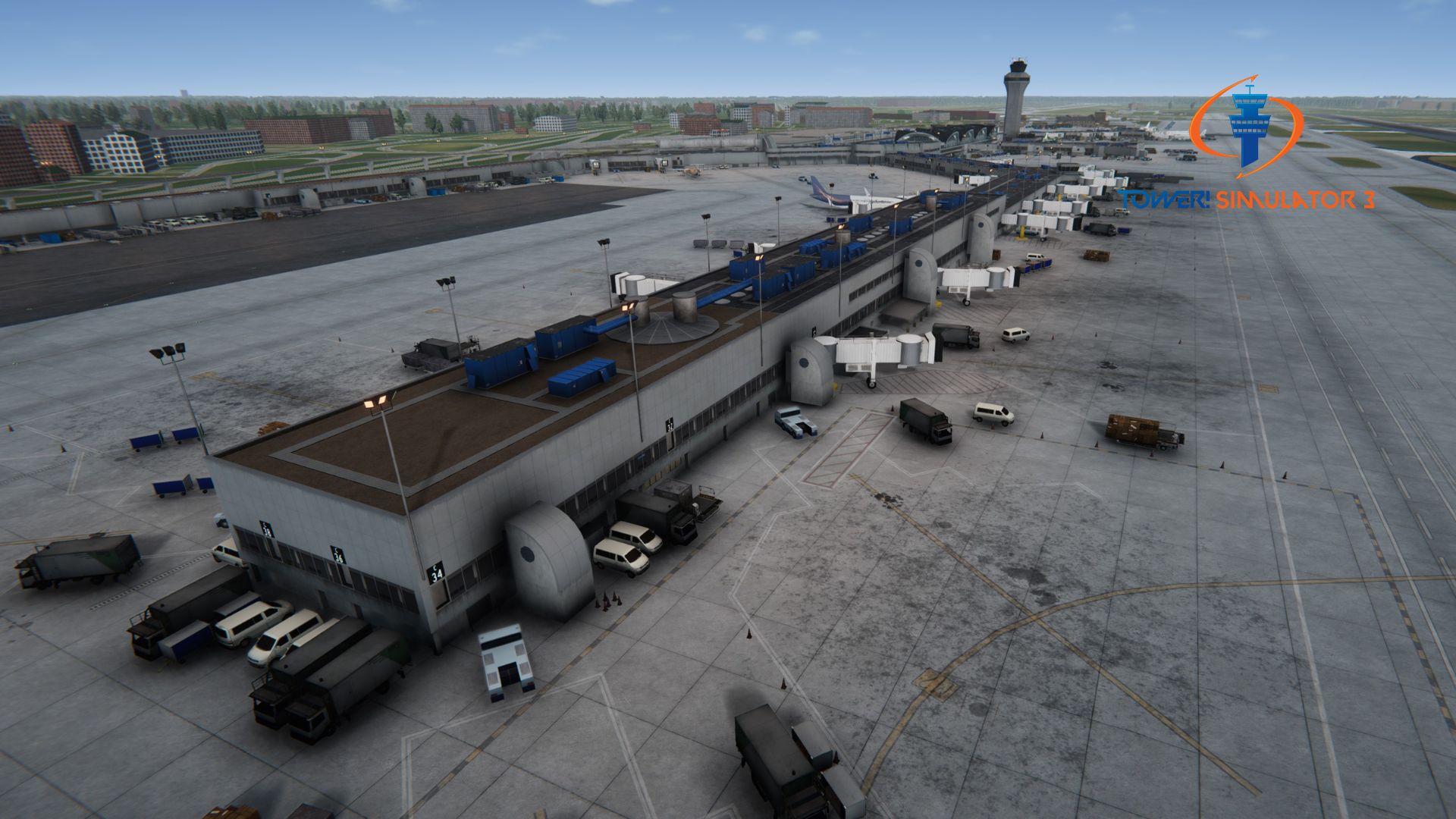
[KSTL] – St. Louis Airport – Tower! Simulator 3

Description
(IATA: STL, ICAO: KSTL, FAA LID: STL) St. Louis Lambert International Airport is the largest and busiest commercial airport serving St. Louis, Missouri, USA.
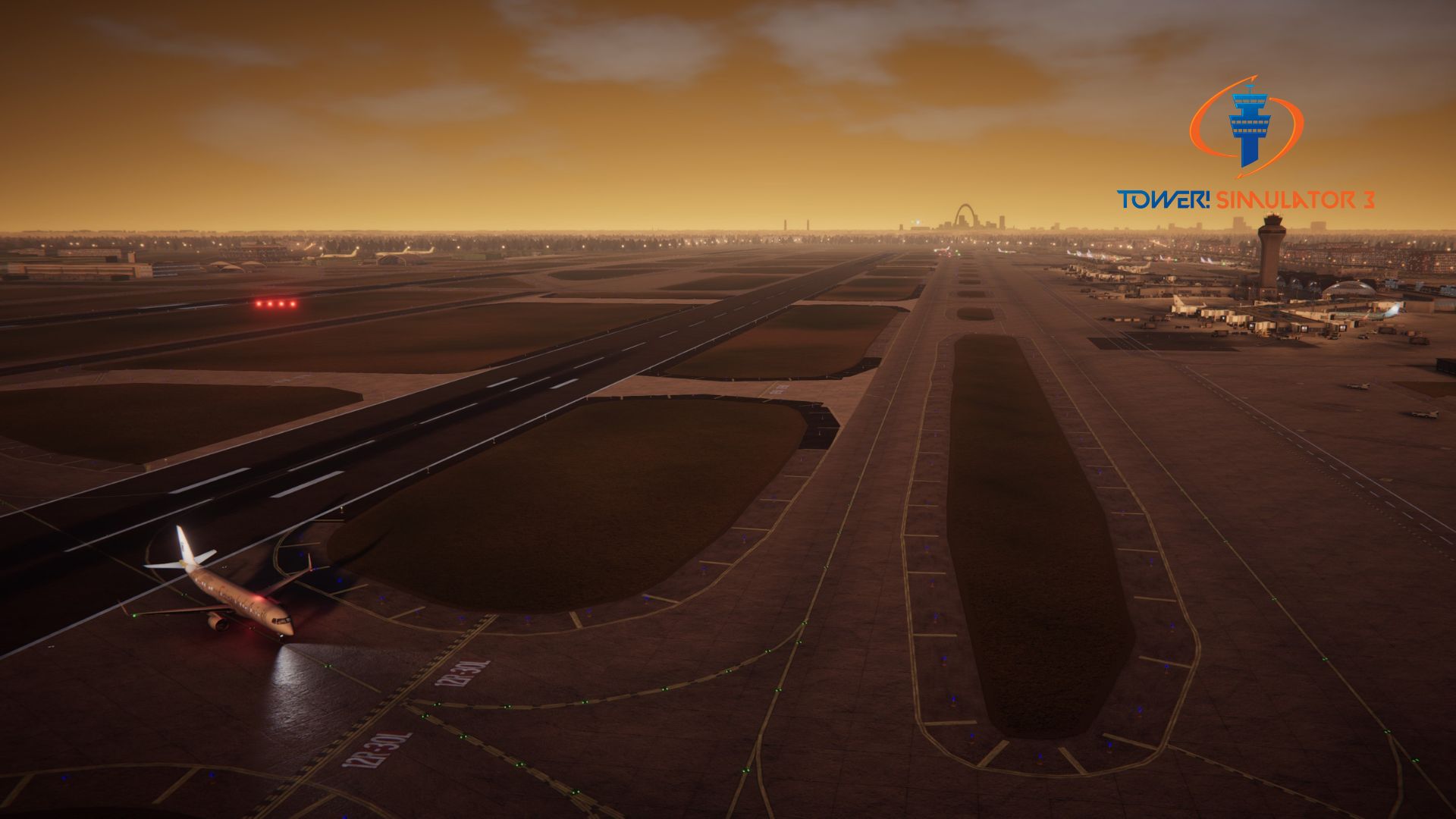
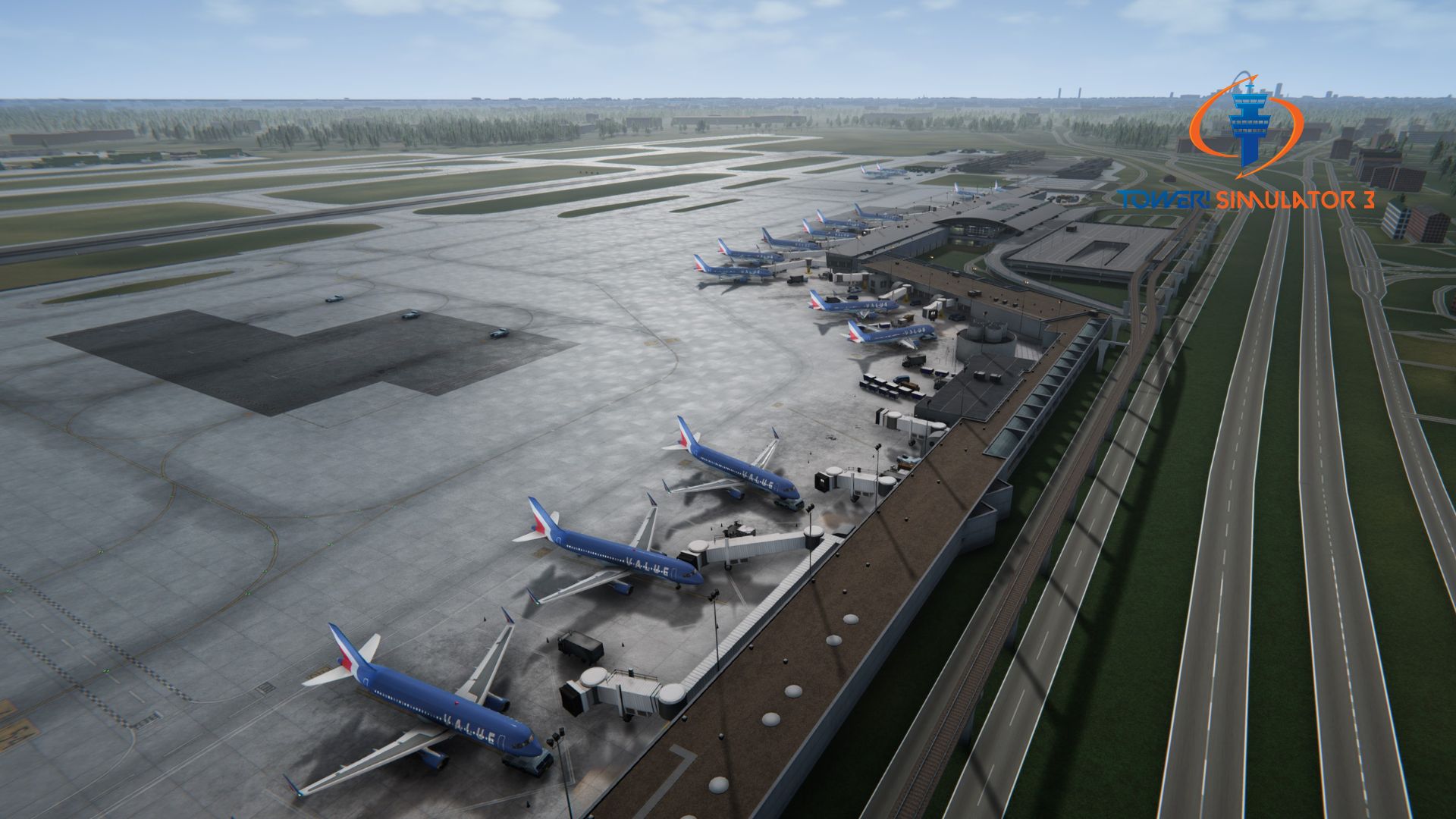
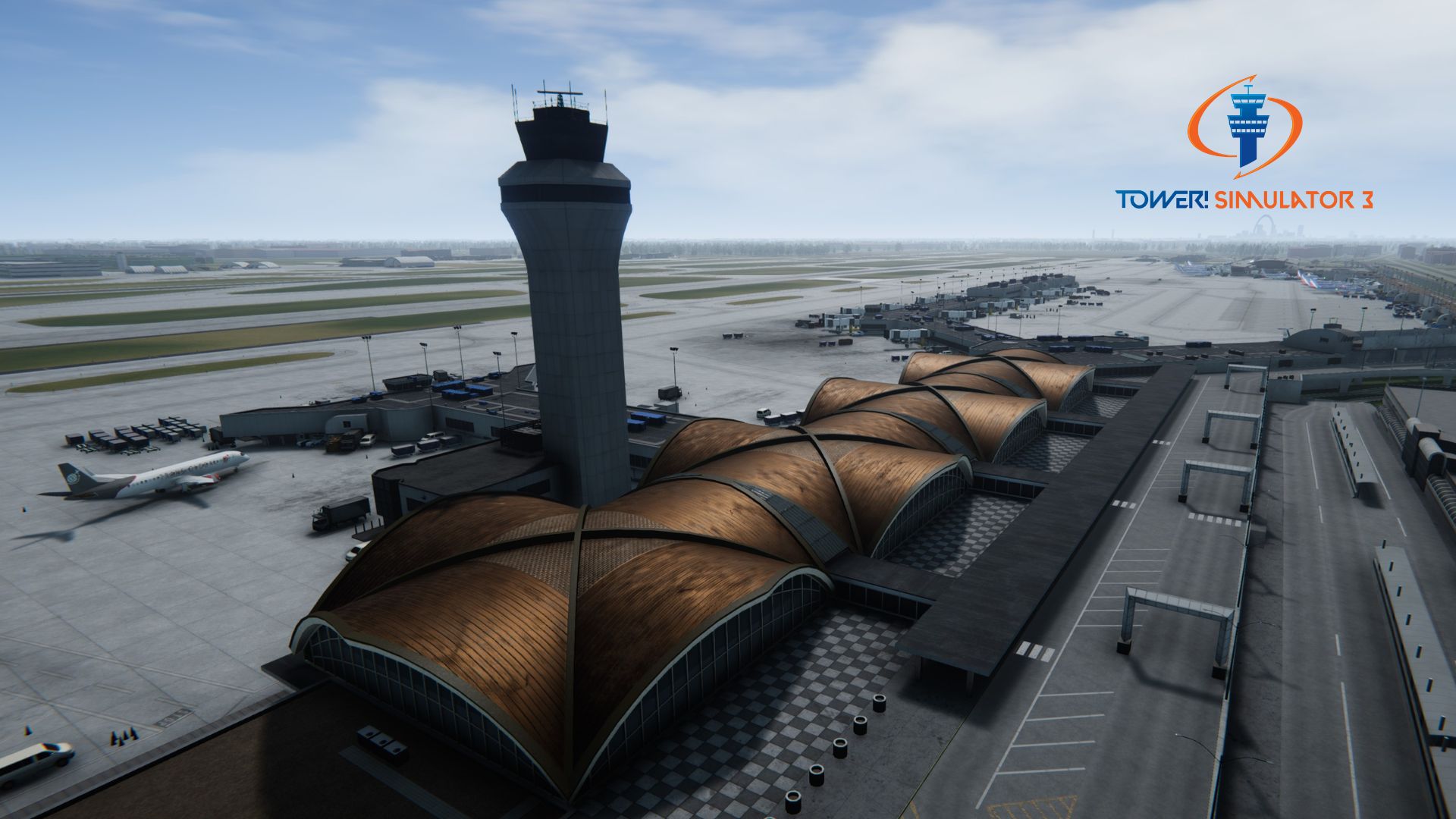
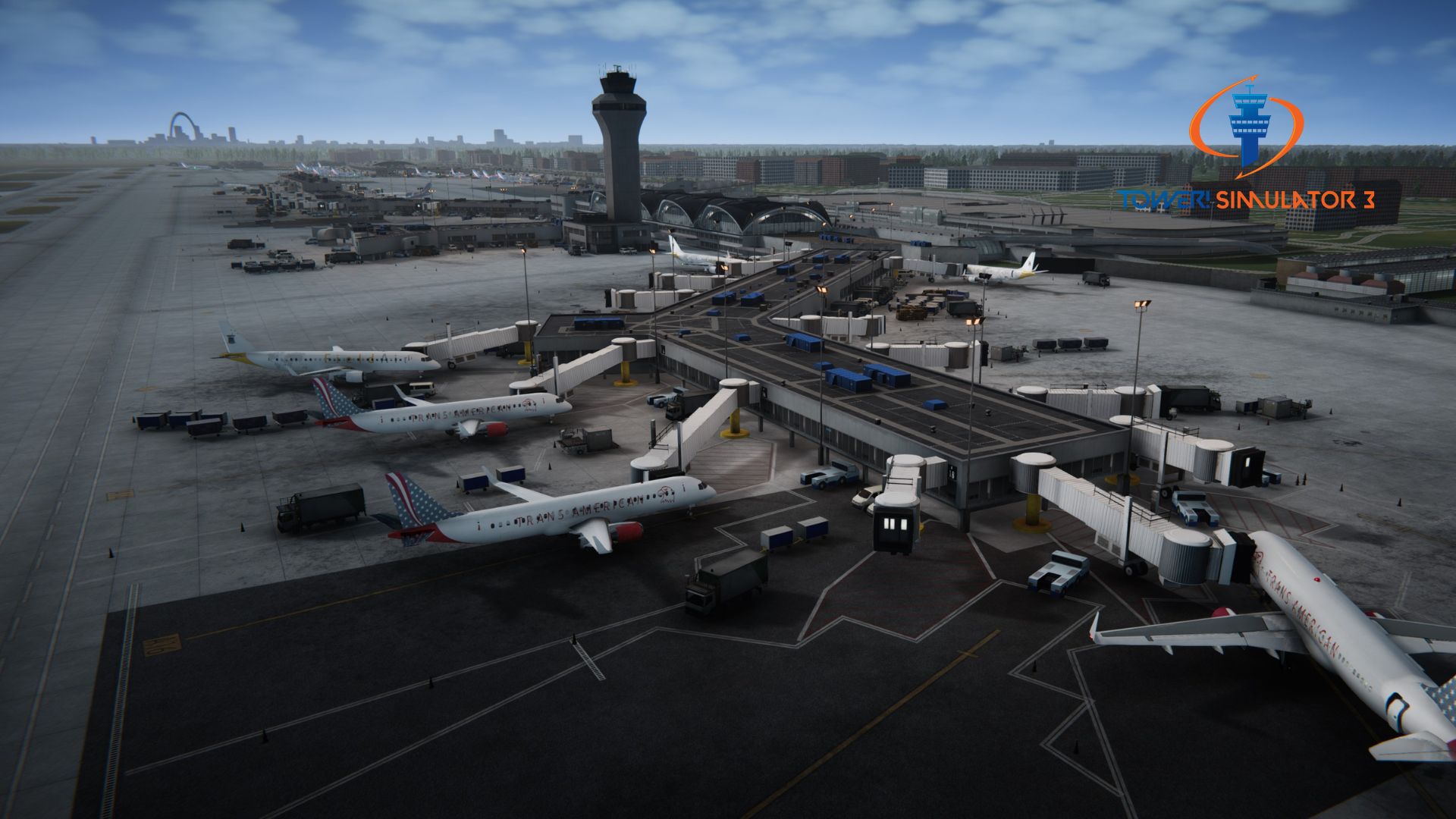
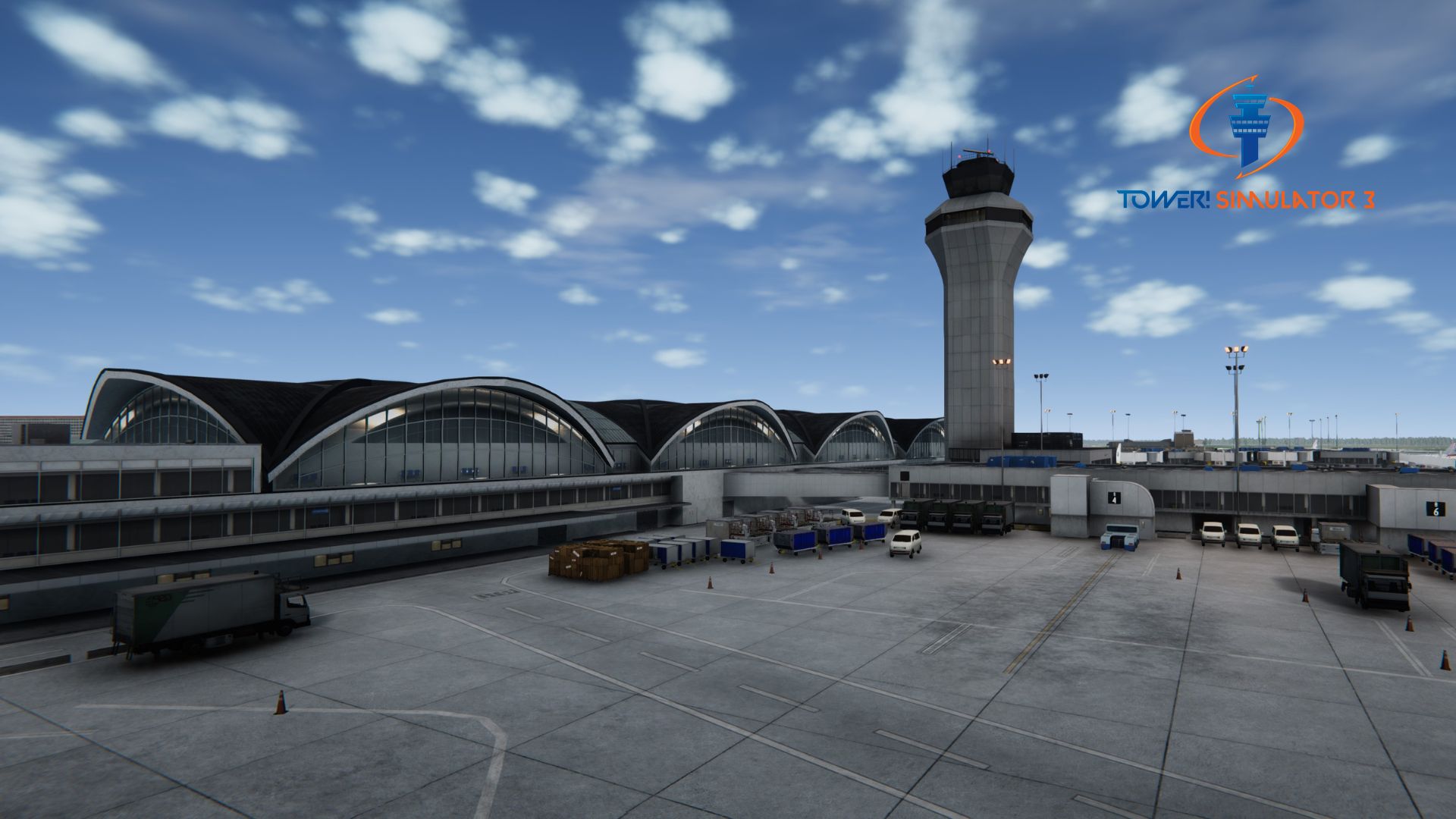
⭐⭐⭐⭐⭐ If you want to test your timing, St. Louis is a blast. The way the runways intersect means you can’t just ‘set it and forget it’ like at a parallel hub. The 3D modeling on the iconic ‘quad dome’ terminal is super detailed and looks great from the tower view. It’s a busy mid-sized airport that keeps you on your toes without being impossible to manage solo.
⭐⭐⭐⭐⭐ Finally grabbed KSTL and it runs like a dream. Definitely one of FeelThere’s more polished releases for TS3.
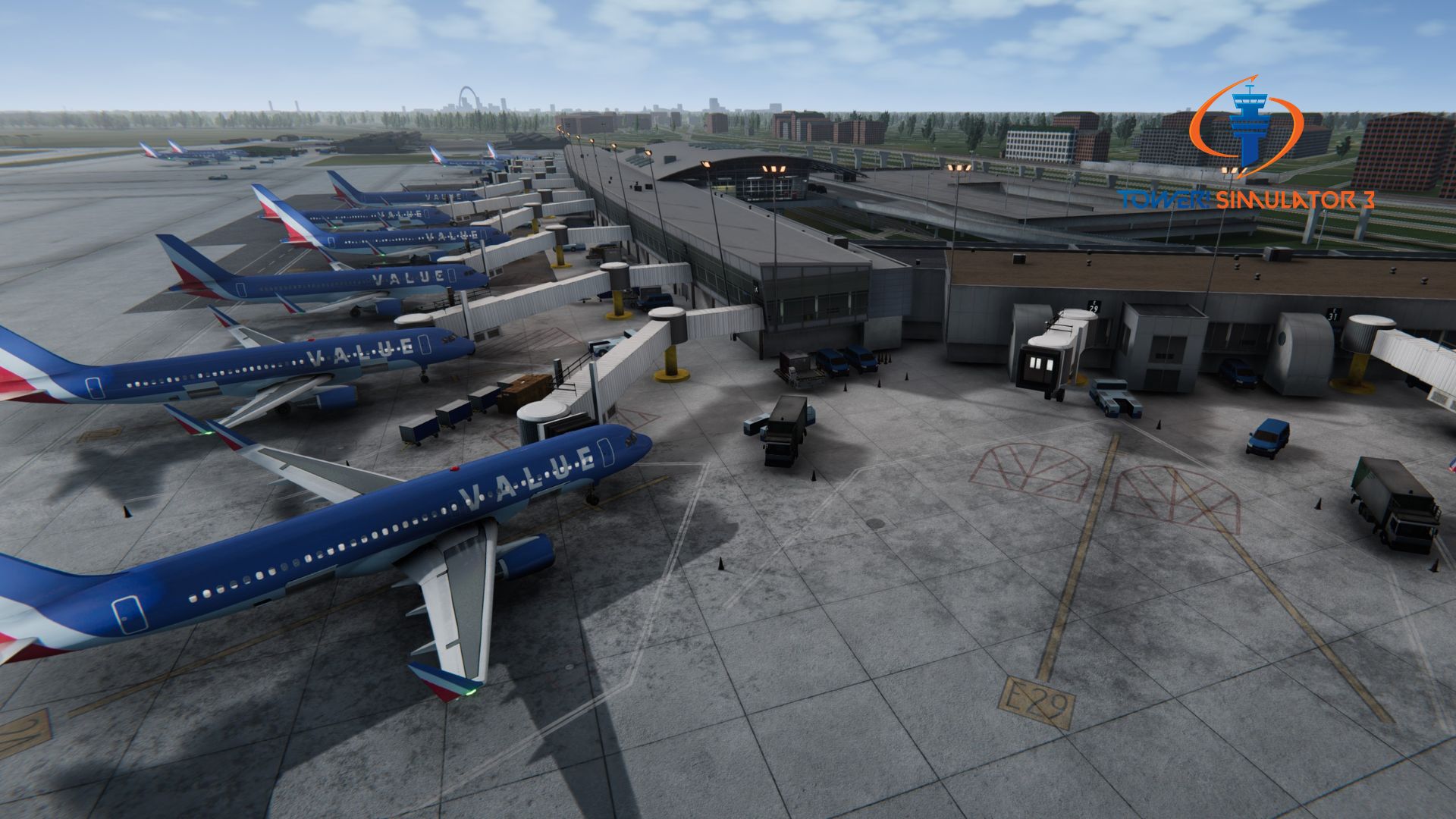
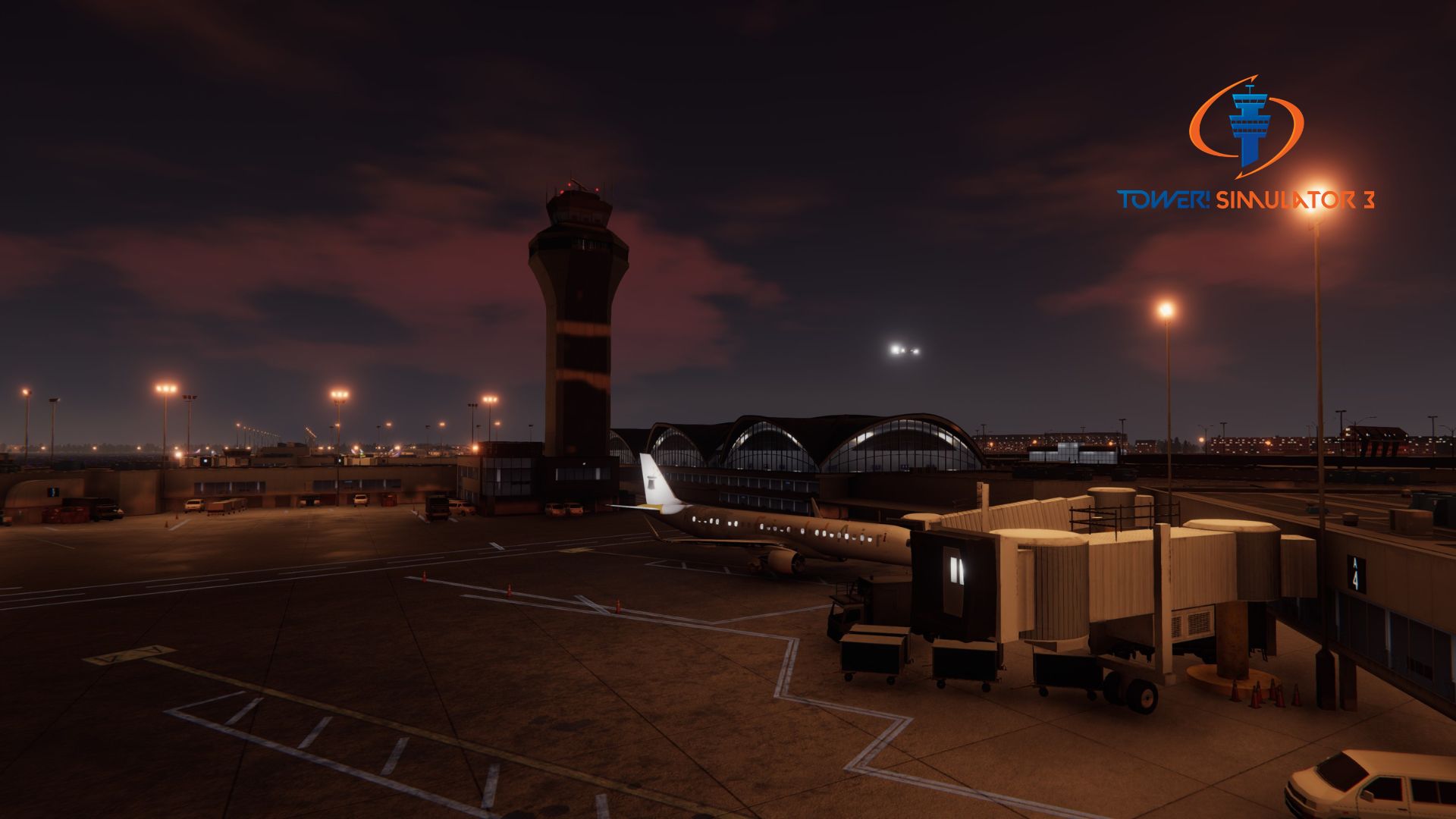
⭐⭐⭐⭐ Love the focus on Terminal 2 here. Seeing the sea of Southwest 737s at the E gates is super cool. The ground markings are very clear, which is a huge plus because some of the taxiway exits can be a bit tight. Solid 4 stars!
The airport provides nonstop service to airports throughout the United States, Canada, Europe and to sun destinations. In 2023 there were more than 270 daily departures to 80 nonstop domestic and international locations.
The airport has two terminals, five concourses, and 86 gates.
– Terminal 1 contains 36 gates across two concourses, lettered A and C. It also has an American Airlines Admirals Club and one of the nation’s largest USO facilities.
– Terminal 2 contains 18 gates across one concourse, lettered E. It also has a public lounge operated by Wingtips. All international flights without border preclearance are processed in Terminal 2.
Runways
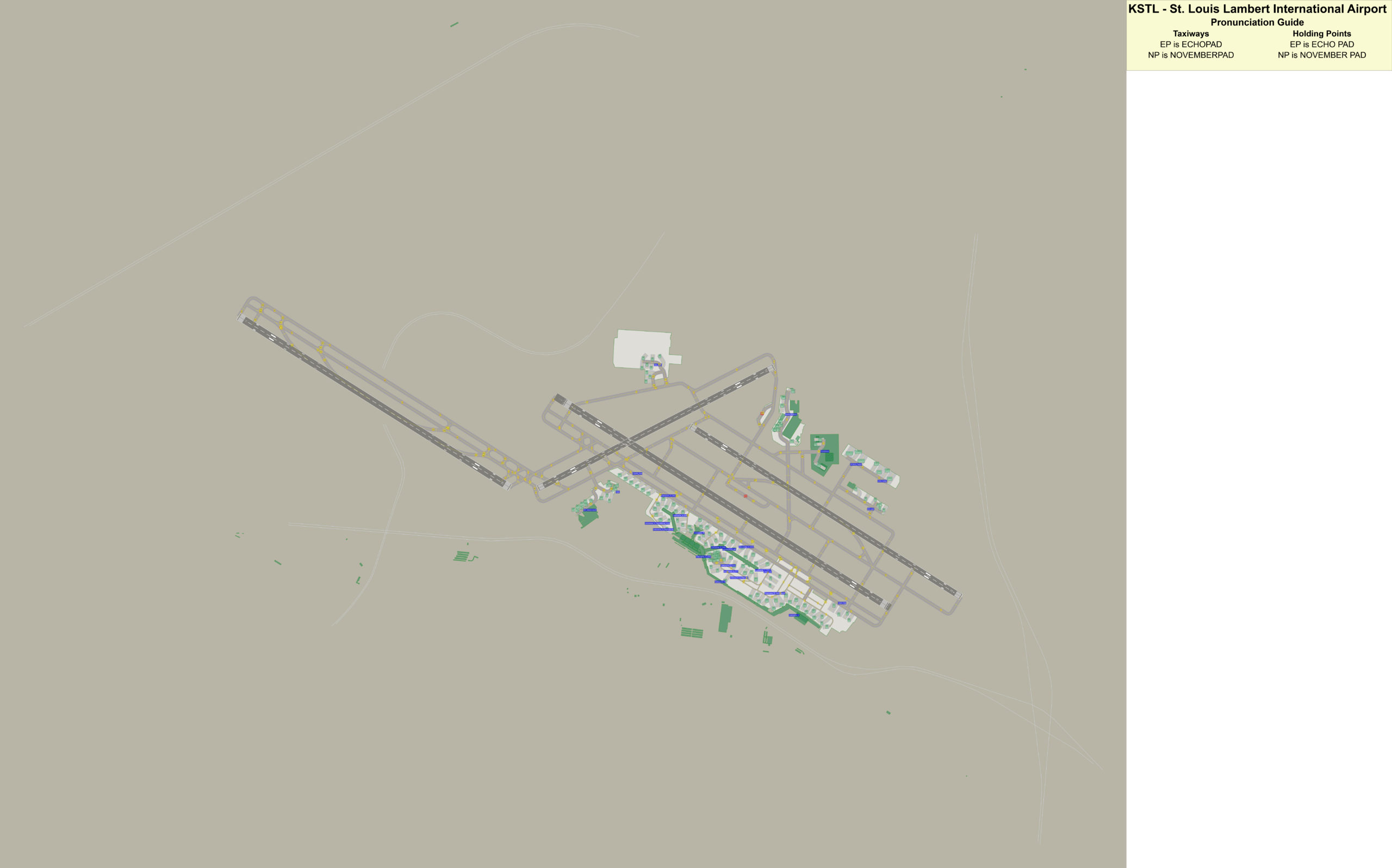
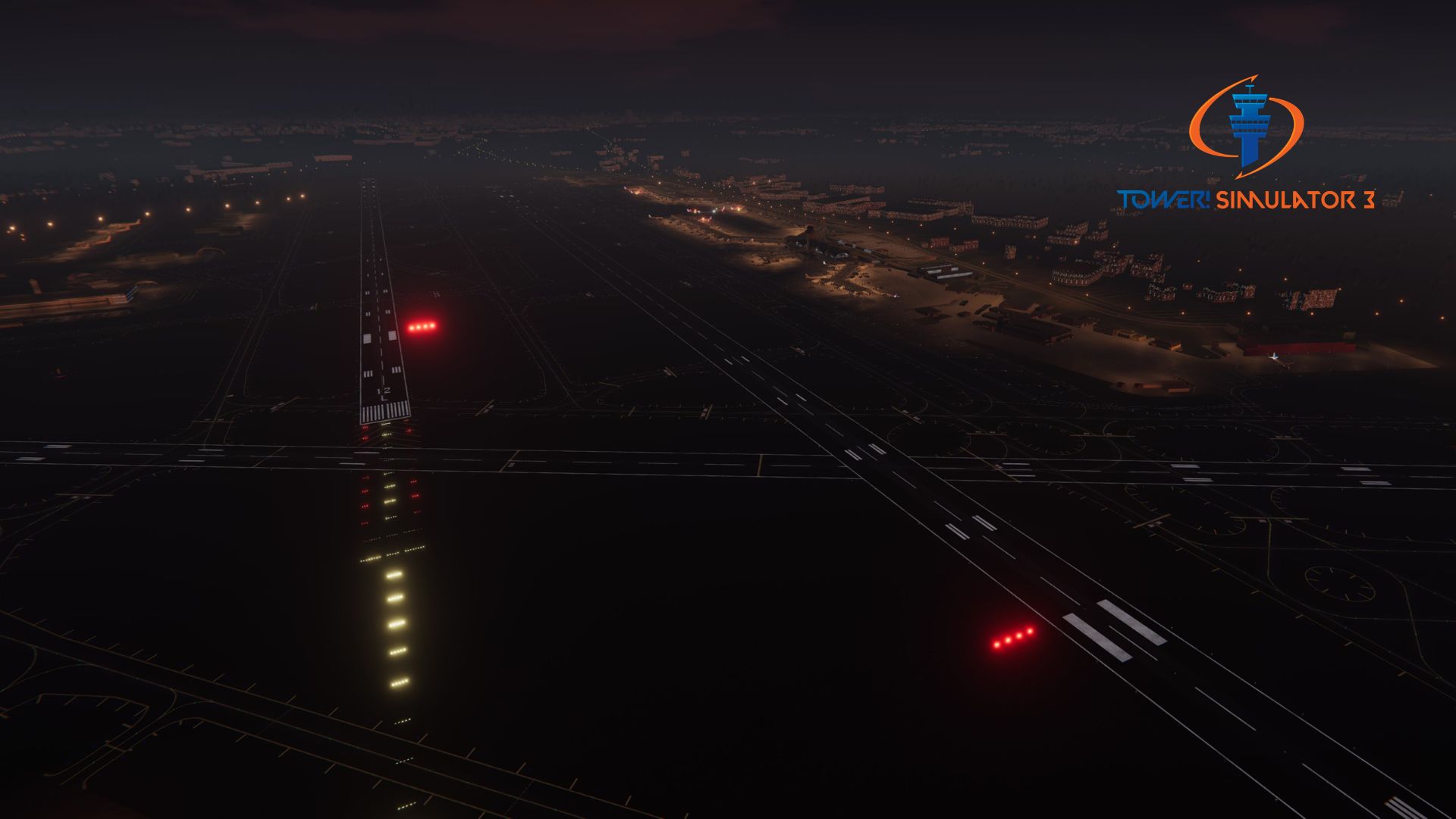
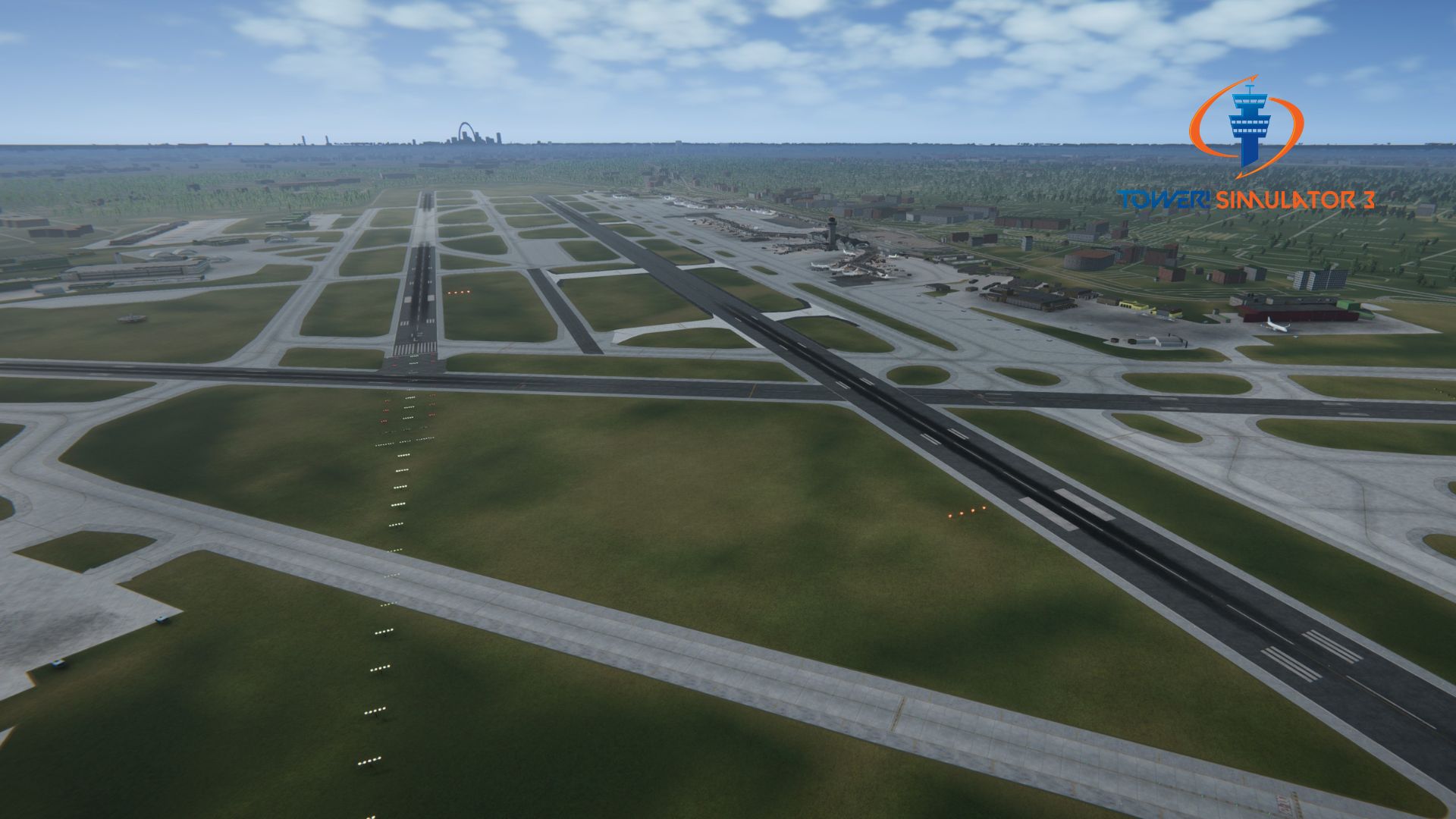
The airport has four runways: three parallel and one crosswind. The crosswind runway, 6/24, is the shortest of the four at 7,607 feet (2,319 m). The newest runway is 11/29, completed in 2006 as part of a large expansion program.
Features
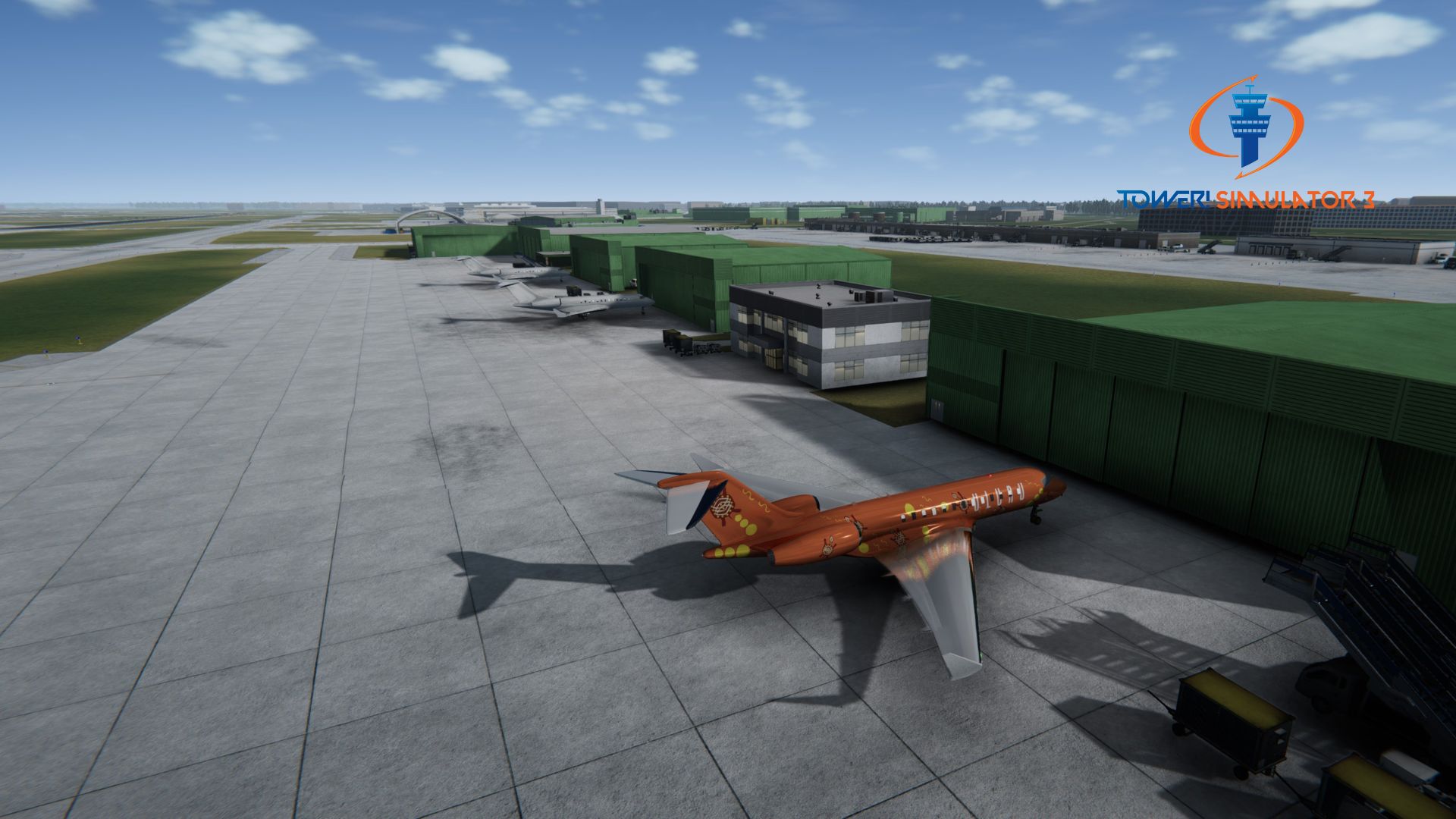
- Detailed custom buildings with highly detailed textures
- Airport taxi signs
- Ground markings
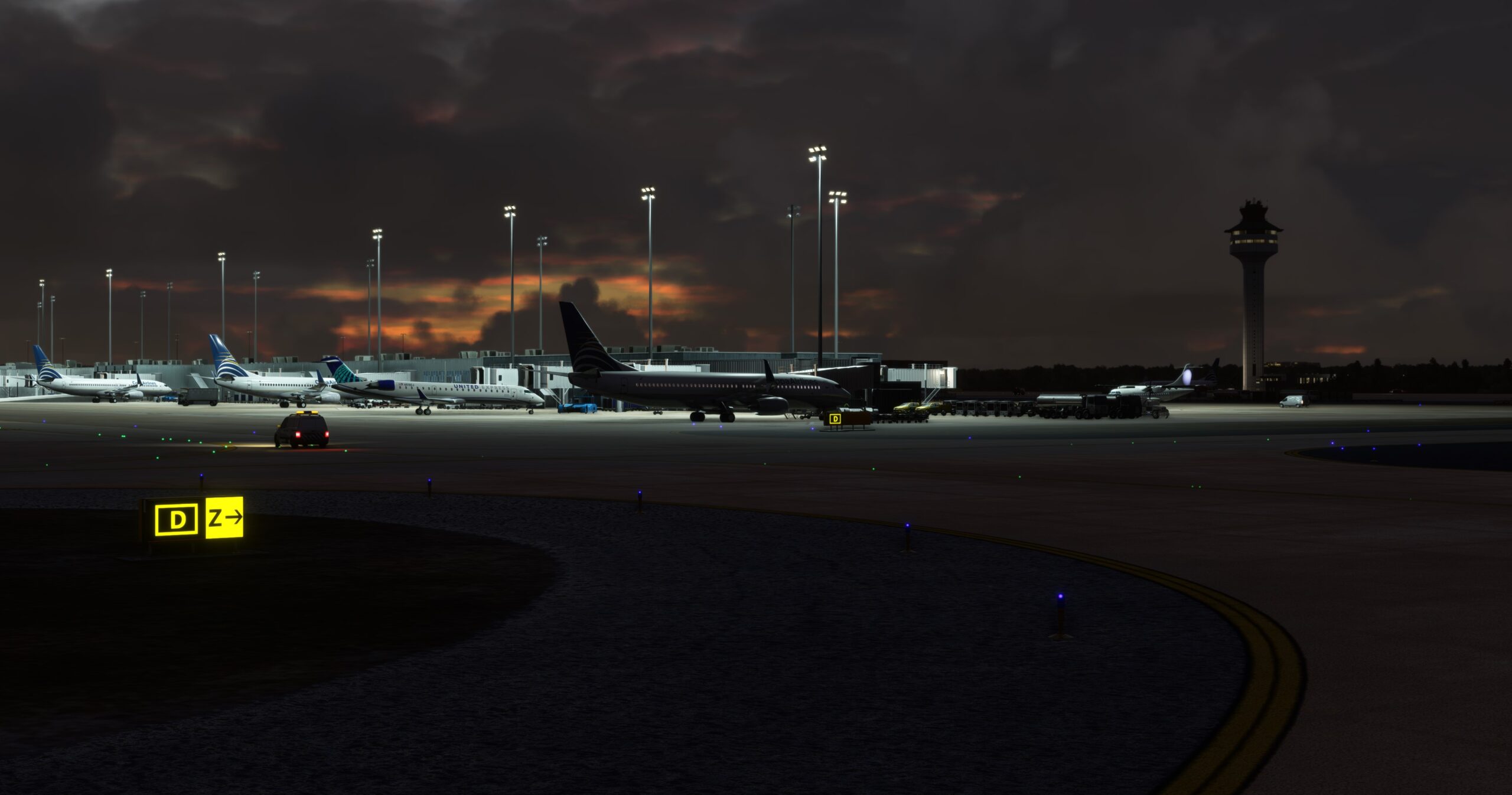
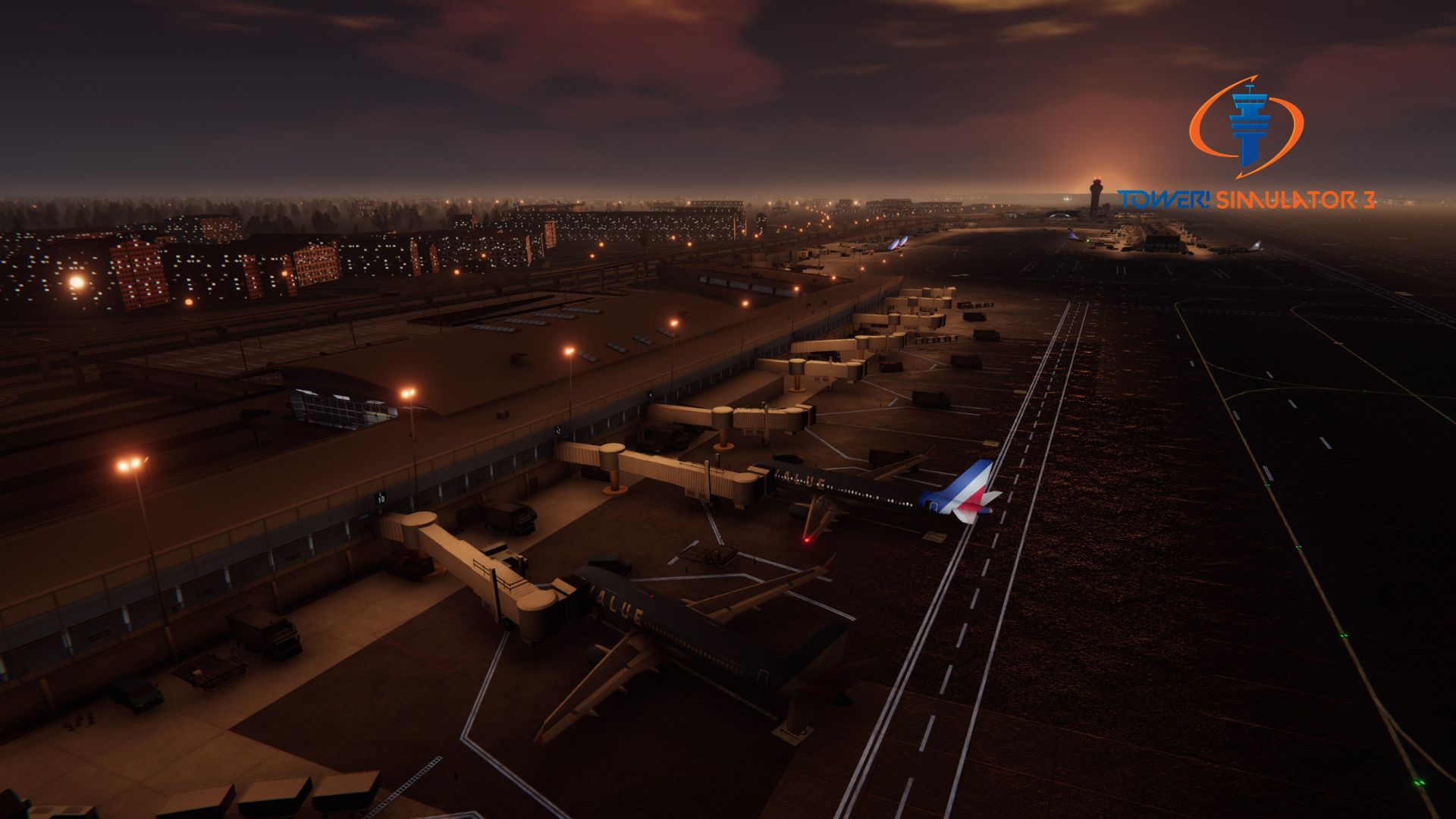
- Dynamic lighting, light sources individually placed, for a spectacular night view experience.
- Most buildings remodeled with high detail
- Beautiful background scenery
System requirements
You need to obtain Tower! Simulator 3 base game in order to install and run this add-on!
♦ Online registration is required
♦ Requires a 64-bit processor and operating system
♦ OS: Windows 10 or 11
♦ Memory: 8 GB RAM
♦ Graphics: 4GB VRAM or more
♦ Storage: 50GB available space or more
♦ To use voice recognition, you will need to use a headset or built in microphone